49
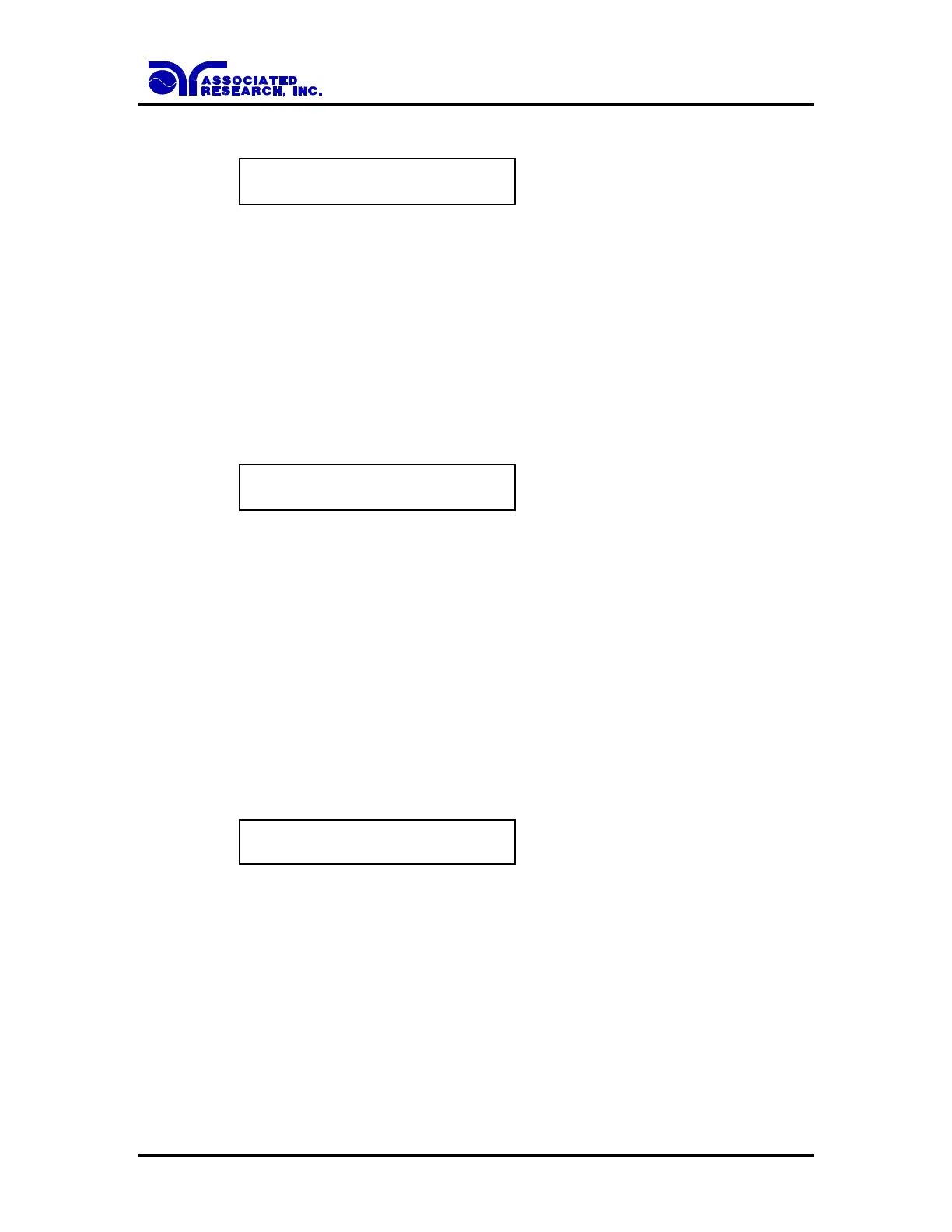
Advance the menu to the HI-Limit parameter. The display will show:
HI-Limit = XXX m
Range : 0 - 600
Use the Numeric keys to enter the HI-Limit setting, then press the ENTER key. The
program will store the HI-Limit setting and advance to the LO-Limit parameter
automatically. The unit is m and 1 m per step.
Press the EXIT key to exit from the setting mode to the operation mode if all parameters
have been set.
Low Limit Ground Resistance setting
Advance the menu to the LO-Limit parameter. The display will show:
LO-Limit = XXX m
Range : 0 - 600
Use the Numeric keys to enter the LO-Limit setting, then press the ENTER key. The
program will store the LO-Limit setting and advance to the Dwell Time parameter
automatically. The unit is m and 1 m per step.
Press the EXIT key to exit from the setting mode to the operation mode if all parameters
have been set.
If the LO-Limit is set to “0”, the LO-Limit is disabled.
Dwell Time setting
Advance the menu to the Dwell Time parameter. The display will show:
Dwell Time = XXX.X s
Range : 0.5 - 999.9 0 = Constant
Use the Numeric keys to enter the Dwell Time setting, then press the ENTER key. The
program will store the Dwell Time setting and advance to the Frequency selection
parameter automatically. The unit is second and 0.1 second per step. The display will
show the elapsed time during the testing.
Press the EXIT key to exit from the setting mode to the operation mode if all parameters
have been set.



 To Next Page