50
If the Dwell Time is set to “0”, the timer will continue to count to the maximum test time
then reset to 0 and start over automatically. The test will continue until a reset is
executed or a failure occurs.
Frequency Selection
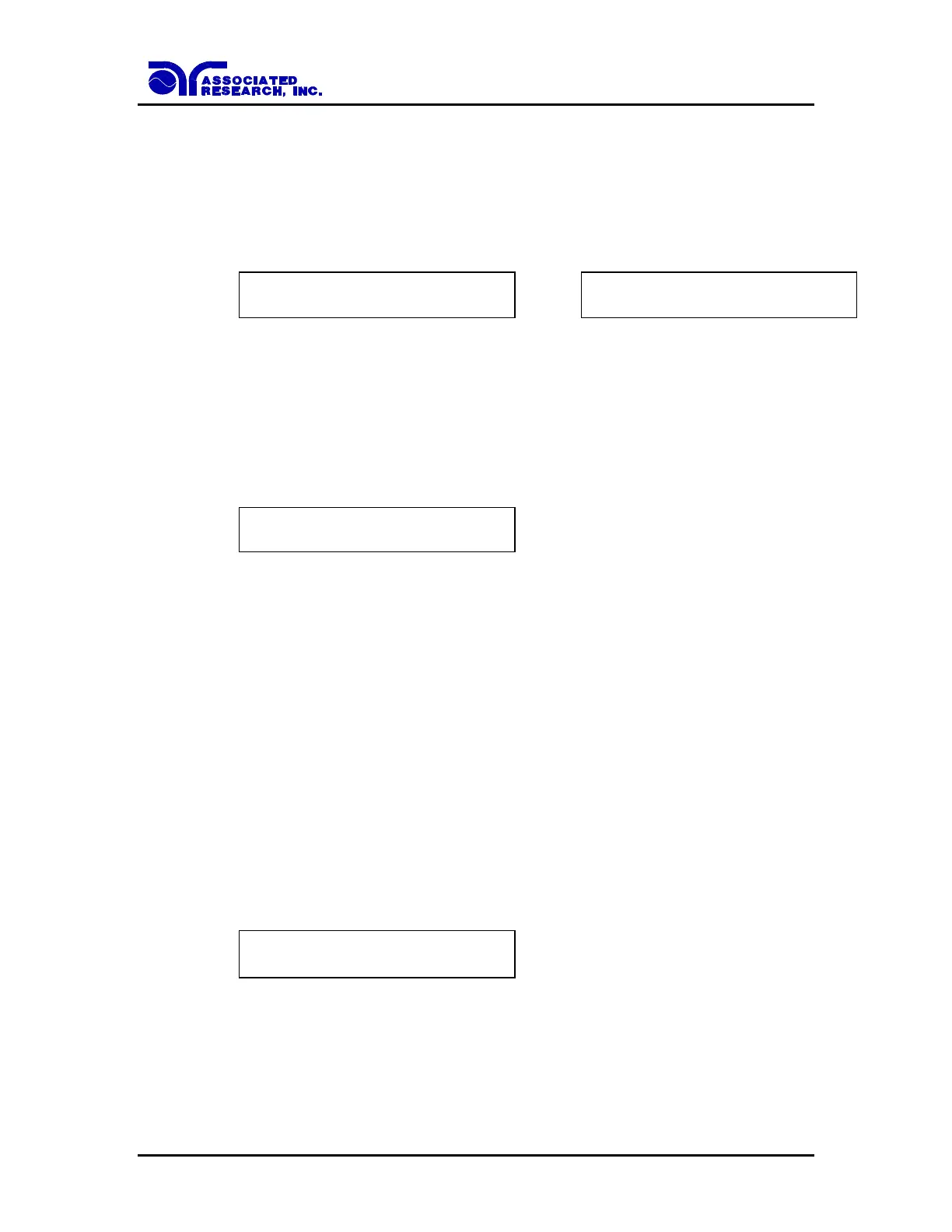
Advance the menu to the Frequency parameter. The display will show:
Frequency = 60 Hz
ENTER to Select
Frequency = 50 Hz
ENTER to Select
Use the ENTER key to select the Output Frequency, then press the or key to advance
the program to another test parameter setting or press the EXIT key to exit from the
setting mode to the operation mode.
Scanner Channel setting
Advance the menu to the Scanner Set parameter. The display will show:
Scanner CH = X
Range: 1-16 0 = OFF
Use the Numeric keys to enter the scanner channel number, then press the ENTER key.
The program will store the scanner channel number and advance to the Offset parameter
automatically.
If the external Scanner is not connected, it is not necessary to enter this parameter.
Press the EXIT key to exit from the setting mode to the operation mode if all parameters
have been set.
To operate from the front panel output connectors with the Scanner option installed, the
Scanner Channel must be set to “0” to receive accurate readings.
Offset setting
Advance the menu to the Offset parameter. The display will show:
Offset = XXX m
TEST to Auto Set
This instrument can set the m offset value by two different methods. One is the Manual
Offset and the other is Auto Offset.



 To Next Page