4. Unit operation
PHG 700C / 701C User Manual Page 36 of 47
Step Description
Select the sequence from the list.
Prepare the patient for the treatment according to indications in point 4.1
7.
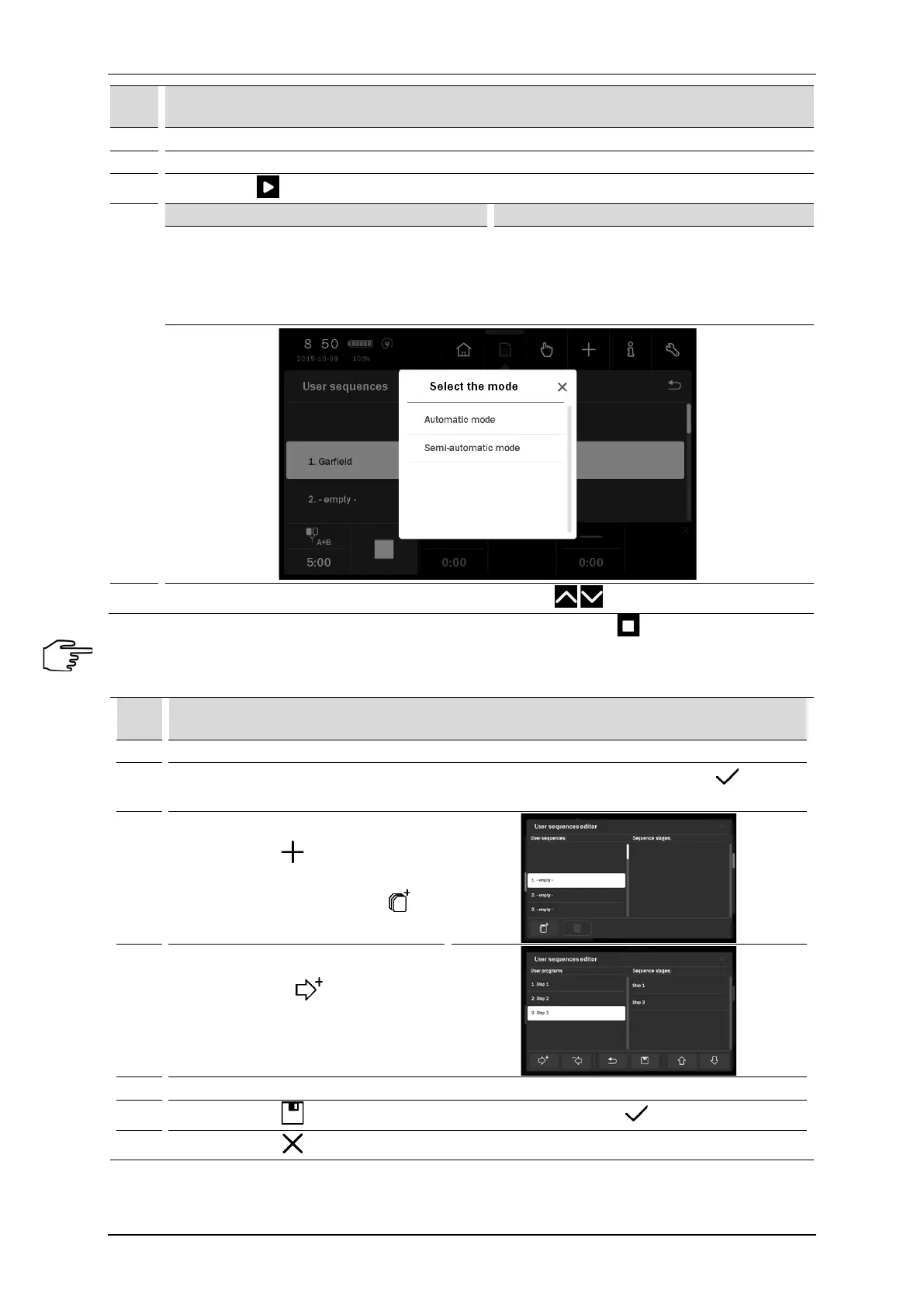
Press the key . Select the amplitude control mode.
8.
The sequence is performed continuously.
Between the steps, the current or voltage
amplitude is reduced to a safe level. Therefore,
there is a need for its upregulation in order to
ensure the proper feelings of the patient.
Between the steps, the sequence is stopped –
pause mode. The amplitude is reduced to zero.
In order to continue the sequence performing,
set the amplitude again in order to ensure the
proper feelings of the patient.
9.
If it is necessary, during treatment procedure, using the keys set the amplitude.
If it is necessary to interrupt the treatment procedure (pause), press the key . To resume the treatment
procedure it is recommended to follow the instructions shown on the display.
Creation of user sequence:
Step Description
1. Prepare the unit to work in the program mode (see section 4.5).
2.
Select the option User sequences from Program modes menu. Confirm by the button or once
again press the selected field.
3.
Press the button from main menu.
This opens the user’s sequence editor.
Select the item to be saved. Press
4.
From the list of user programs, select the
program and press
Repeat the action for additional items.
The sequence may consist of up to 4
programs.
Use the sequence edition tools described below to make changes in the created sequence.
6.
Press the button to save the sequence. Enter the name. Then press
7.
Press the button to escape from the sequence editor.



 To Next Page