4. Unit operation
page 37 of 47 issue date 24.02.2021, release 11.1
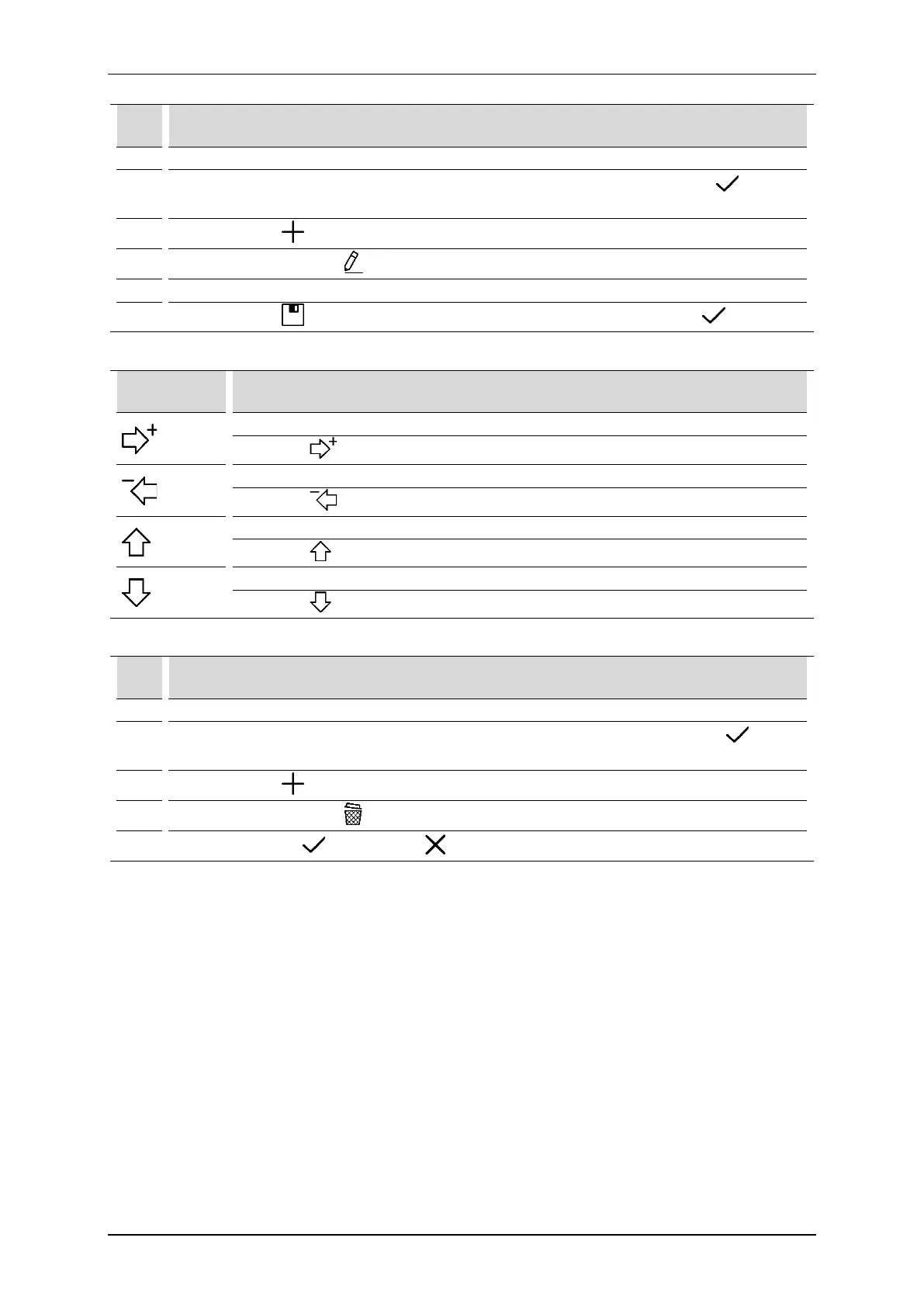
User sequence edition:
Step Description
1. Prepare the unit to work in the program mode (see section 4.5).
2.
Select the option User sequences from Program modes menu. Confirm by the button or once
again press the selected field.
3.
Press the button from main menu. This opens the user’s sequence editor.
4.
Select the sequence. Press
Use the tools described below.
6.
Press the button to save the sequence. Enter or modified the name. Then press
Sequence edition tools:
Button Explanation
1. Select the user-defined program – left side of the edition screen.
2. Press , selected item will be added as a new step of the sequence.
1. Select the sequence step – right side of the edition screen.
2. Press . Step will be deleted.
1. Select the sequence step – right side of the edition screen.
2. Press . Step will be moved up one level.
1. Select the sequence step – right side of the edition screen.
2. Press . Step will be moved down one level.
Removal of user sequences:
Step Description
Prepare the unit to work in the program mode (see section 4.5).
2.
Select the option User sequences from Program modes menu. Confirm by the button
again press the selected field.
3.
Press the button from main menu.
4.
Select the sequence. Press
5.
Confirm by pressing or resign using



 To Next Page