Chapter 2: Hardware setup
2-16
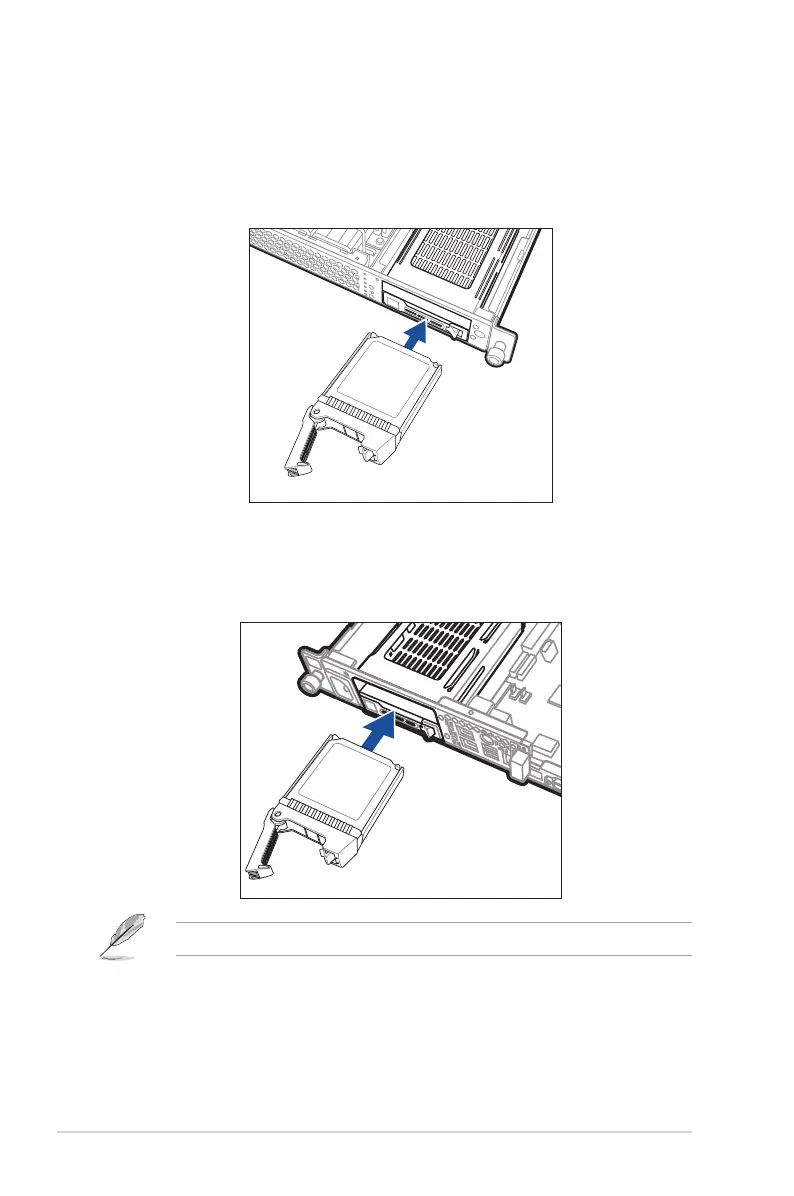
6. Carefully insert the drive tray and push it all the way to the depth of the bay. Lock the
secure tab to secure the drive tray in place.
RS400-E8-PS2
RS400-E8-PS2-F
7. Repeat steps 1 to 6 if you wish to install a second 2.5-inch SSD.
Wheninstalled,theconnectorontheSSDconnectstotheinterfaceonthebackplane.













 To Next Page