HOME SERVER TS mini 103
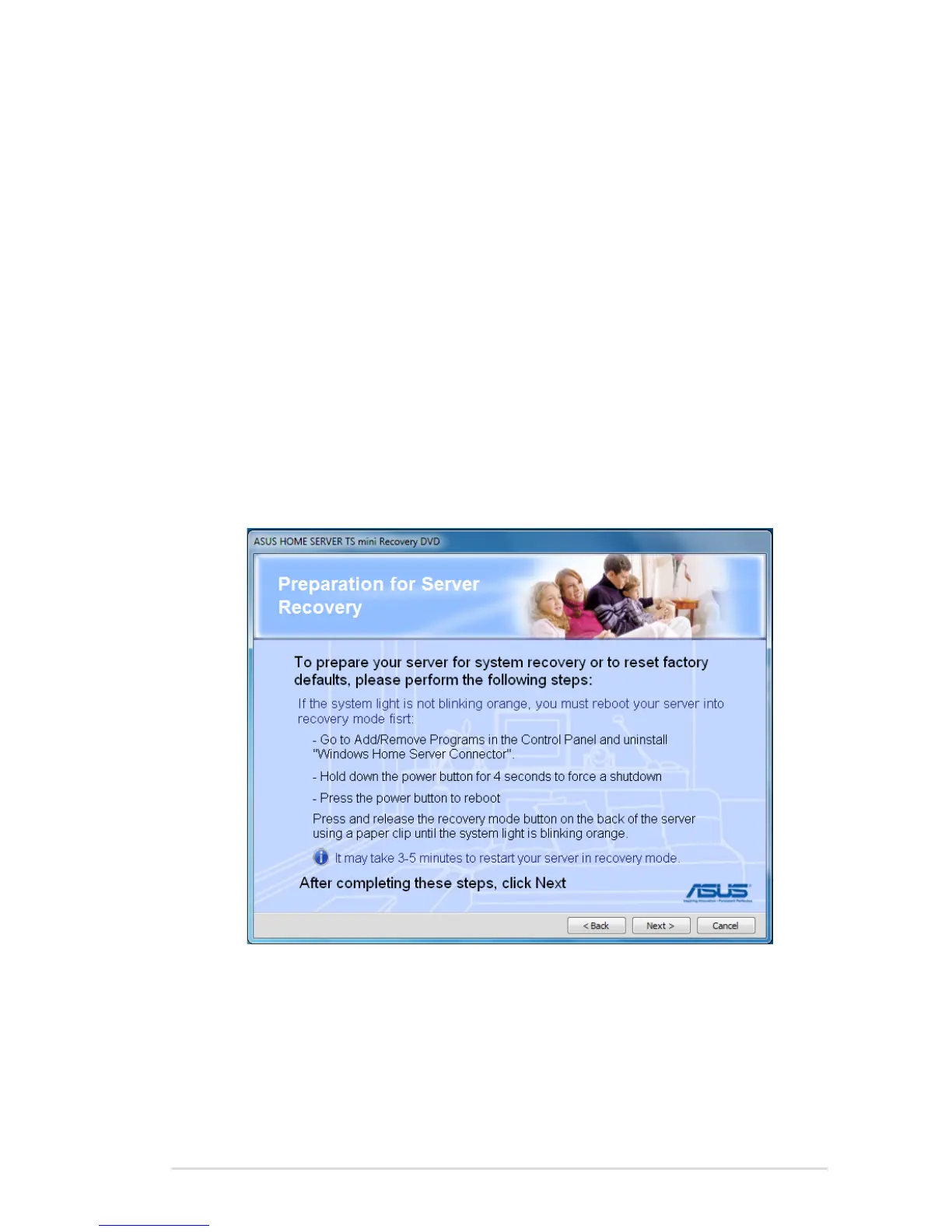
(b) If you select the option “System light is not blinking orange”,
you need to do the following:
1. Uninstall the Windows Home Server Connector from your
computer.
2. Hold down the power button for 4 seconds to turn off the
server.
3. Press the power button to turn on the server.
4. Press and hold the Recovery button at the rear panel of
the server using a paperclip until the system status indicator
is blinking orange.
5. Click Next.












 To Next Page