50 HOME SERVER TS mini
Adding a shared folder
You can add a shared folder except for the built-in shared folders.
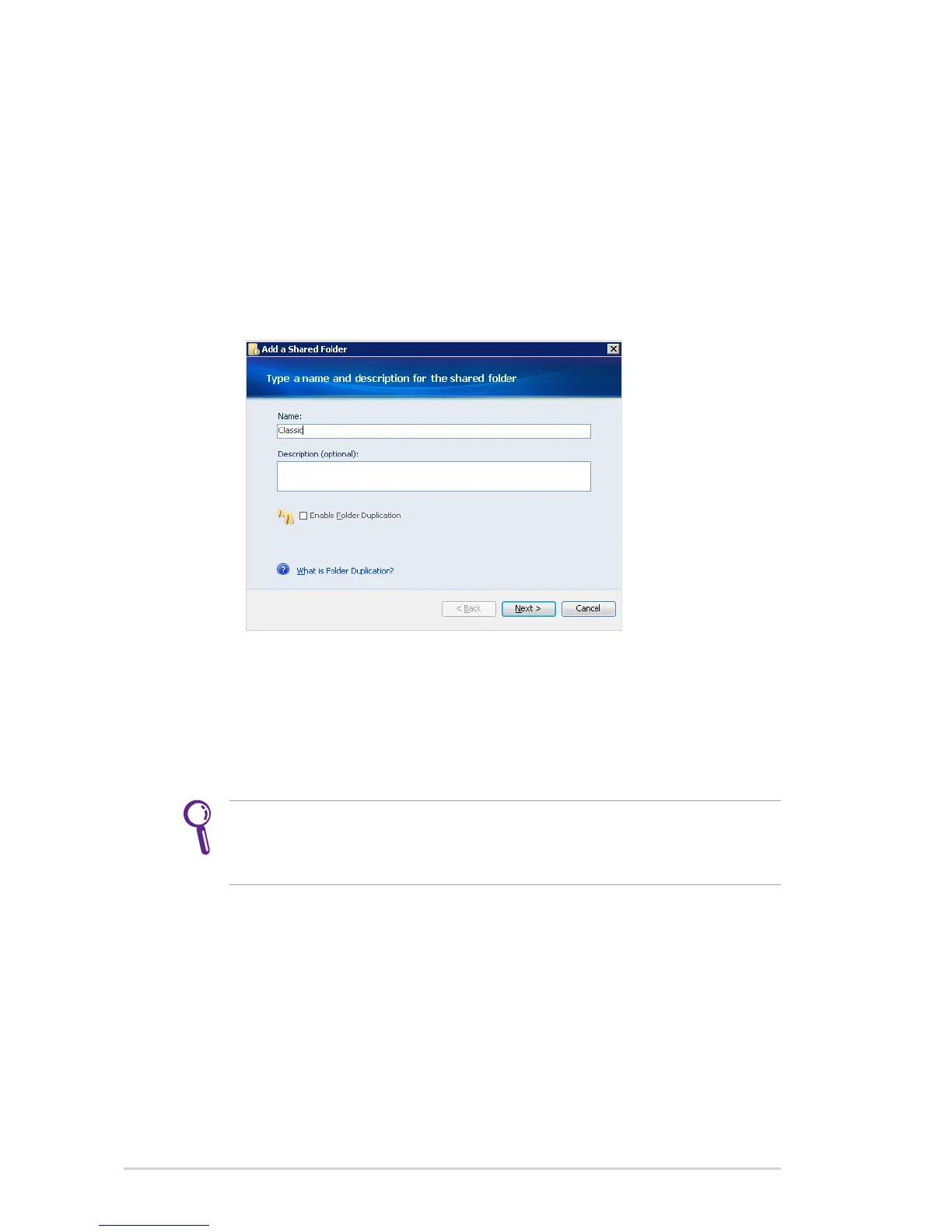
To add a shared folder
1. Log on to the Windows Home Server Console.
2. Click the Shared Folders tab.
3. Click Add to start the Add a Shared Folder Wizard.
4. Enter a name and description of the shared folder.
5. Click the Enable Folder Duplication check box if you want to
duplicate folders and files in the shared folder across multiple
hard disk drives. The folder with Folder Duplication enabled
uses twice the amount of server storage.
You must add more than one hard drive to the server storage
before you can enable Folder Duplication, and there must be
enough storage space available for duplication to take place.












 To Next Page