52 HOME SERVER TS mini
Accessing shared folders on the home server
You may access the shared folders on your home server in several
ways.
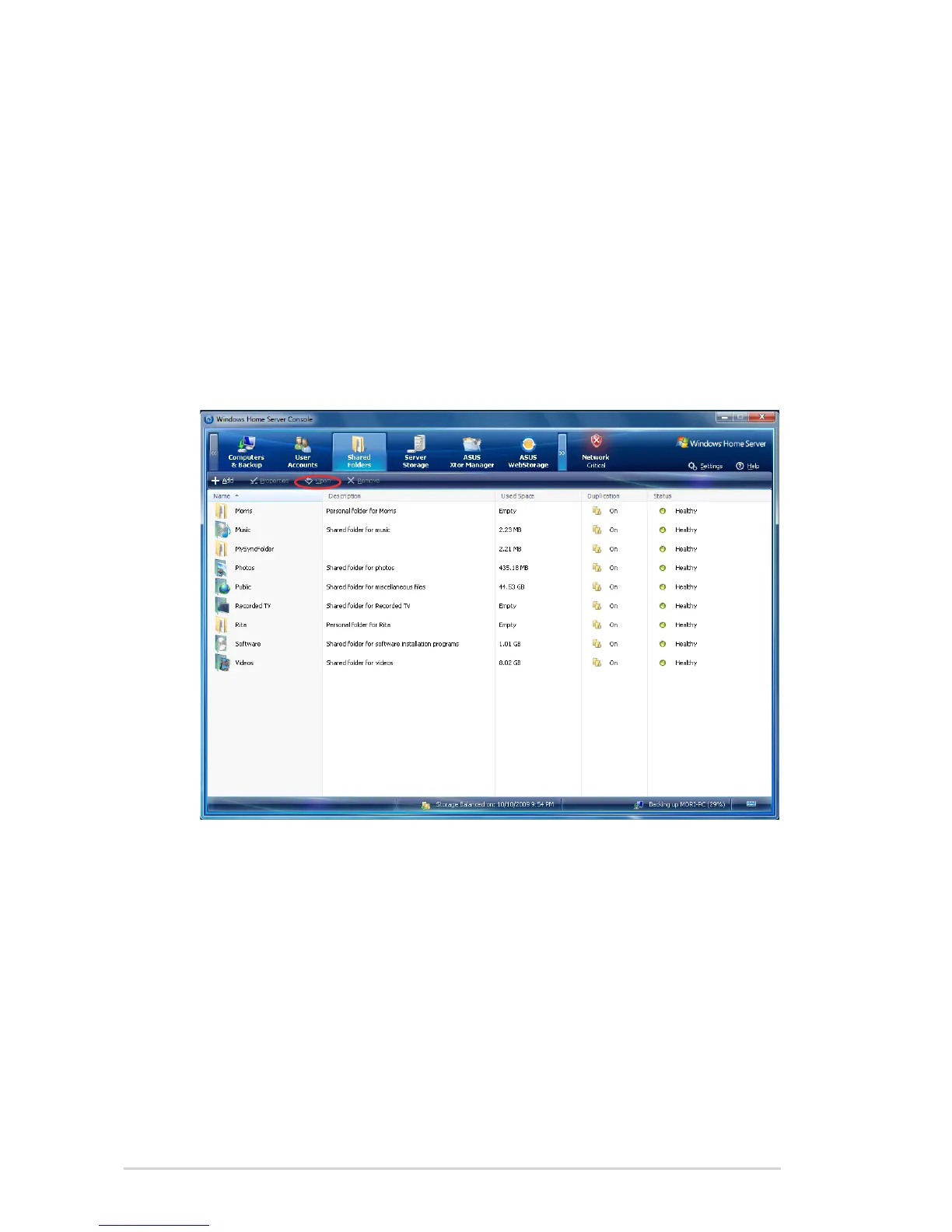
To access individual shared folder from the Windows Home
Server Console
1. Log on to the Windows Home Server Console.
2. Click the Shared Folders tab.
3. Select a shared folder to which you have access privilege, and
then click Open to open it.












 To Next Page