HOME SERVER TS mini 109
Replacing the main hard drive in your home server
To install Windows Home Server on a new main hard drive
1. Follow the section “Removing a hard disk drive” under Server
Storage to remove the existing main hard disk drive.
2. Follow the section “Adding a hard disk drive” under Server
Storage to install a new main hard disk drive.
Always install the hard disk drive in which the OS is or will be
installed to the HDD1 bay.
3. Repeat step 1-5 in the previous section “To perform Server
Recovery”.
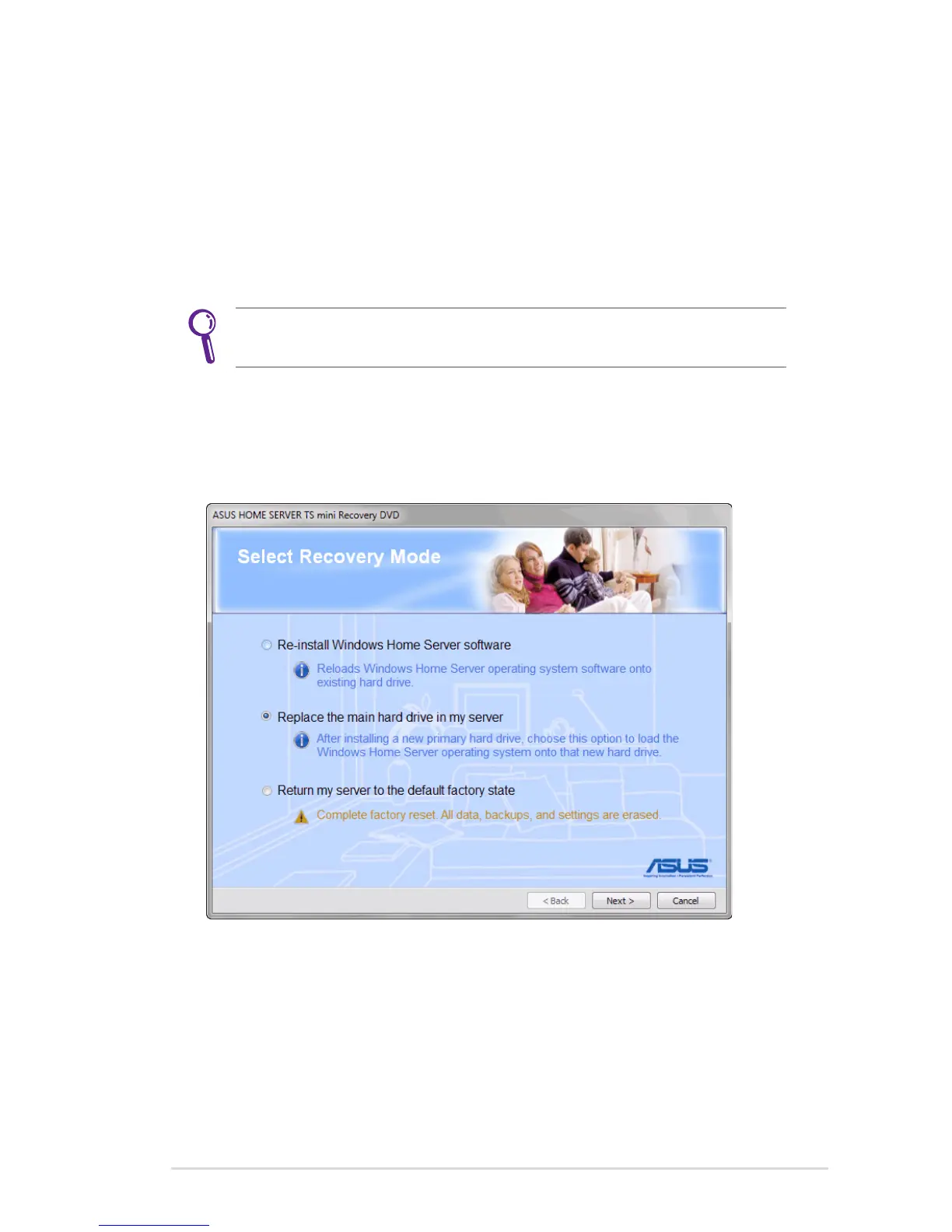
4. Select the option “Replace the main hard drive in my server”, and
then click Next.












 To Next Page