HOME SERVER TS mini 99
Performing a Server Recovery or
Factory Reset
If the operating system of your home server is corrupted or the main
system hard drive is failed, use the bundled ASUS HOME SERVER TS
mini Recovery DVD to recover your home server or to restore the
home server to its factory default.
• If you perform Server Recovery, the server settings and all user
accounts will be deleted; the data in shared folders still exist. If
you perform Factory Reset, all data on the home server’s hard
drives will be deleted.
• Do not insert any USB/eSATA storage device to the home server
when processing the initializtion to avoid any possible error.
Recovering Windows Home Server
To perform Server Recovery
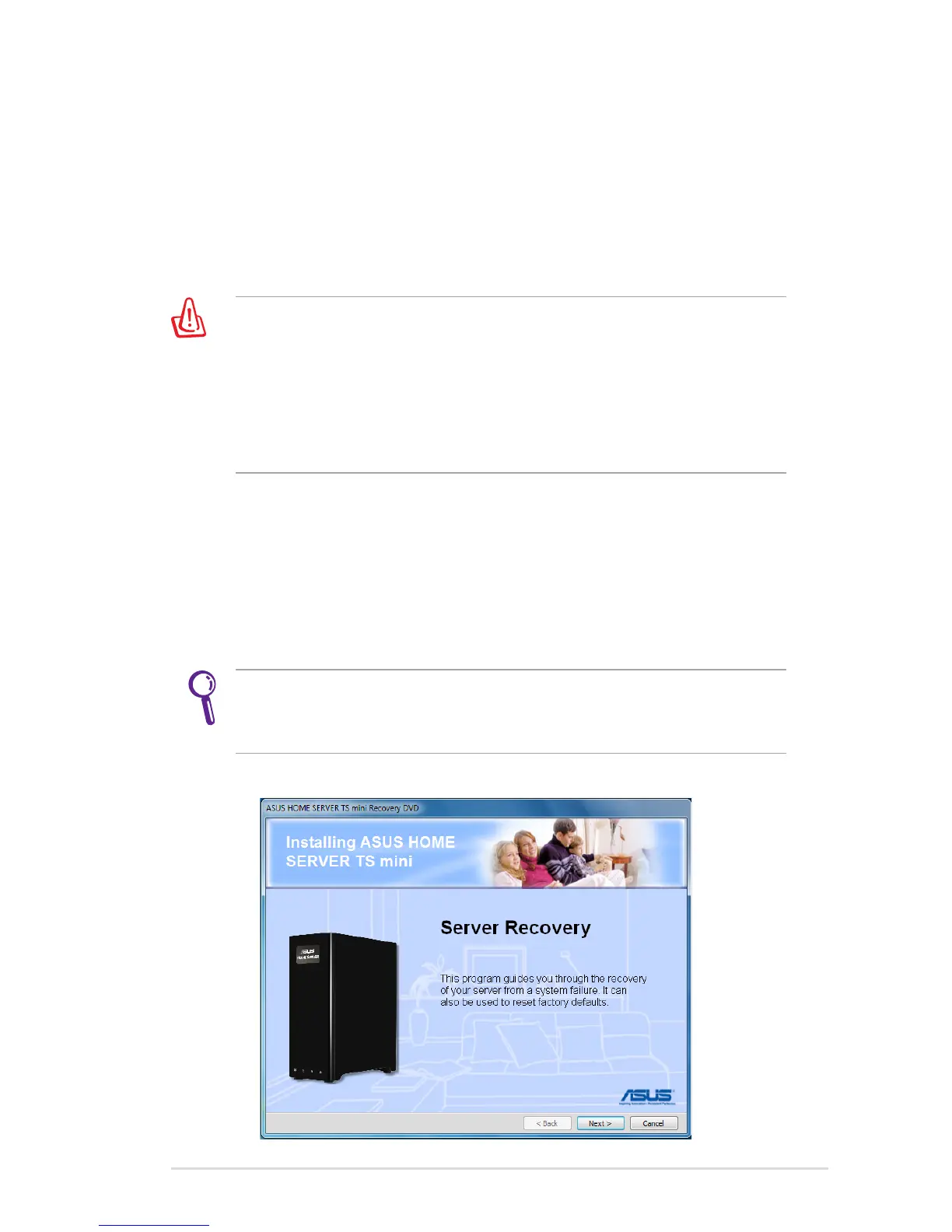
1. Insert the ASUS HOME SERVER TS mini Recovery DVD into the
computer that is connected to your home network. The Server
Recovery wizard starts.
If Autorun is NOT enabled in your computer, browse the contents
of the Recovery DVD to locate the Install.exe file. Double-click the
Install.exe to run the Recovery wizard.
2. Click Next.












 To Next Page