HOME SERVER TS mini 37
Logging onto the Windows Home
Server Console
You need to log on to the Windows Home Server Console to
remotely control your home server.
To log on to the home server from the Windows Start menu
1. On the Windows desktop, click Start > All Programs > Windows
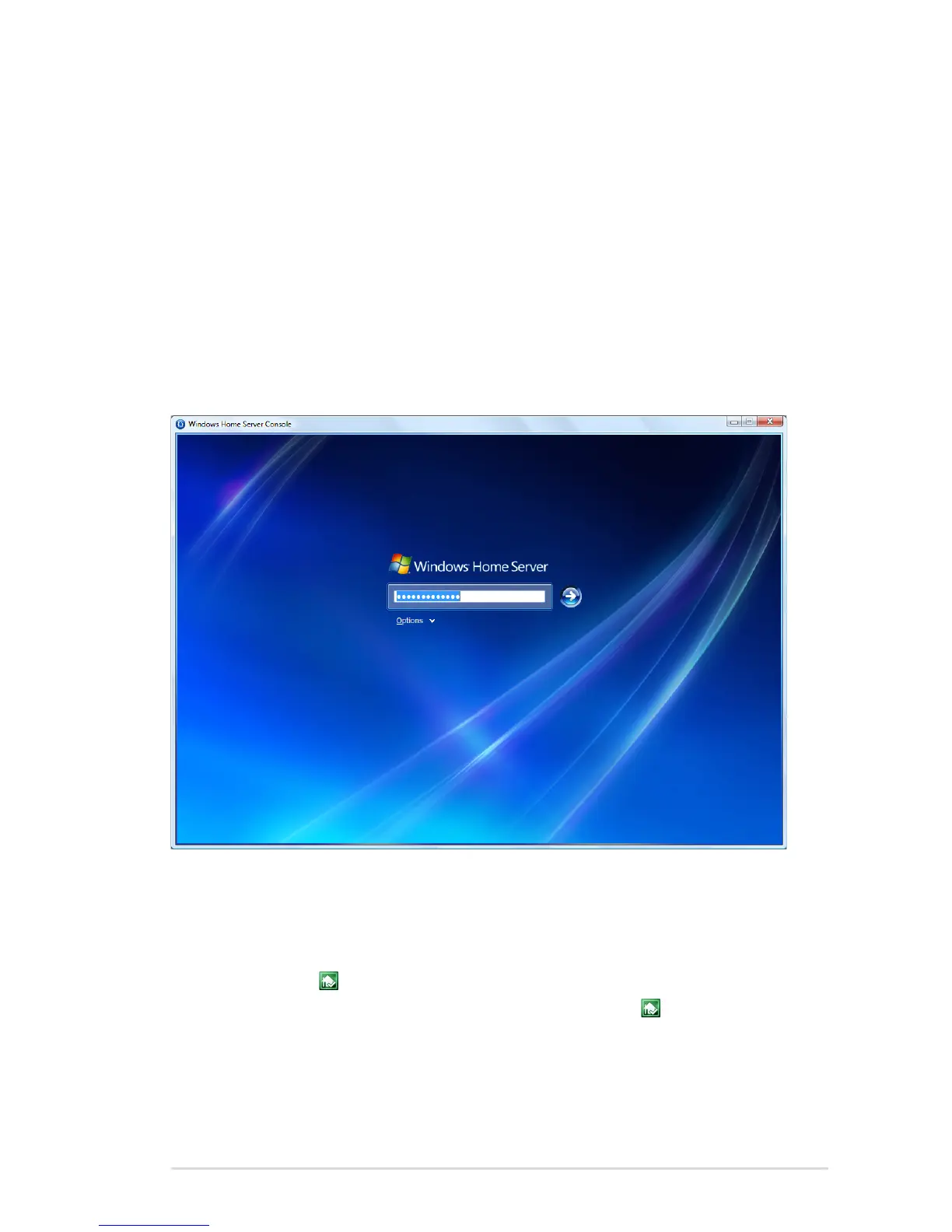
Home Server Console to bring up the Windows Home Server
Console logon window.
2. Enter the administrator password, and then click the Next arrow.
To log on to the home server from the Windows Home Server
icon
1. On the Windows system tray, right-click the Windows Home
Server icon and then select Windows Home Server Console;
or, double-click the Windows Home Server icon to bring up
the logon window.
2. Enter the administrator password, and then click the Next arrow.












 To Next Page