HOME SERVER TS mini 111
Restoring an entire home computer
If the hard drive on your home computer fails, you can use the
Restore CD to restore all of the files on your home computer from a
backup on your home server.
To restore a home computer
1. Place the ASUS Restore CD in the drive of the home computer
that you want to restore.
2. Restart the computer and boot from the CD.
3. Follow the instructions in the Restore Wizard to restore the hard
drive on your home computer.
Your home computer must be connected to the network with
an Ethernet network before you begin the restore. Wireless
connection is not supported.
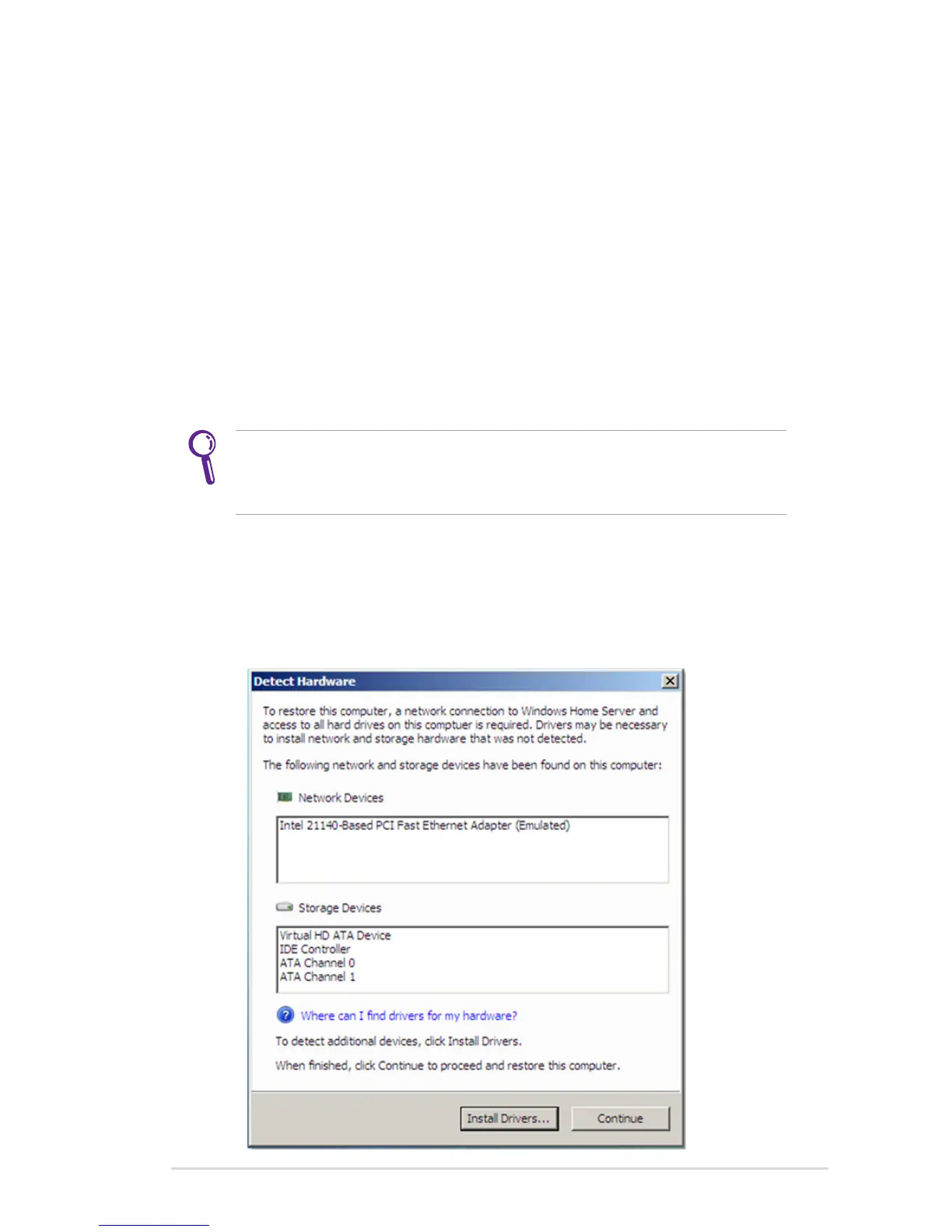
4. During the computer restore, your home computer needs a
network connection to Windows Home Server and access to all
hard drives. Therefore, the computer automatically detects and
install necessary drivers, usually drivers for network and storage
devices.












 To Next Page