HOME SERVER TS mini 79
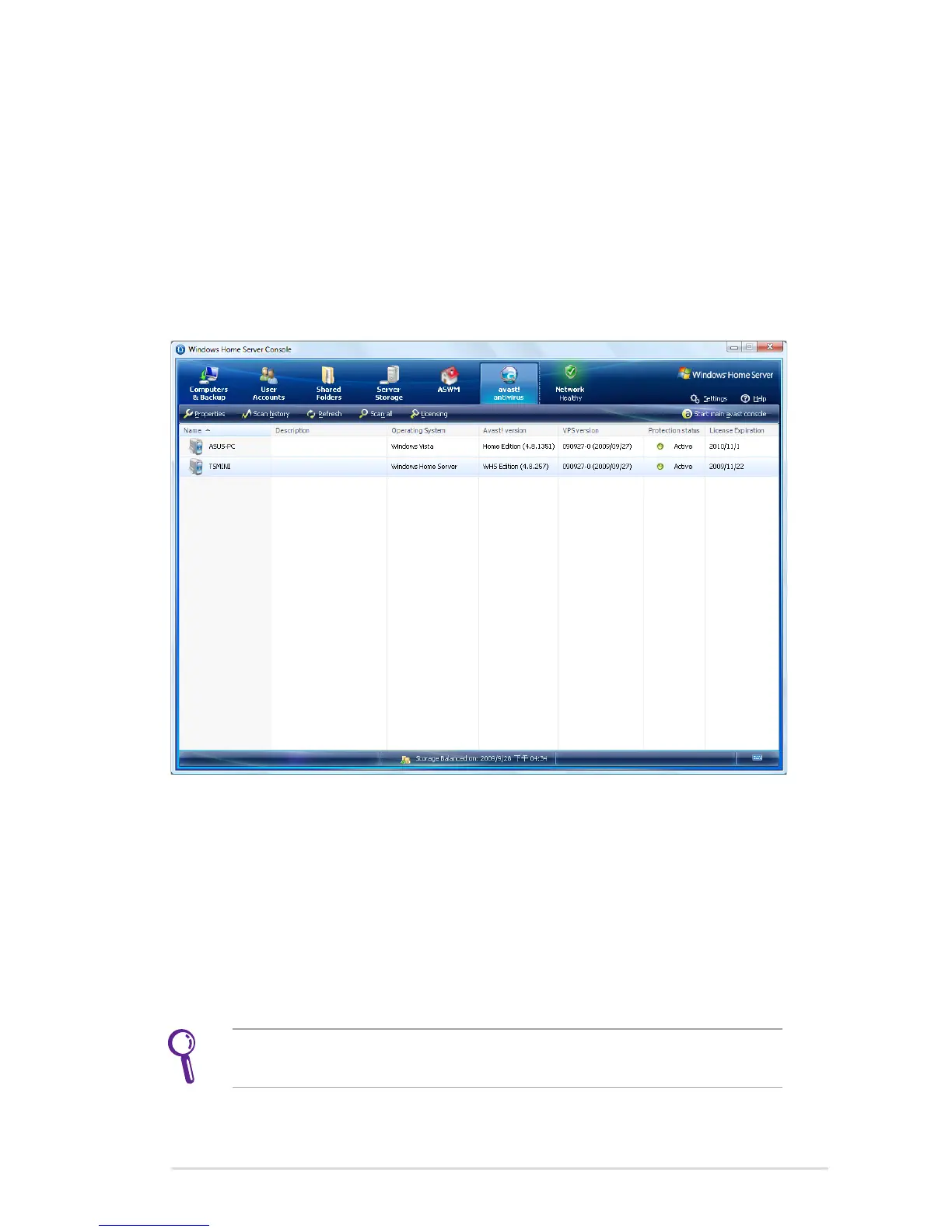
avast! antivirus program
avast! antivirus is a package of applications that protect your home
server and computer from virus attack. You can enjoy avast! antivirus
for a 60 day trial.
To use avast! antivirus, you need to install the add-in feature from
the Add-ins settings page. See the section Add-ins for how to install
the add-in. The avast! antivirus tab will appear after the installation.
Start to protect your system by clicking the avast!antivirus tab.
From the avast!antivirus tab, you can perform the following tasks:
• Scheduling a scan or scanning all active computers
• Enabling notifications of the system activities or problems
• Viewing the scan history
• Manually inserting a license key into your home server to
run avast! professional or avast! home edition.
Click Help on the upper right corner of the Console for more
deatiled insturctions.












 To Next Page