76 HOME SERVER TS mini
The main page
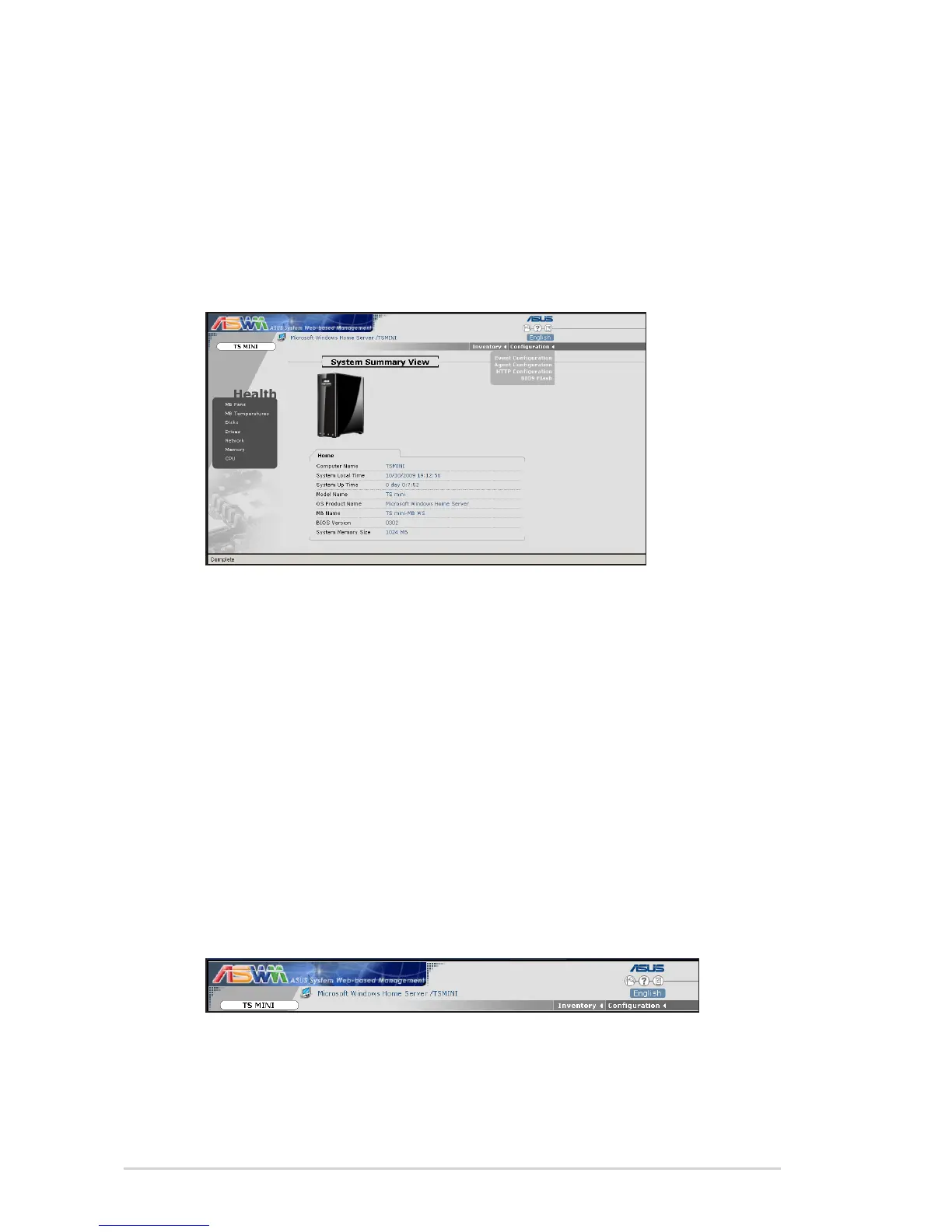
The main page of the ASWM user interface includes the:
1. Banner
2. Inventory and Configuration Menus
3. System Health Menus
4. Information Display Region
Banner
The banner is located on the top of the page. The left side of the
banner displays the ASWM trademark along with the server and
OS on which ASWM is running. The right side displays a sequence
of buttons, and the language in which the main page is being
displayed.
The sequence of buttons from left to right includes:
• Discovery - This discovers and manages hosts connected to
specified subnets.
• Help - Displays the on-line help for ASWM.
• About - Displays copyright and version information for ASWM
and the version number of each component in ASWM.












 To Next Page