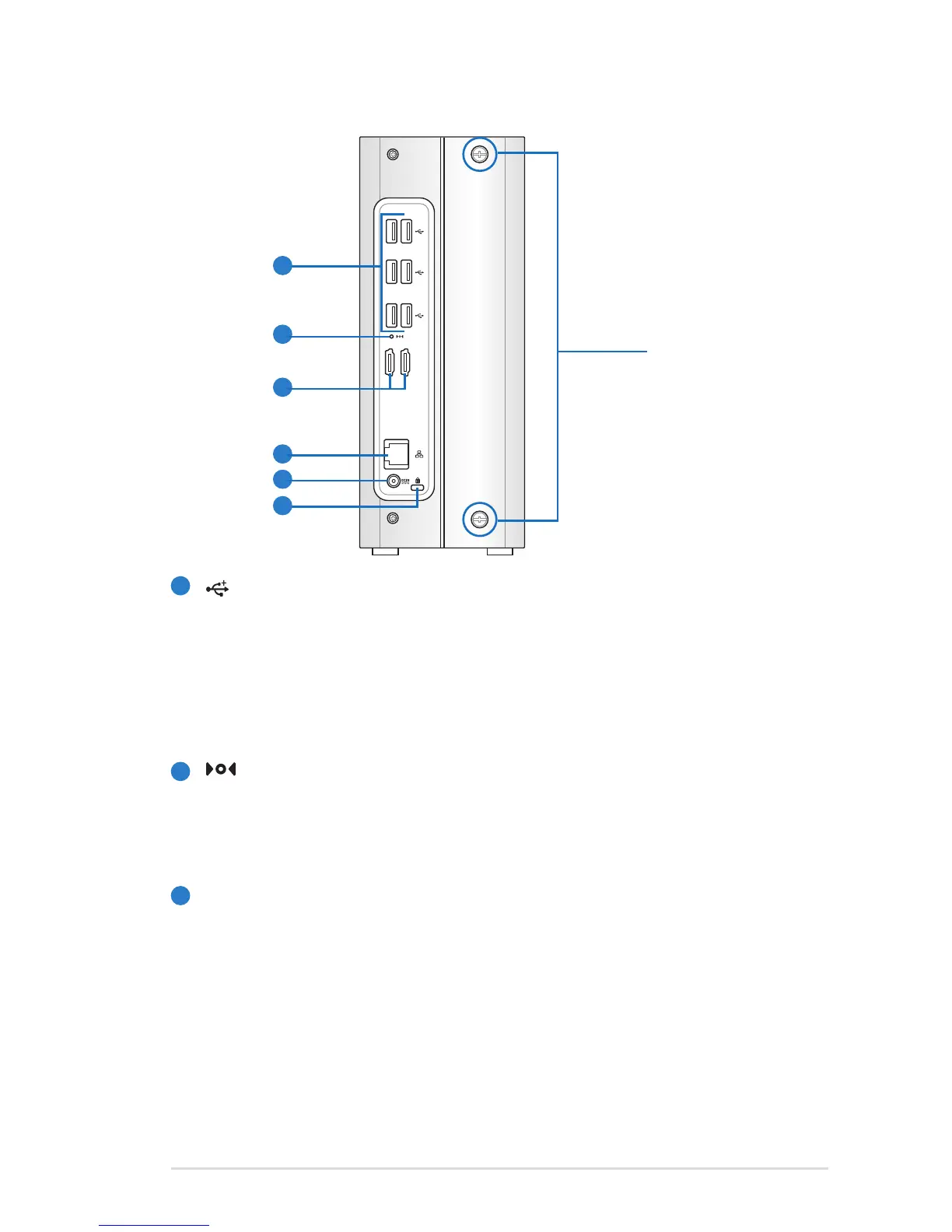
USB Ports
The USB (Universal Serial Bus) port is compatible with USB
devices such as USB flash disks, cameras, and hard disk
drives. USB allows many devices to run simultaneously on a
single computer, with some peripheral acting as additional
plug-in sites or hubs.
Recovery Button
The Recovery Button is used when you perform the Server
Recovery function. Refer to the section Performing a
Server Recovery or Factory Reset for more details.
E-SATA
E-SATA Ports
External SATA or eSATA allows external connection of Serial-
ATA devices originally designed for use inside the computer.
It is up to six times faster than existing USB 2.0, & 1394 for
external storage solutions and also supports hot plug using
shielded cables and connectors up to two meters.
Thumbscrews
5
6
7
8
9
10
5
6
7












 To Next Page