HOME SERVER TS mini 23
Installing the Windows Home Server
Connector on the rst computer
After setting up your TS mini, you must install the Windows Home
Server Connector on your first computer to connect to Windows
Home Server.
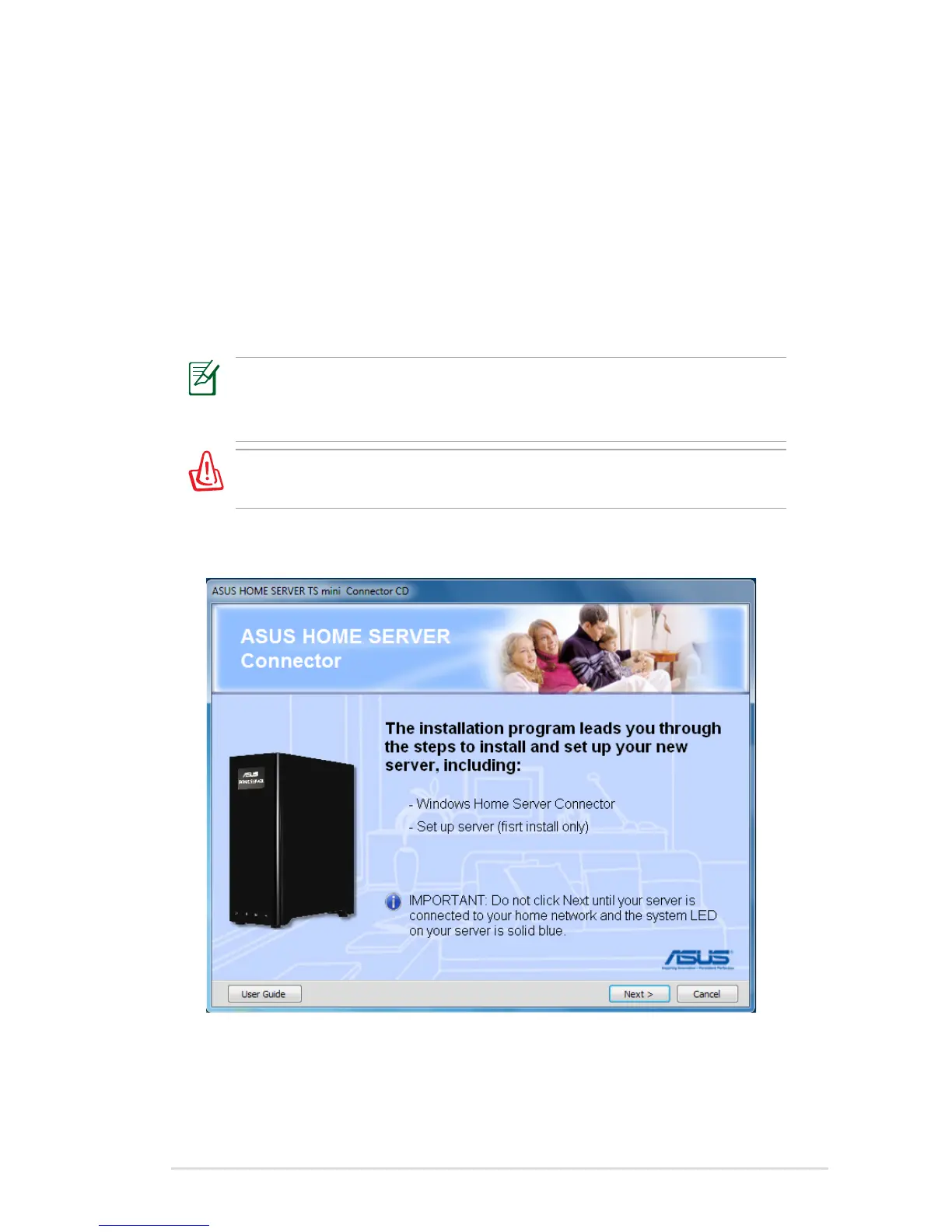
1. Insert the Software Installation CD into the computer that is
connected to your home network. The Windows Home Server
Connector wizard starts.
If Autorun is NOT enabled in your computer, browse the contents
of the Software Installation CD to locate the Install.exe file.
Double-click the Install.exe to run the Connector wizard.
Do not insert any USB/eSATA storage device to the home server
when processing the initialization to avoid any possible error.
2. Click Next.












 To Next Page