92 HOME SERVER TS mini
Accessing the TS mini home page
1. Open the Internet Explorer Web browser.
Ensure to use the Internet Explorer to access the home page. When
you use other Web browsers, you may not use some features like
Remote Access to Computers or Connect to your Home Server.
2. Enter the Internet domain name assigned to you during the
remote access setup procedures (For example, https://tsmini.
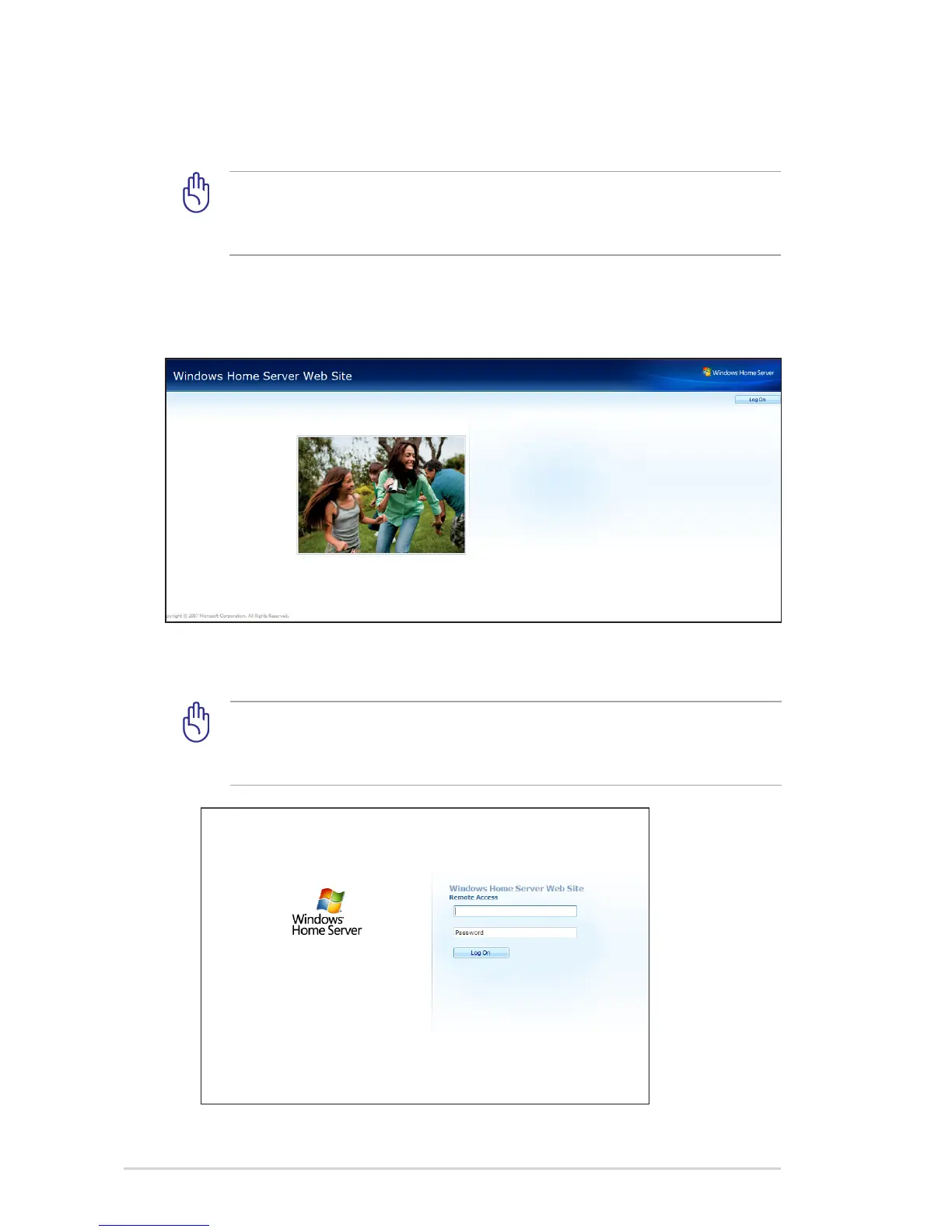
homeserver.com). Then, the Logon web page appears.
3. Click the Log On button on the upper right corner.
4. Enter a personal user account and password.
You cannot use the Administrator account or the Guest account to
log on to the home page. You must log on with a user account that
is enabled for Remote Access.












 To Next Page