HOME SERVER TS mini 53
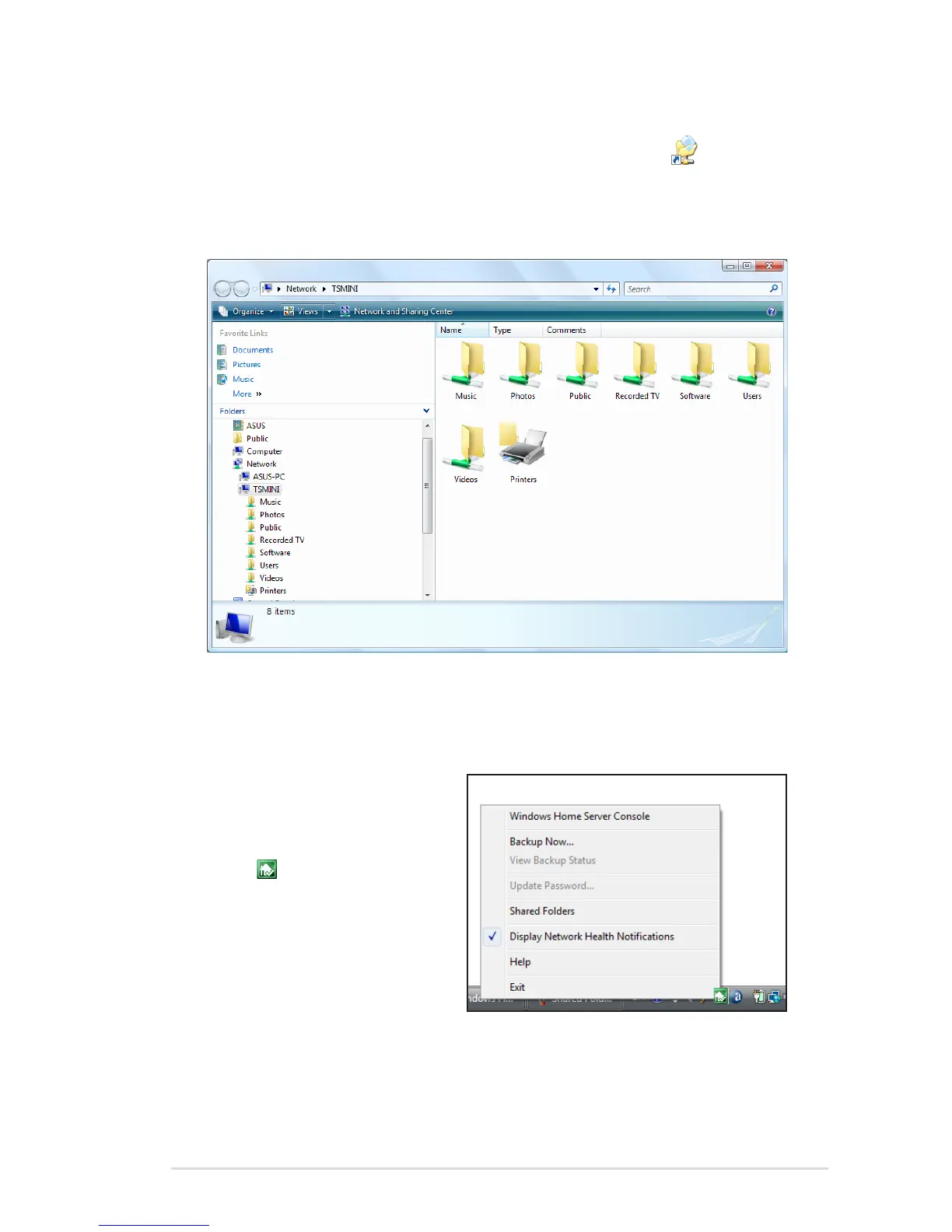
To access the shared folders from the desktop shortcut
1. Double-click the Shared Folders on your computer desktop
shortcut to display the shared folders on your home server.
2. Double-click a shared folder in the window to open it.
To access the shared folders from the Windows Home Server
icon
1. On the Windows system
tray, right-click the
Windows Home Server
icon and then select
Shared Folders to display
the shared folders on your
home server.
2. Double-click a shared
folder to open it.












 To Next Page