60 HOME SERVER TS mini
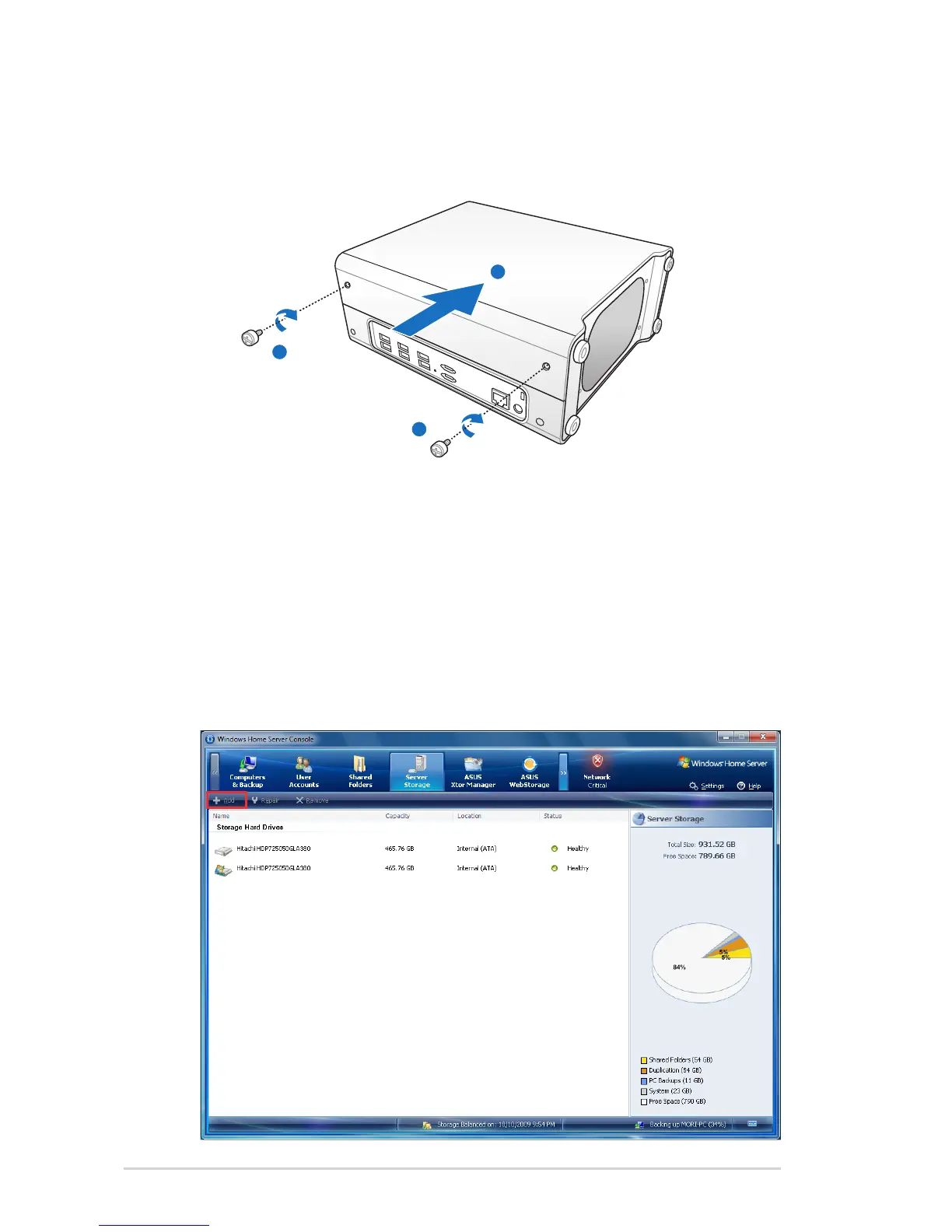
(i) Slide the left side case back to the server body, and then
fasten the two thumbscrews back to the case.
2. Add the new hard drive to Server Storage on the Windows
Home Server Console.
(a) Log on to the Windows Home Server Console.
(b) Click the Server Storage tab.
(c) Select the newly added hard drive (either internal or
external) and then click Add to bring up the Add a Hard
Drive Wizard. Click Next.












 To Next Page