HOME SERVER TS mini 67
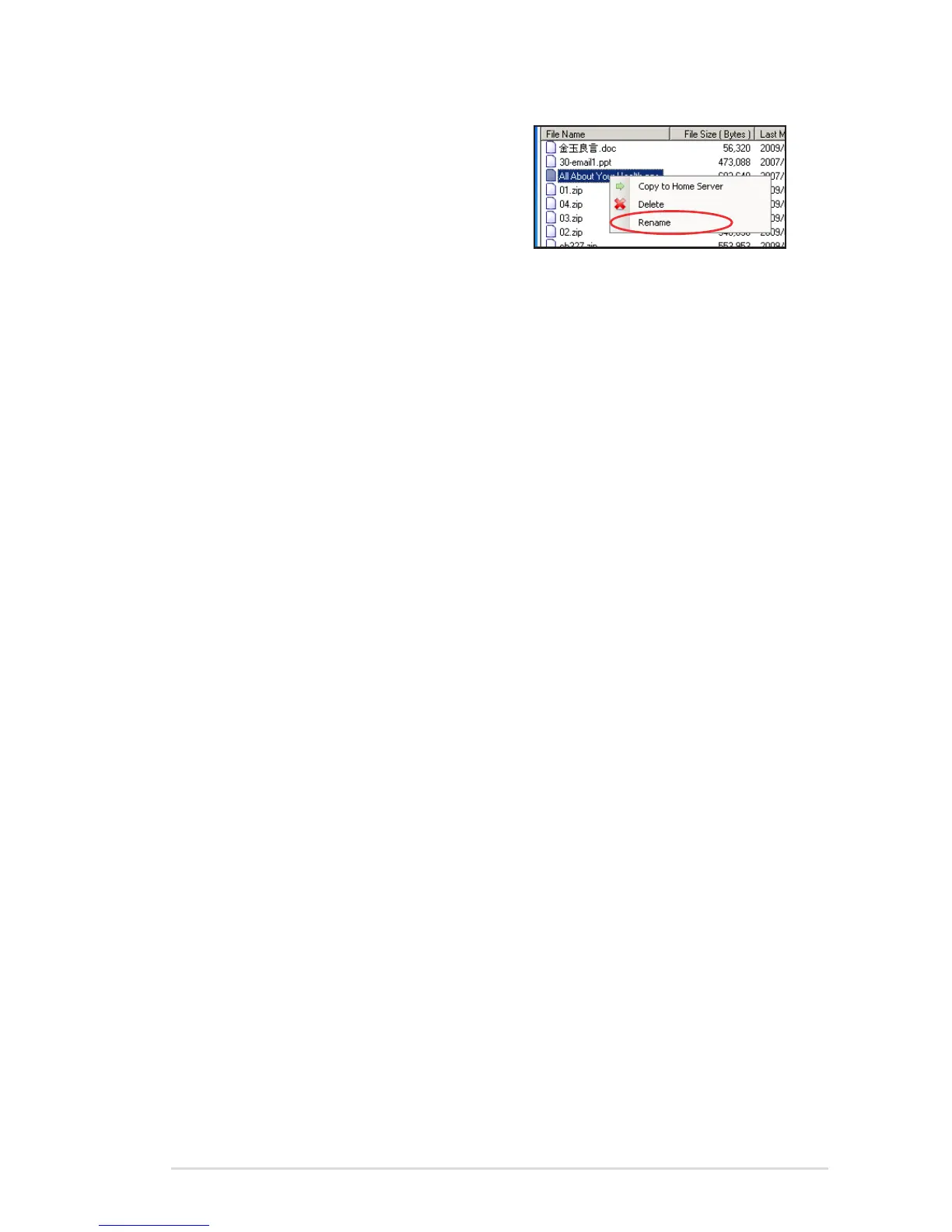
• To rename a folder or a file,
right-click a folder/file and then
select Rename.
To copy folders and files
Drag a folder or a file from either the external storage device or the
home server to the destination of the other side.
OR,
1. Right-click a folder or file in the selected directory from the
external storage device.
2. Select Copy to Home Server to copy the selected folder/file to
the home server.
You can also copy folders/files from the home server to the external
storage device by right-clicking the folders/files from the home
server and then select Copy to External Storage.












 To Next Page