70 HOME SERVER TS mini
• Not found on External – the files only exist on the home
server.
• Not found on Server – the files only exist on the external
storage device and haven’t been backed up to the home
server before.
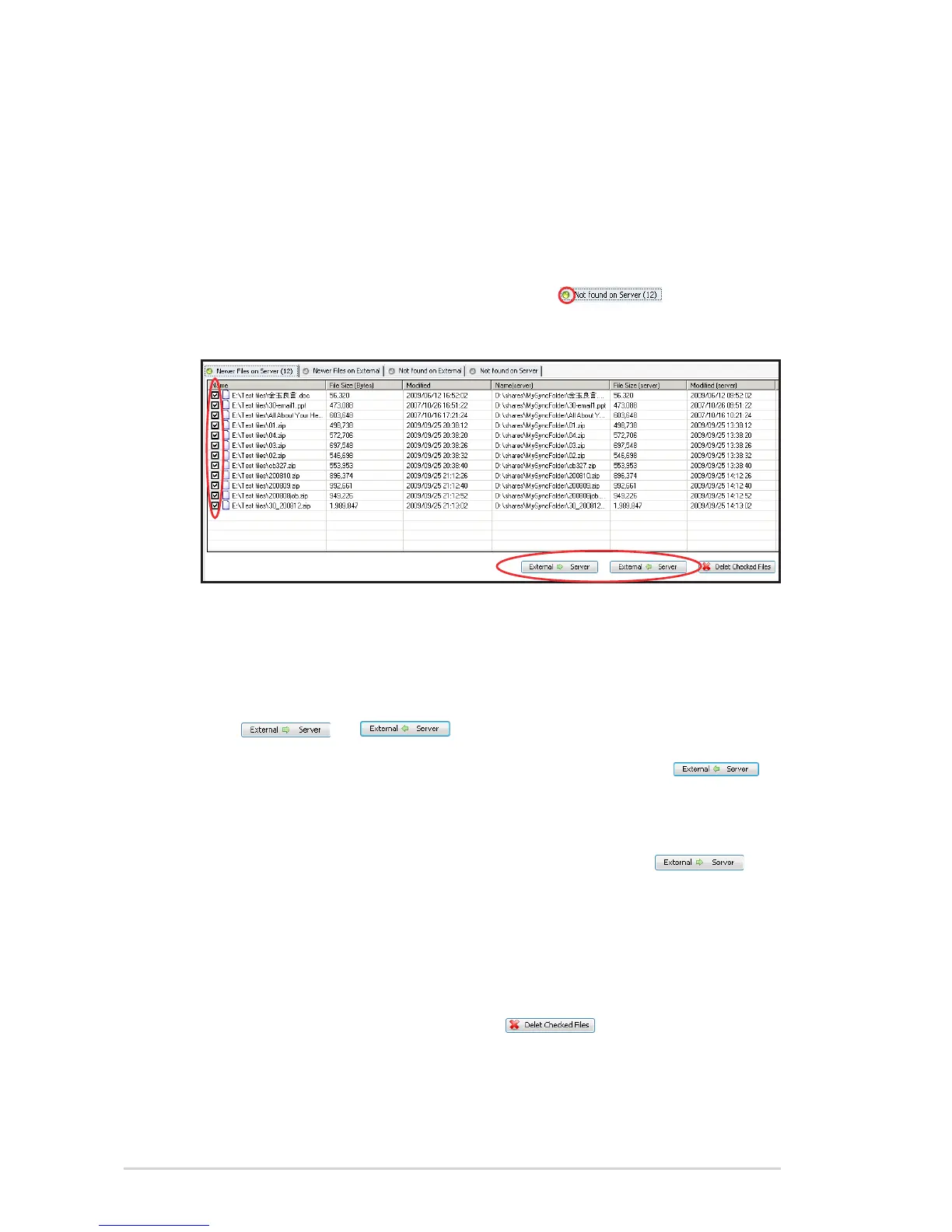
4. Click the tab with the ball in green (e.g. ), and then
check the box(es) before the file(s) you want to synchronize.
• If you click the tab Newer Files on Server or the tab Newer
Files on External, you can decide whether to replace
the older files with the newer ones between the external
storage device and the home server or vice versa. Click
or to start the synchronizing task.
• If you click the tab Not found on External, click
to synchronize the selected files from the home server to
the external storage device.
• If you click the tab Not found on Server, click
to synchronize the selected files from the external storage
device to the home server .
To delete selected files
You can remove the selected files from the external storage device
or the home server by simply clicking .












 To Next Page