EasyManua.ls Logo

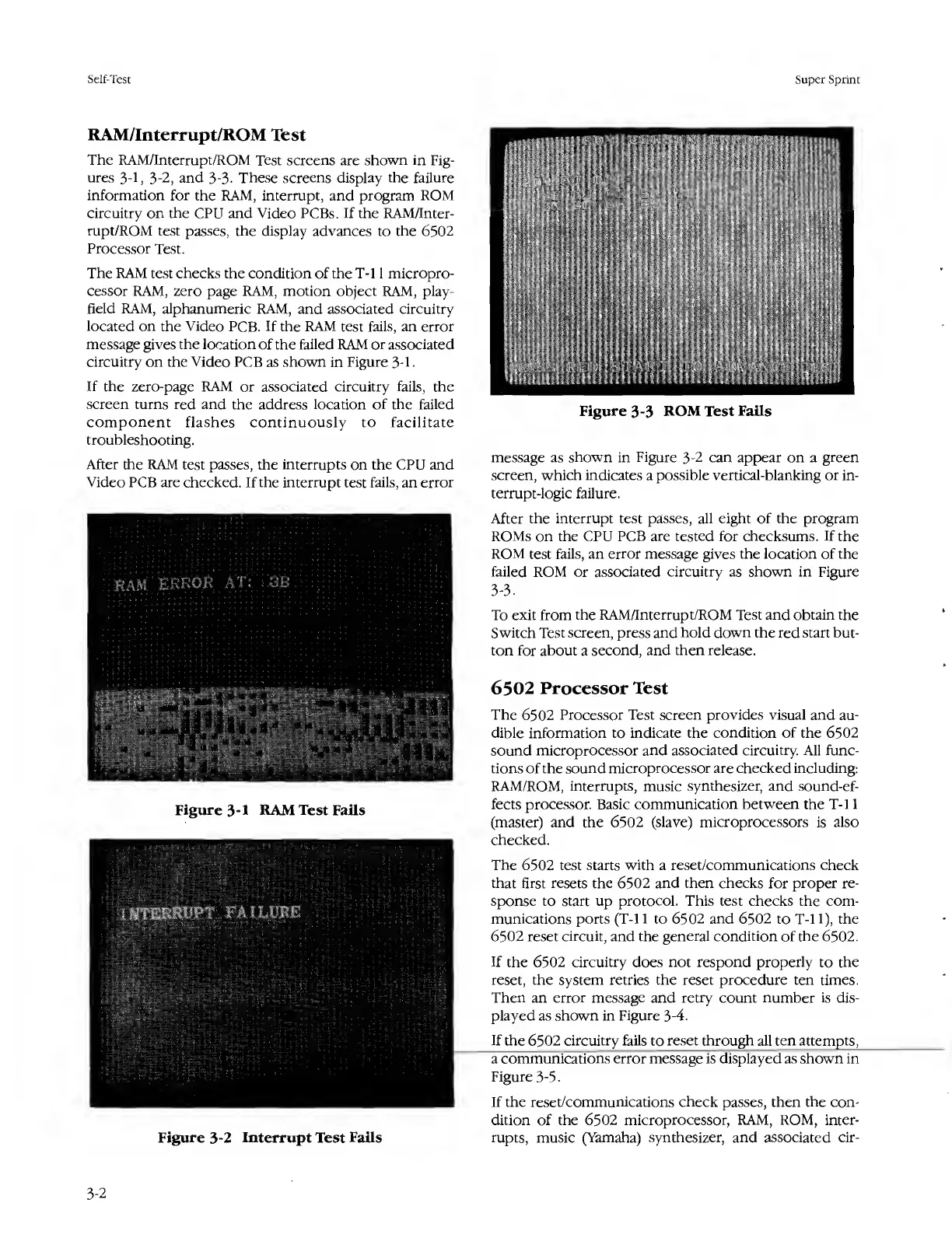
Atari SUPER SPRINT - Ram;Interrupt;Rom Test; 6502 Processor Test; Figure 3-1 RAM Test Fails; Figure 3-2 Interrupt Test Fails

Atari SUPER SPRINT
80 pages
Print Icon
To Next Page IconTo Next Page
To Previous Page IconTo Previous Page
Loading...
Self-Test
Super
Sprint
RAM/Interrupt/ROM
Test
The
RAM/Interrupt/ROM
Test
screens
are
shown
in
Fig¬
ures
3-1,
3-2,
and
3-3.
These
screens
display
the
failure
information
for
the
RAM,
interrupt,
and
program
ROM
circuitry
on
the
CPU
and
Video
PCBs.
If
the
RAM/Inter¬
rupt/ROM
test
passes,
the
display
advances
to
the
6502
Processor
Test.
The
RAM
test
checks
the
condition
of
the
T-l
1
micropro¬
cessor
RAM,
zero
page
RAM,
motion
object
RAM,
play-
field
RAM,
alphanumeric
RAM,
and
associated
circuitry
located
on
the
Video
PCB.
If
the
RAM
test
fails,
an
error
message
gives
the
location
of
the
failed
RAM
or
associated
circuitry
on
the
Video
PCB
as
shown
in
Figure
3-1
If
the
zero-page
RAM
or
associated
circuitry
fails,
the
screen
turns
red
and
the
address
location
of
the
failed
component
flashes
continuously
to
facilitate
troubleshooting.
After
the
RAM
test
passes,
the
interrupts
on
the
CPU
and
Video
PCB
are
checked.
If
the
interrupt
test
fails,
an
error
Figure
3-1
RAM
Test
Fails
Figure
3-2
Interrupt
Test
Fails
message
as
shown
in
Figure
3-2
can
appear
on
a
green
screen,
which
indicates
a
possible
vertical-blanking
or
in¬
terrupt-logic
failure.
After
the
interrupt
test
passes,
all
eight
of
the
program
ROMs
on
the
CPU
PCB
are
tested
for
checksums.
If
the
ROM
test
fails,
an
error
message
gives
the
location
of
the
failed
ROM
or
associated
circuitry
as
shown
in
Figure
3-3.
To
exit
from
the
RAM/Interrupt/ROM
Test
and
obtain
the
Switch
Test
screen,
press
and
hold
down
the
red
start
but¬
ton
for
about
a
second,
and
then
release.
6502
Processor
Test
The
6502
Processor
Test
screen
provides
visual
and
au¬
dible
information
to
indicate
the
condition
of
the
6502
sound
microprocessor
and
associated
circuitry.
All
func¬
tions
of
the
sound
microprocessor
are
checked
including:
RAM/ROM,
interrupts,
music
synthesizer,
and
sound-ef¬
fects
processor.
Basic
communication
between
the
T-l
1
(master)
and
the
6502
(slave)
microprocessors
is
also
checked.
The
6502
test
starts
with
a
reset/communications
check
that
first
resets
the
6502
and
then
checks
for
proper
re¬
sponse
to
start
up
protocol.
This
test
checks
the
com¬
munications
ports
(T-l
1
to
6502
and
6502
to
T-l
1),
the
6502
reset
circuit,
and
the
general
condition
of
the
6502.
If
the
6502
circuitry
does
not
respond
properly
to
the
reset,
the
system
retries
the
reset
procedure
ten
times.
Then
an
error
message
and
retry
count
number
is
dis¬
played
as
shown
in
Figure
3-4.
If
the
6
502
circuitry
fails
to
reset
through
all
ten
attempts,
a
communications
error
message
is
displayed
as
shown
in
Figure
3-5.
If
the
reset/communications
check
passes,
then
the
con¬
dition
of
the
6502
microprocessor,
RAM,
ROM,
inter¬
rupts,
music
(Yamaha)
synthesizer,
and
associated
cir-
3-2

Table of Contents

Related product manuals