EasyManua.ls Logo

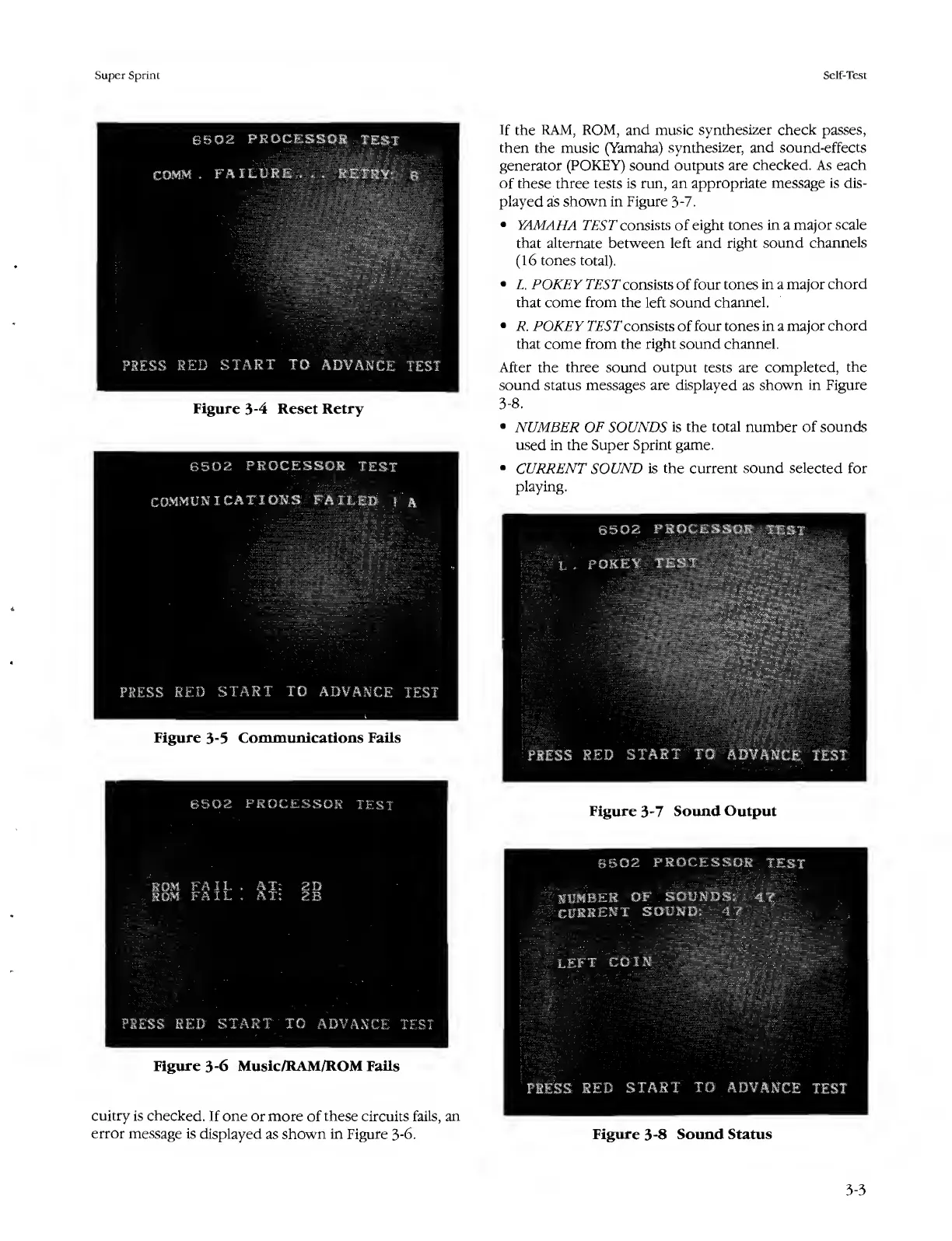
Atari SUPER SPRINT - Figure 3-4 Reset Retry; Figure 3-5 Communications Fails; Figure 3-7 Sound Output; Figure 3-8 Sound Status

Atari SUPER SPRINT
80 pages
Print Icon
To Next Page IconTo Next Page
To Previous Page IconTo Previous Page
Loading...
Super
Sprint
Self-Test
6502
PROCESSOR
TEST
COMM
-
FAILURE...
RETRY:
6
PRESS
RED
START
TO
ADVANCE
TEST
Figure
3-4
Reset
Retry
6502
PROCESSOR
TEST
COMMUNICATIONS
FAILED
!
A
If
the
RAM,
ROM,
and
music
synthesizer
check
passes,
then
the
music
(Yamaha)
synthesizer,
and
sound-effects
generator
(POKEY)
sound
outputs
are
checked.
As
each
of
these
three
tests
is
run,
an
appropriate
message
is
dis¬
played
as
shown
in
Figure
3-7.
YAMAHA
TEST
consists
of
eight
tones
in
a
major
scale
that
alternate
between
left
and
right
sound
channels
(16
tones
total).
L.
POKEY
TEST
consists
of
four
tones
in
a
major
chord
that
come
from
the
left
sound
channel.
R.
POKEY
TEST
consists
of
four
tones
in
a
major
chord
that
come
from
the
right
sound
channel.
After
the
three
sound
output
tests
are
completed,
the
sound
status
messages
are
displayed
as
shown
in
Figure
3-8.
NUMBER
OF
SOUNDS
is
the
total
number
of
sounds
used
in
the
Super
Sprint
game.
CURRENT
SOUND
is
the
current
sound
selected
for
playing.
©502
PROCESSOR
JEi
X,
.
POKEY
TEST
PRESS
RED
START
TO
ADVANCE
TEST
Figure
3-5
Communications
Fails
PRESS
RED
START
TO
ADVANCE
TEST
6502
PROCESSOR
TEST
Figure
3-7
Sound
Output
l
DM
FAIL
.AT:
2D
JOM
FAIL
.
AT:
2B
PRESS
RED
START
TO
ADVANCE
TEST
Figure
3-6
Muslc/RAM/ROM
Fails
cuitry
is
checked.
If
one
or
more
of
these
circuits
fails,
an
error
message
is
displayed
as
shown
in
Figure
3-6.
6502
PROCESSOR
TEST
NUMBER
OF
SOUNDS;
4?
CURRENT
SOUND:
4
7
LEFT
COIN
PRESS
RED
START
TO
ADVANCE
TEST
Figure
3-8
Sound
Status
3-3

Table of Contents

Related product manuals