EasyManua.ls Logo

Atari SUPER SPRINT - Color Bar Test; Color Purity Test; Convergence Test; Accounting Information

Atari SUPER SPRINT
80 pages
Print Icon
To Next Page IconTo Next Page
To Previous Page IconTo Previous Page
Loading...
Self-Test
Super
Sprint
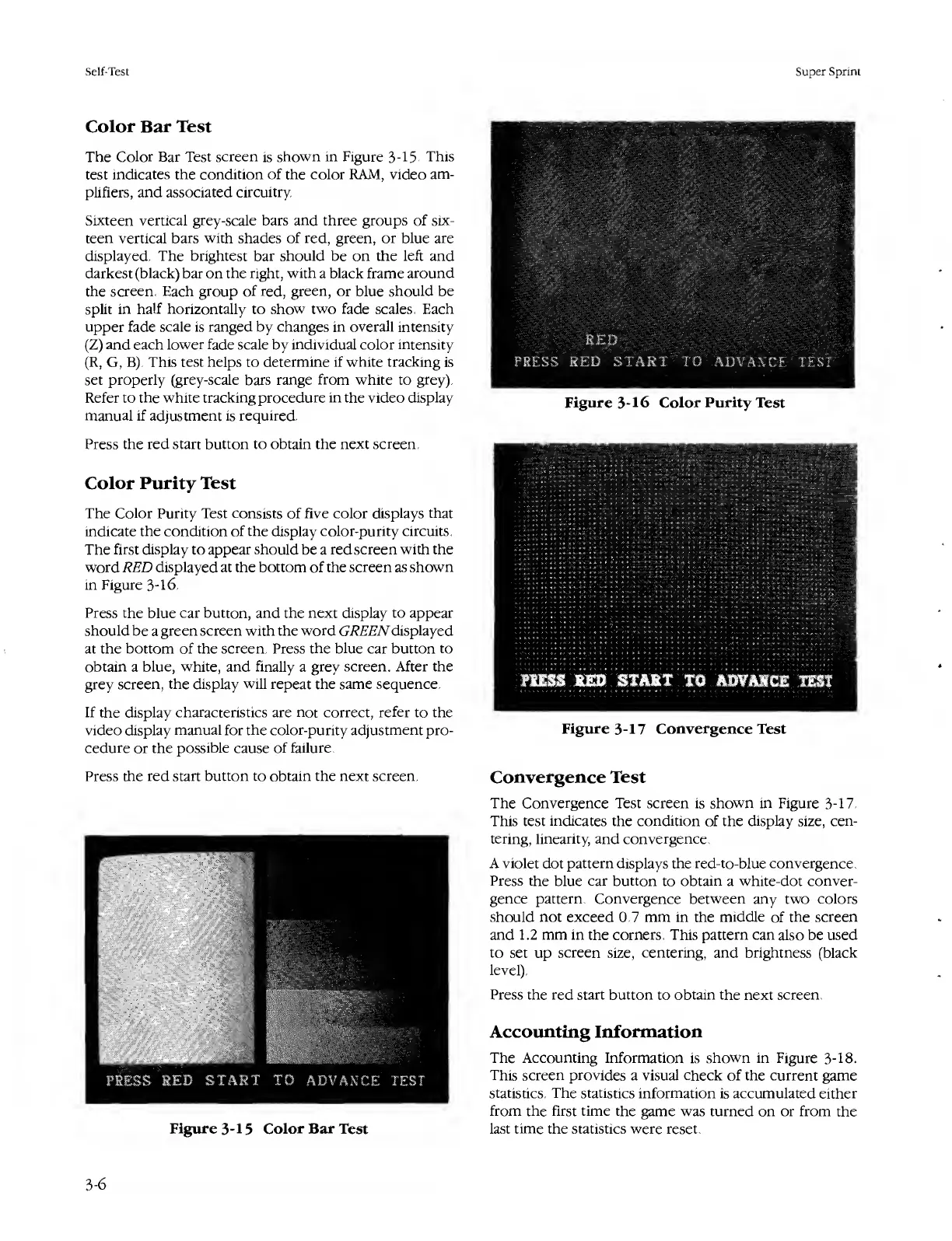
Color
Bar
Test
The
Color
Bar
Test
screen
is
shown
in
Figure
3-15.
This
test
indicates
the
condition
of
the
color
RAM,
video
am¬
plifiers,
and
associated
circuitry.
Sixteen
vertical
grey-scale
bars
and
three
groups
of
six¬
teen
vertical
bars
with
shades
of
red,
green,
or
blue
are
displayed.
The
brightest
bar
should
be
on
the
left
and
darkest
(black)
bar
on
the
right,
with
a
black
frame
around
the
screen.
Each
group
of
red,
green,
or
blue
should
be
split
in
half
horizontally
to
show
two
fade
scales.
Each
upper
fade
scale
is
ranged
by
changes
in
overall
intensity
(Z)
and
each
lower
fade
scale
by
individual
color
intensity
(R,
G,
B).
This
test
helps
to
determine
if
white
tracking
is
set
properly
(grey-scale
bars
range
from
white
to
grey).
Refer
to
the
white
tracking
procedure
in
the
video
display
manual
if
adjustment
is
required.
Press
the
red
start
button
to
obtain
the
next
screen.
Color
Purity
Test
The
Color
Purity
Test
consists
of
five
color
displays
that
indicate
the
condition
of
the
display
color-purity
circuits.
The
first
display
to
appear
should
be
a
red
screen
with
the
word
RED
displayed
at
the
bottom
of
the
screen
as
shown
in
Figure
3-16.
Press
the
blue
car
button,
and
the
next
display
to
appear
should
be
a
green
screen
with
the
word
GREEN
displayed
at
the
bottom
of
the
screen.
Press
the
blue
car
button
to
obtain
a
blue,
white,
and
finally
a
grey
screen.
After
the
grey
screen,
the
display
will
repeat
the
same
sequence.
If
the
display
characteristics
are
not
correct,
refer
to
the
video
display
manual
for
the
color-purity
adjustment
pro¬
cedure
or
the
possible
cause
of
failure.
Press
the
red
start
button
to
obtain
the
next
screen.
Figure
3-15
Color
Bar
Test
Figure
3-16
Color
Purity
Test
Figure
3-17
Convergence
Test
Convergence
Test
The
Convergence
Test
screen
is
shown
in
Figure
3-17.
This
test
indicates
the
condition
of
the
display
size,
cen¬
tering,
linearity,
and
convergence.
A
violet
dot
pattern
displays
the
red-to-blue
convergence.
Press
the
blue
car
button
to
obtain
a
white-dot
conver¬
gence
pattern.
Convergence
between
any
two
colors
should
not
exceed
0.7
mm
in
the
middle
of
the
screen
and
1.2
mm
in
the
corners.
This
pattern
can
also
be
used
to
set
up
screen
size,
centering,
and
brightness
(black
level).
Press
the
red
start
button
to
obtain
the
next
screen.
Accounting
Information
The
Accounting
Information
is
shown
in
Figure
3-18.
This
screen
provides
a
visual
check
of
the
current
game
statistics.
The
statistics
information
is
accumulated
either
from
the
first
time
the
game
was
turned
on
or
from
the
last
time
the
statistics
were
reset.
3-6

Table of Contents

Related product manuals