EasyManua.ls Logo

Atari SUPER SPRINT - Page 7

Atari SUPER SPRINT
80 pages
Print Icon
To Next Page IconTo Next Page
To Previous Page IconTo Previous Page
Loading...
Super
Sprint
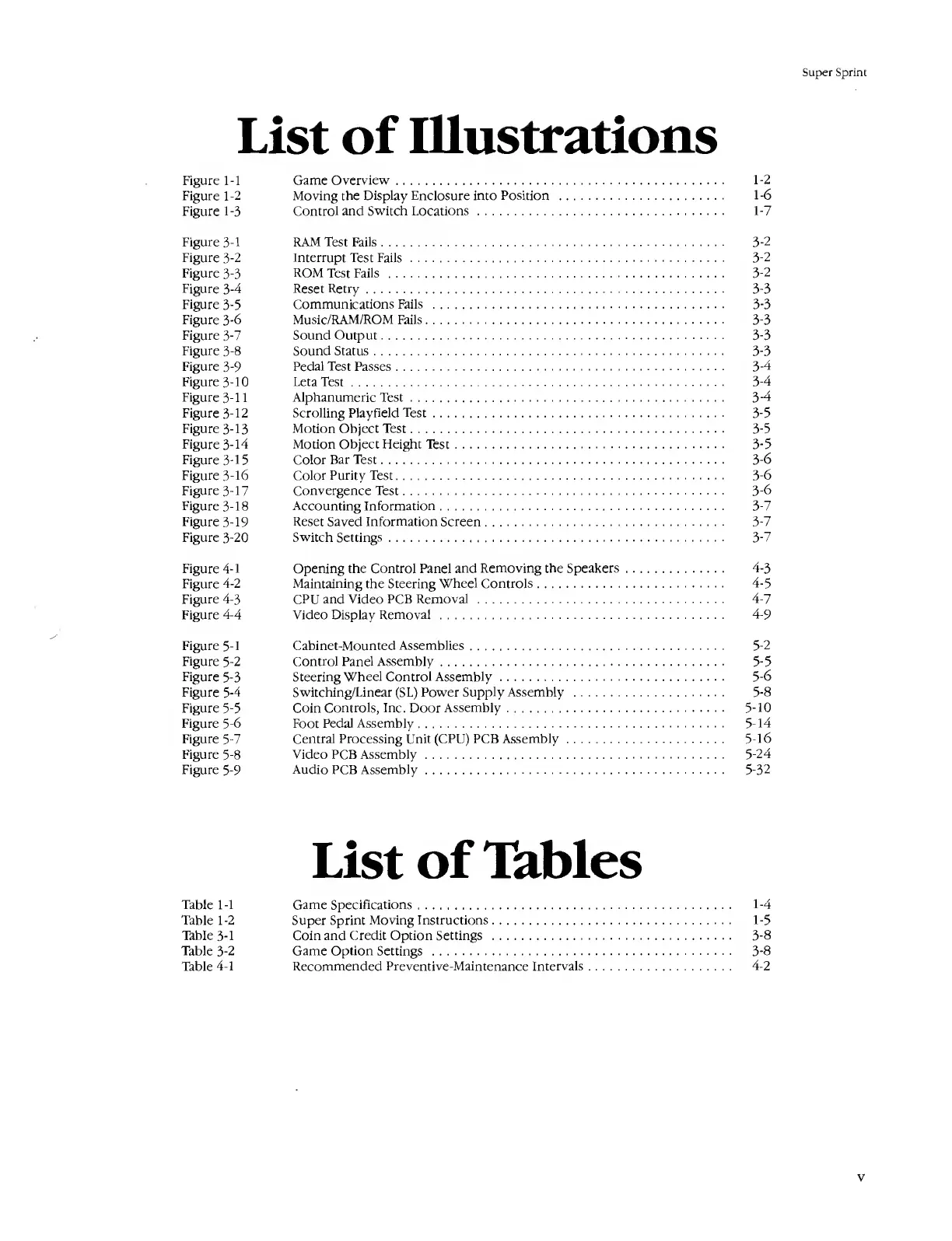
List
of
Illustrations
Figure
1-1
Game
Overview.
1-2
Figure
1-2
Moving
the
Display
Enclosure
into
Position
.
1-6
Figure
1-3
Control
and
Switch
Locations
.
1-7
Figure
3-1
RAM
Test
Fails.
3-2
Figure
3-2
Interrupt
Test
Fails
.
3-2
Figure
3-3
ROM
Test
Fails
.
3-2
Figure
3-4
Reset
Retry.
3-3
Figure
3-5
Communications
Fails
.
3-3
Figure
3-6
Music/RAM/ROM
Fails.
3-3
Figure
3-7
Sound
Output.
3-3
Figure
3-8
Sound
Status.
3-3
Figure
3-9
Pedal
Test
Passes.
3-4
Figure
3-10
LetaTest.
3-4
Figure
3-11
Alphanumeric
Test.
3-4
Figure
3-12
Scrolling
Playfield
Test.
3-5
Figure
3-13
Motion
Object
Test.
3-5
Figure
3-14
Motion
Object
Height
Test.
3-5
Figure
3-15
Color
Bar
Test.
3-6
Figure
3-16
Color
Purity
Test.
3-6
Figure
3-17
Convergence
Test.
3-6
Figure
3-18
Accounting
Information.
3-7
Figure
3-19
Reset
Saved
Information
Screen.
3-7
Figure
3-20
Switch
Settings.
3-7
Figure
4-1
Opening
the
Control
Panel
and
Removing
the
Speakers.
4-3
Figure
4-2
Maintaining
the
Steering
Wheel
Controls.
4-5
Figure
4-3
CPU
and
Video
PCB
Removal
.
4-7
Figure
4-4
Video
Display
Removal
.
4-9
Figure
5-1
Cabinet-Mounted
Assemblies.
5-2
Figure
5-2
Control
Panel
Assembly.
5-5
Figure
5-3
Steering
Wheel
Control
Assembly.
5-6
Figure
5-4
Switching/Linear
(SL)
Power
Supply
Assembly
.
5-8
Figure
5-5
Coin
Controls,
Inc.
Door
Assembly.
5-10
Figure
5-6
Foot
Pedal
Assembly.
5-14
Figure
5-7
Central
Processing
Unit
(CPU)
PCB
Assembly.
5-16
Figure
5-8
Video
PCB
Assembly.
5-24
Figure
5-9
Audio
PCB
Assembly.
5-32
List
of
Tables
Table
1-1
Game
Specifications.
1-4
Table
1
-2
Super
Sprint
Moving
Instructions.
1-5
Table
3-1
Coin
and
Credit
Option
Settings
.
3-8
Table
3-2
Game
Option
Settings
.
3-8
Table
4-1
Recommended
Preventive-Maintenance
Intervals.
4-2
v

Table of Contents

Related product manuals