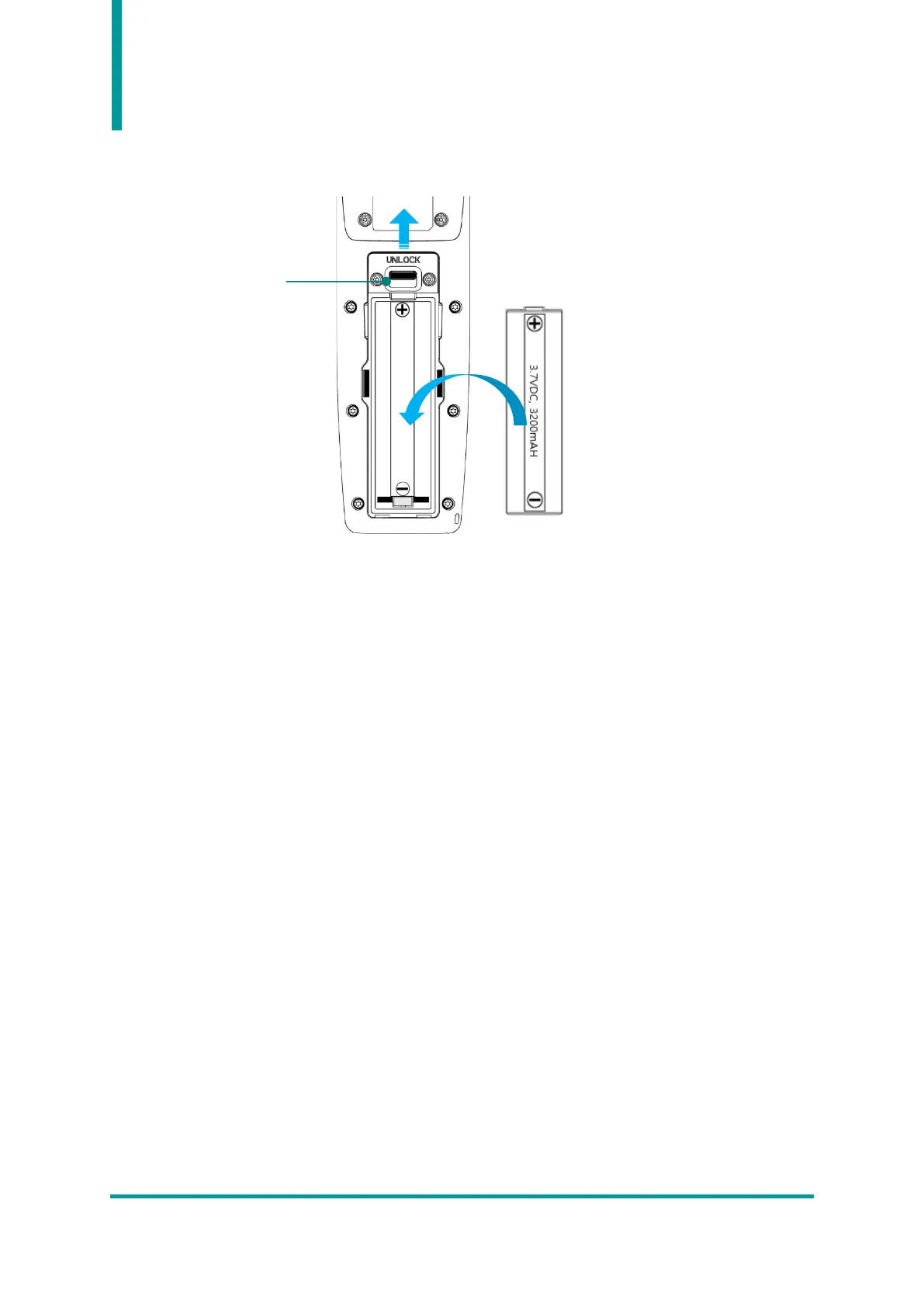
3. Battery Replacement
1) Push up the battery lock on the back of the product to the UNLOCK position.
2) Remove the battery cover.
3) Remove the installed battery and insert a new battery into the battery slot with the + and -
polarities aligned.
4) After assembling the battery cover again, move the battery LOCK to the LOCK position to fix the
battery so that it does not come off.



 To Next Page