Switch Host Communication Mode
1) Select the required mode with the product powered on.
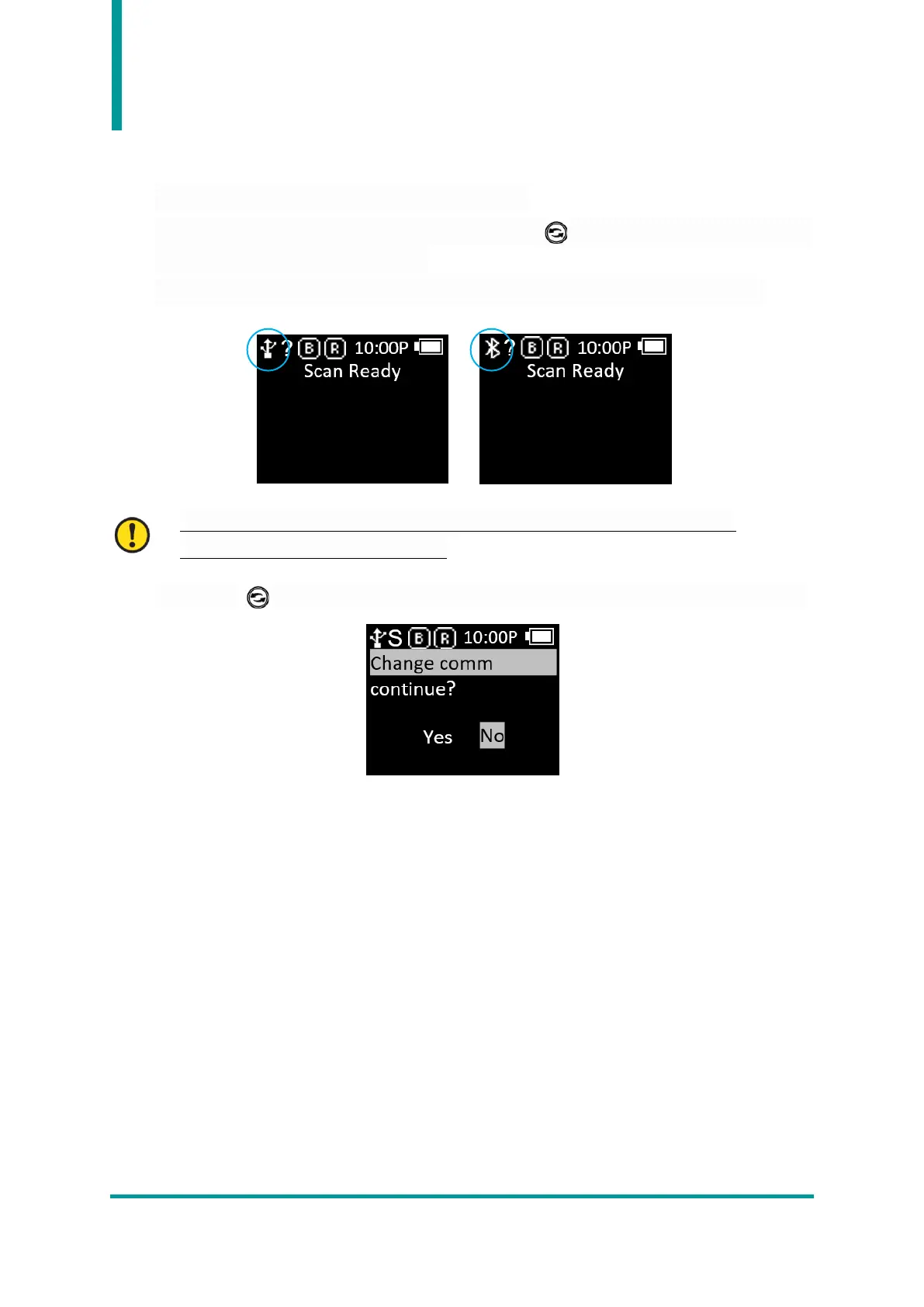
2) With the ‘Scan Ready’ message displayed, each time the Button is pressed, it switches to the
order ‘USB Mode’ and ‘Bluetooth Mode’.
3) When the mode is switched, the icon on the status display displays the currently set mode.
• The ‘?’ sign changes to ‘H’, ‘S’, and ‘L’ when connected to the actual parent device.
• Refer to page 15 for ‘H, S, and L status’.
4) Pressing the Button while connected to the Host will prompt user to switch communication.



 To Next Page