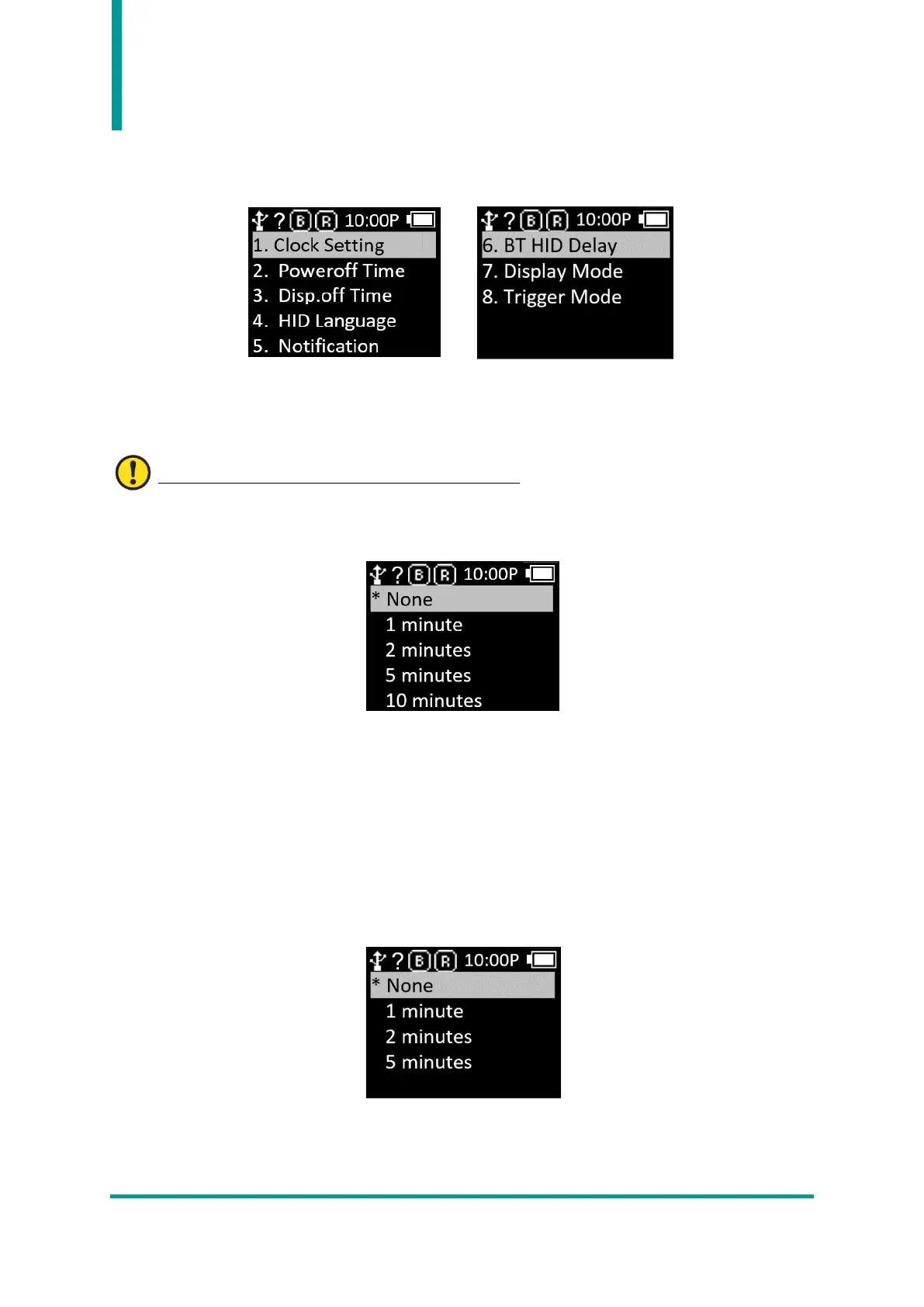
6. System Setup
Set the time, buzzer, vibrator, display, etc. options of AT388.
1) Clock Setting : This is a menu to set the current time of AT388. The specified time can be used with
Barcode Label Data.
Please set the time regularly as time errors can occur.
2) Poweroff Time : User can set the time to automatically turn off the power when not in use.
• User can select the time from 1 minute, 2 minutes, 5 minutes, 10 minutes, 30 minutes, 60 minutes,
120 minutes and None.
• After the display is turned off, the device automatically turns off after a specified period of time.
• ‘*’ is displayed in front of the currently set time.
3) Disp.off Time : To save battery, user can set a time to turn off the display among 1 minute, 3
minutes, 5 minutes, or None, and the display will automatically turn off according to the specified
time.



 To Next Page