Power ON, OFF
1. Power ON
1) Press and hold the button for about 2 seconds.
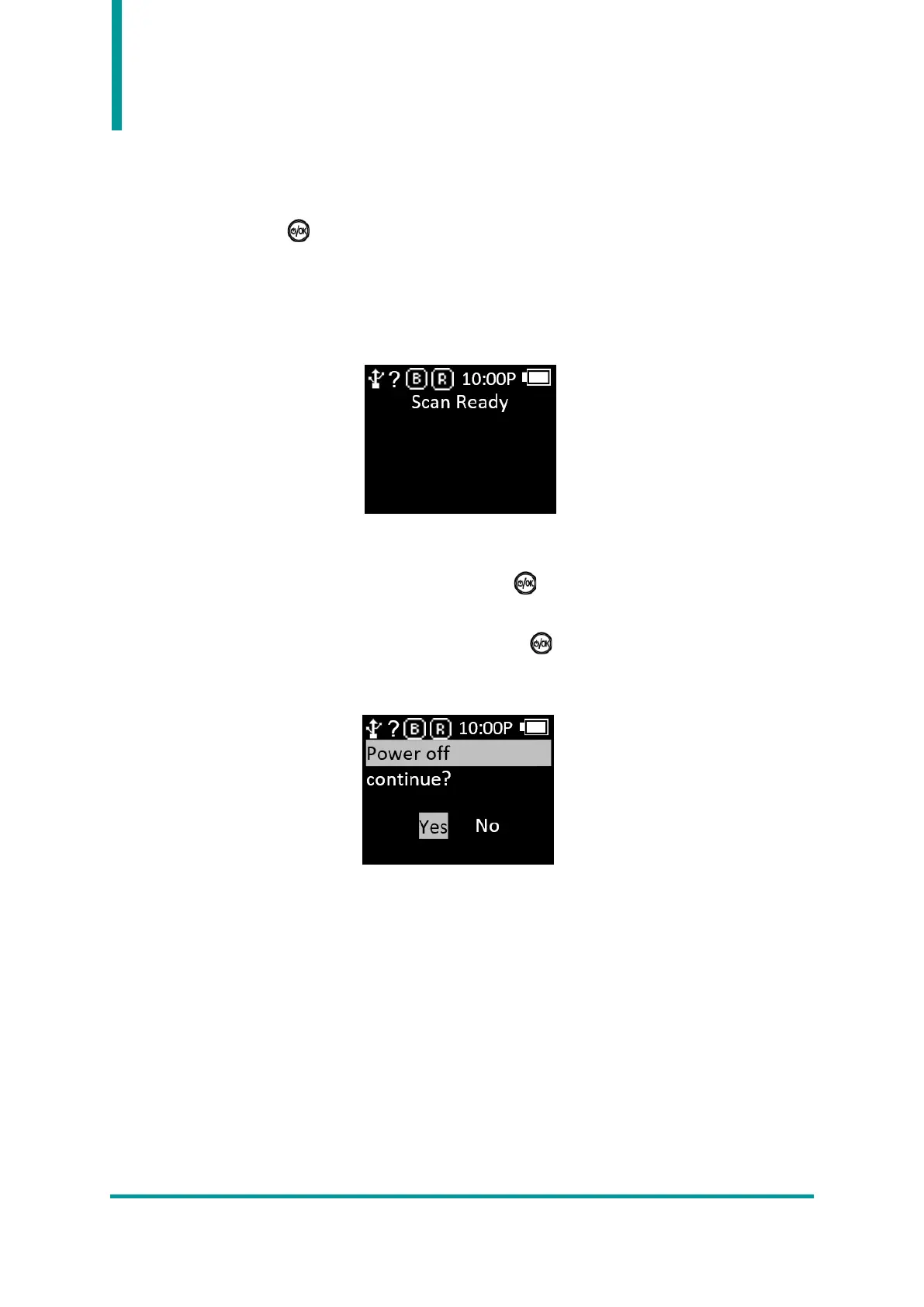
2) After ‘Booting.…’ message is displayed on the screen, the scan screen is displayed after a while.
3) After ‘Scan Ready’ message is displayed on the screen, user can start to read Barcode data or RFID
Tag data.
2. Power OFF
1) After the AT388 boots normally, press and hold the Button for about 2 seconds to display a
message to confirm whether the power is off.
2) Select ‘YES’ using ‘◀ button’ or ‘▶ button’ and press Button to turn off the power.
3) Select ‘No’ to return to the previous operation mode.



 To Next Page