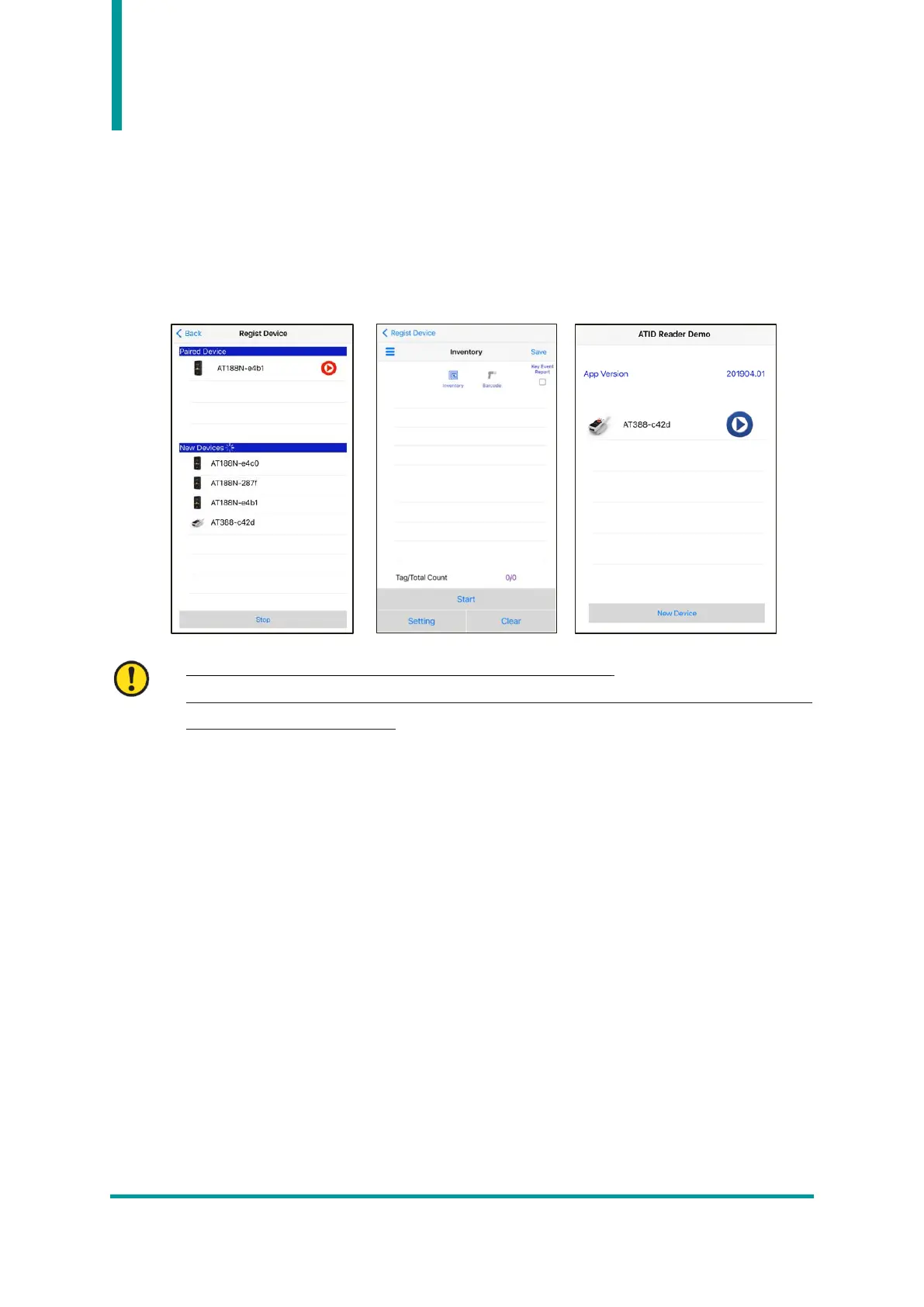
Using the iOS Host Demo Application
1) In order to transmit/receive data to/from the AT388 with the iOS platform device, select ‘3. Comm
& Mode’ → ’1. BTH Protocol’ must be set to ‘BTH BLE’, and ‘3. Comm & Mode’ → ’3. Com
mode’ must be set to ‘Interactive-BTH’.
2) User can download the demo app through the ‘App Store’.
• The demo application is available from iOS version 10.2 or later.
• For details on how to use the demo app, refer to the ‘ATID Reader Demo Guide for iOS’
document included in the SDK.



 To Next Page