Scan Setting Mode
The Scan Setting mode allows the menu to enter the Scan Mode by pressing the ‘◀ button’ for 2
seconds. There are a total of five menus, and each item is as follows.
1. View Data
The ability to check data stored in internal memory in batch processing mode. User can check the
following or previous items with the ‘◀ button’ or the ‘▶ button’.
2. Upload Data
In batch processing mode, data stored in internal storage is transferred to USB, Bluetooth
communication ports on the host device.
3. Erase Data
This function completely deletes the data stored in the internal storage. Data once erased cannot be
recovered.
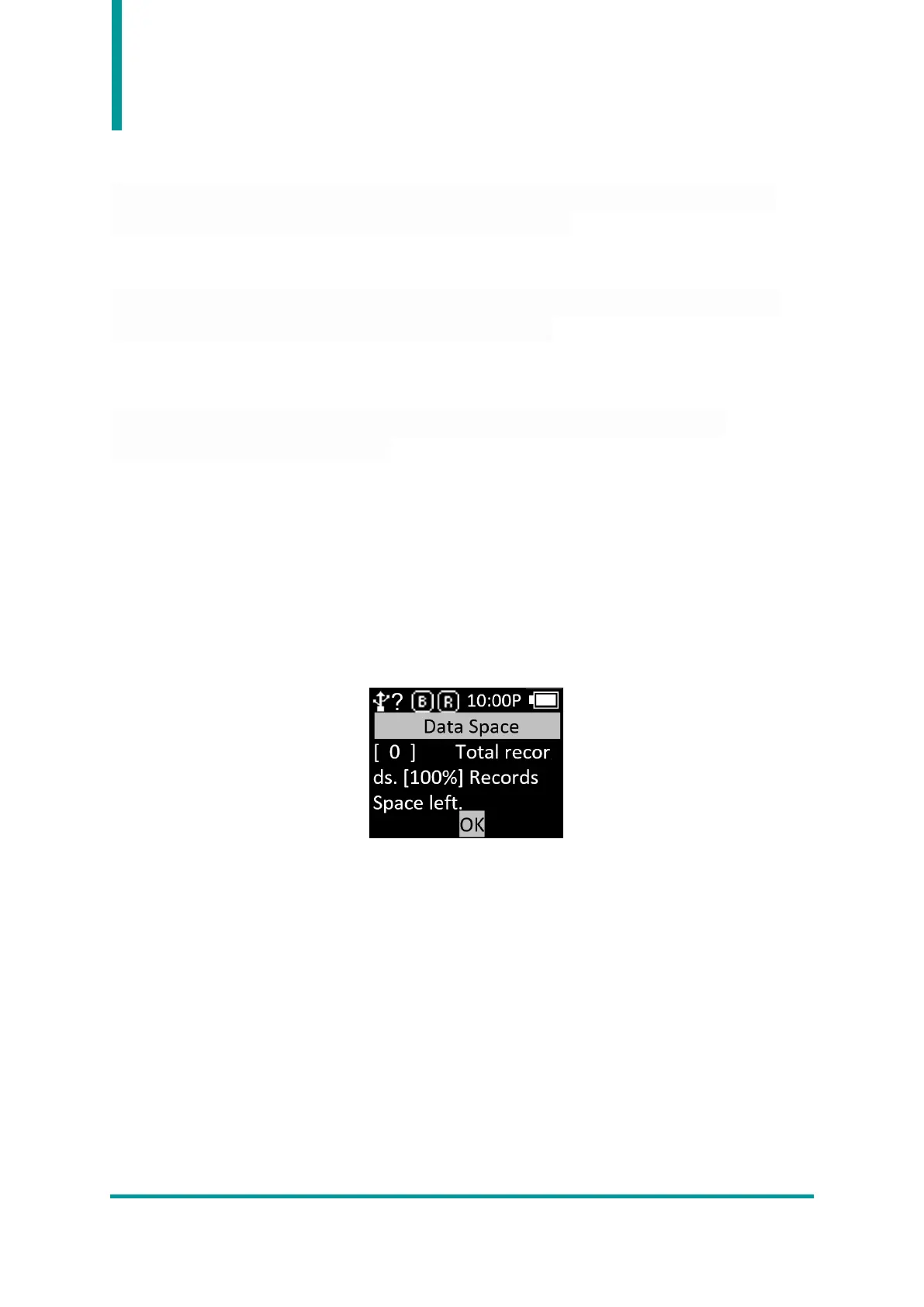
4. Data Space
This is a function to check the usage of internal storage.



 To Next Page