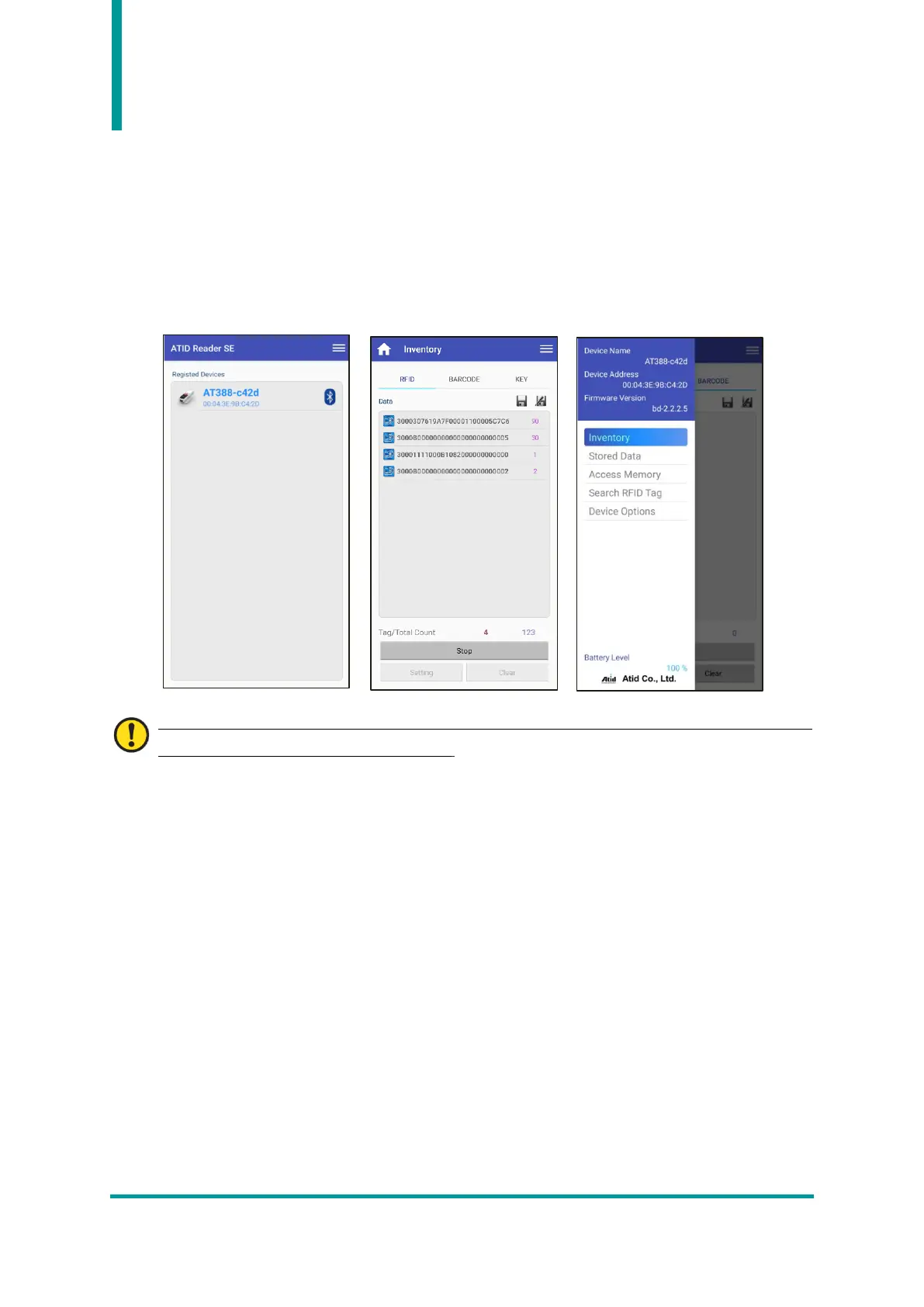
Using the Android Demo Application
1) In order to transmit/receive data to/from the AT388 with the Android platform device, select ‘3.
Comm & Mode’ → ’1. BTH Protocol’ should be set to ‘BTH SPP’, and ‘3. Comm & Mode’ → ’3.
Com mode’ must be set to ‘Interactive-BTH’.
2) User can download the demo app through ‘Google App Store’ or install it on the host device by
using the installation file included in the SDK.
For details on how to use the Android demo application, refer to the ‘ATID Reader Demo Guide
for Andorid’ document included in the SDK.



 To Next Page