Barcode, RFID Tag Data Capture
1. Barcode Data Capture
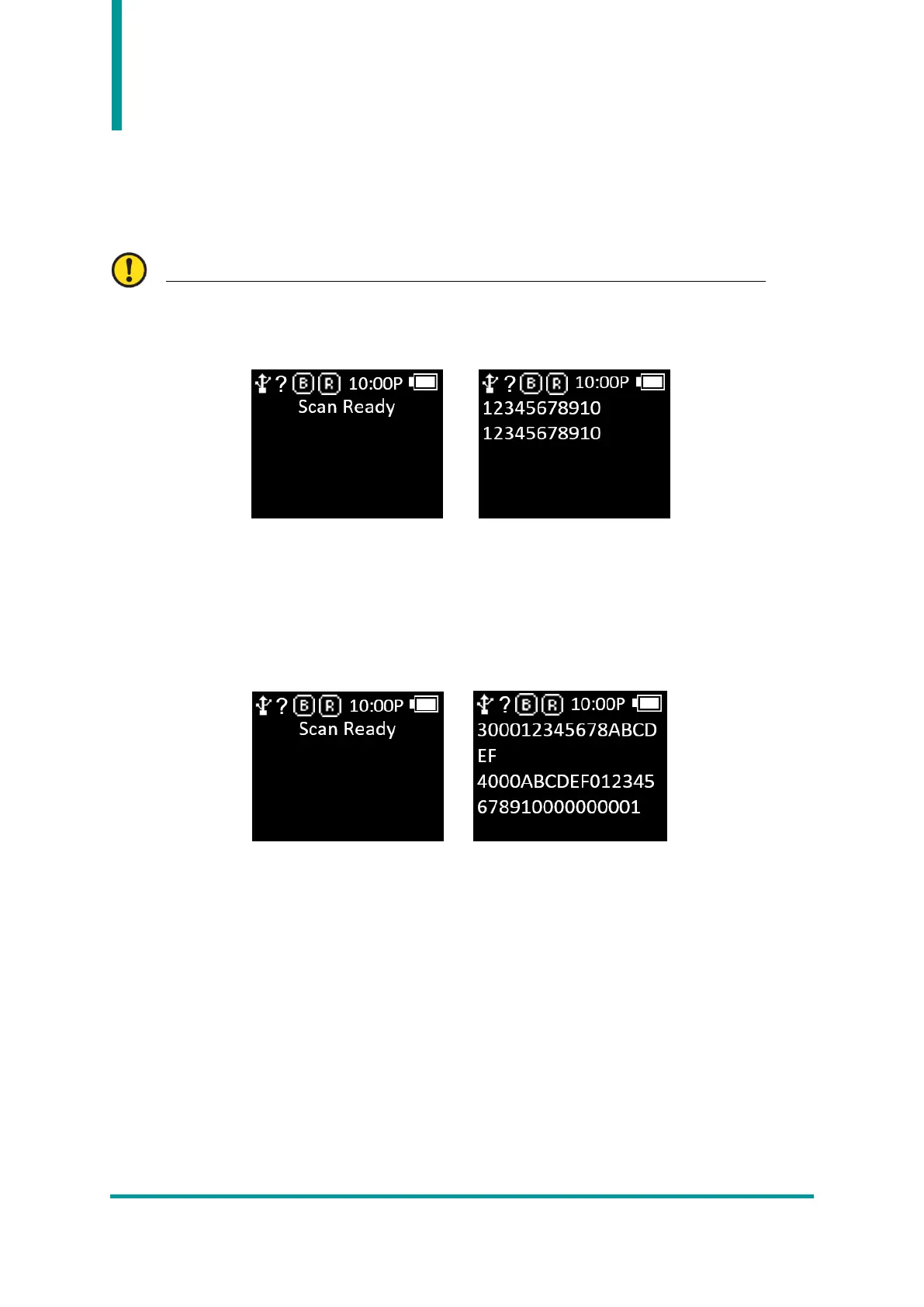
1) Select the mode to use while the product is powered on.
For details on the mode, refer to the ‘OP Mode’ item in the ‘Device Setting Mode’ menu.
2) When the ‘Scan Ready’ message is displayed, user can capture the Barcode Data by pressing the
‘Barcode Scan’ Button.
2. RFID Tag Data Capture
1) Select the mode to use while the product is powered on.
2) When the ‘Scan Ready’ message is displayed, user can capture the RFID Tag Data by pressing the
‘RFID Scan’ Button.



 To Next Page