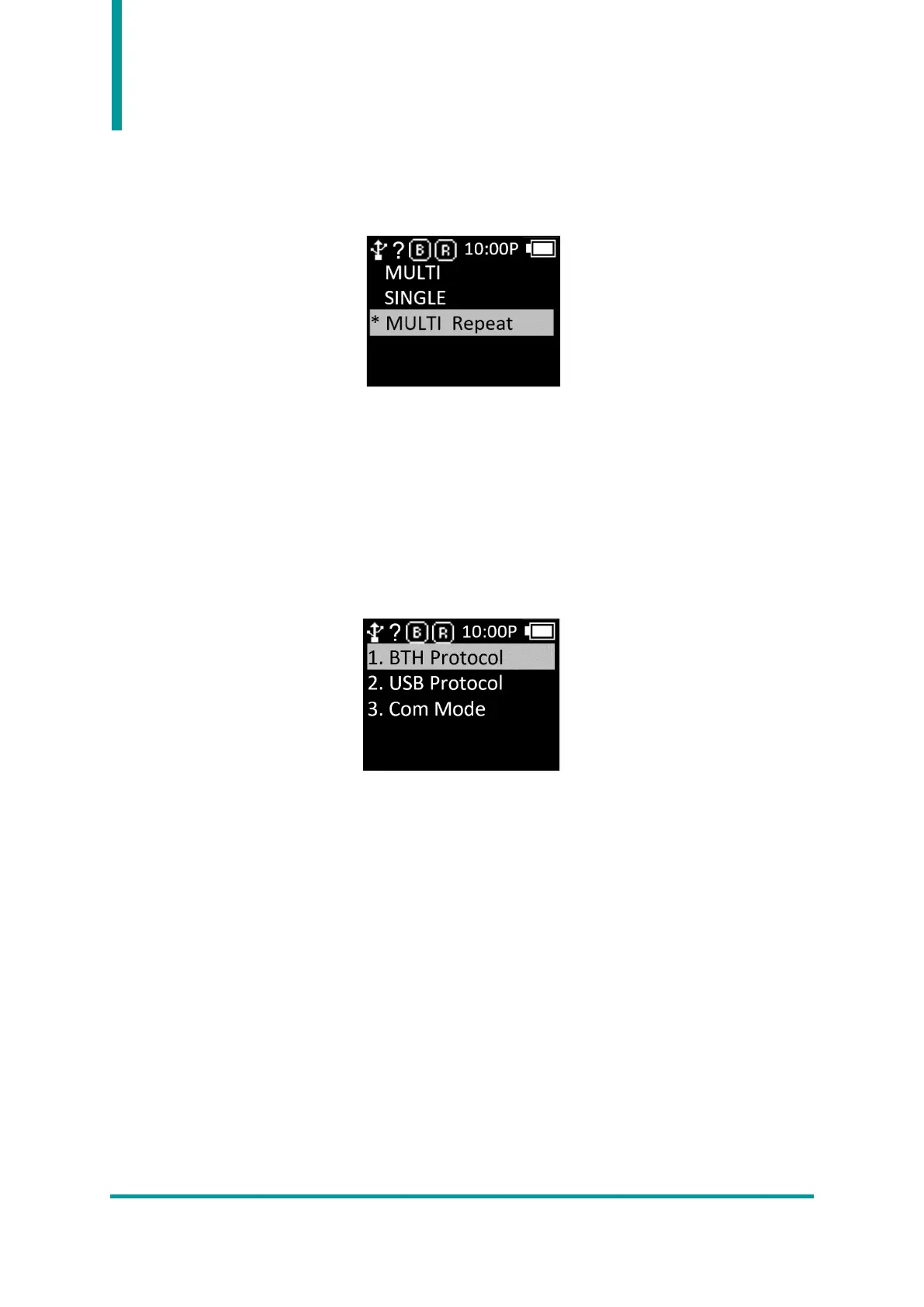
2) Report Mode
Set the Report Mode of RFID. It sets the way to process the read data. User can set whether to
operate continuously or whether to double check.
• MULTI : Captures all surrounding tags, but recognizes the same tag only once.
• SINGLE : Stops operation when one RFID tag is recognized.
• MULTI Repeat : Recognizes all nearby RFID tags and duplicates even the same RFID tag.
3. Comm & Mode
AT388 can be connected to the host device through Bluetooth or USB. User can make detailed
connection settings in this menu.
1) BTH Protocol : This is the communication protocol to use when connecting with the host device
via Bluetooth.
• BTH HID : Connected through the HID (Human Interface Device), and input data to be
transmitted at the cursor location according to the input through the keyboard. Users should
pay attention to using this mode because the actual read data may be displayed differently
depending on the data at the cursor location and the keyboard language setting of the Host.
• BTH SPP : It is connected through the Bluetooth Classic SPP (Serial Port Profile) to host device.
In order to utilize the data transmitted from the host, a separate program should be developed
referring to the SDK provided by ATID.
• BTH BLE : It is connected through Bluetooth Low Energy Serial Profile to host device. In order
to utilize the data transmitted from the host, a separate program should be developed referring
to the SDK provided by ATID.



 To Next Page