Using Batch Processing Mode
If AT388 is set to ‘Batch Processing Mode’, data can be saved in the internal storage of the device without
connecting to the host. The stored data can be transmitted to the host device through USB or Bluetooth
communication.
1. Data Transmission Method Setting
1) Enter ‘Device Setting Mode’.
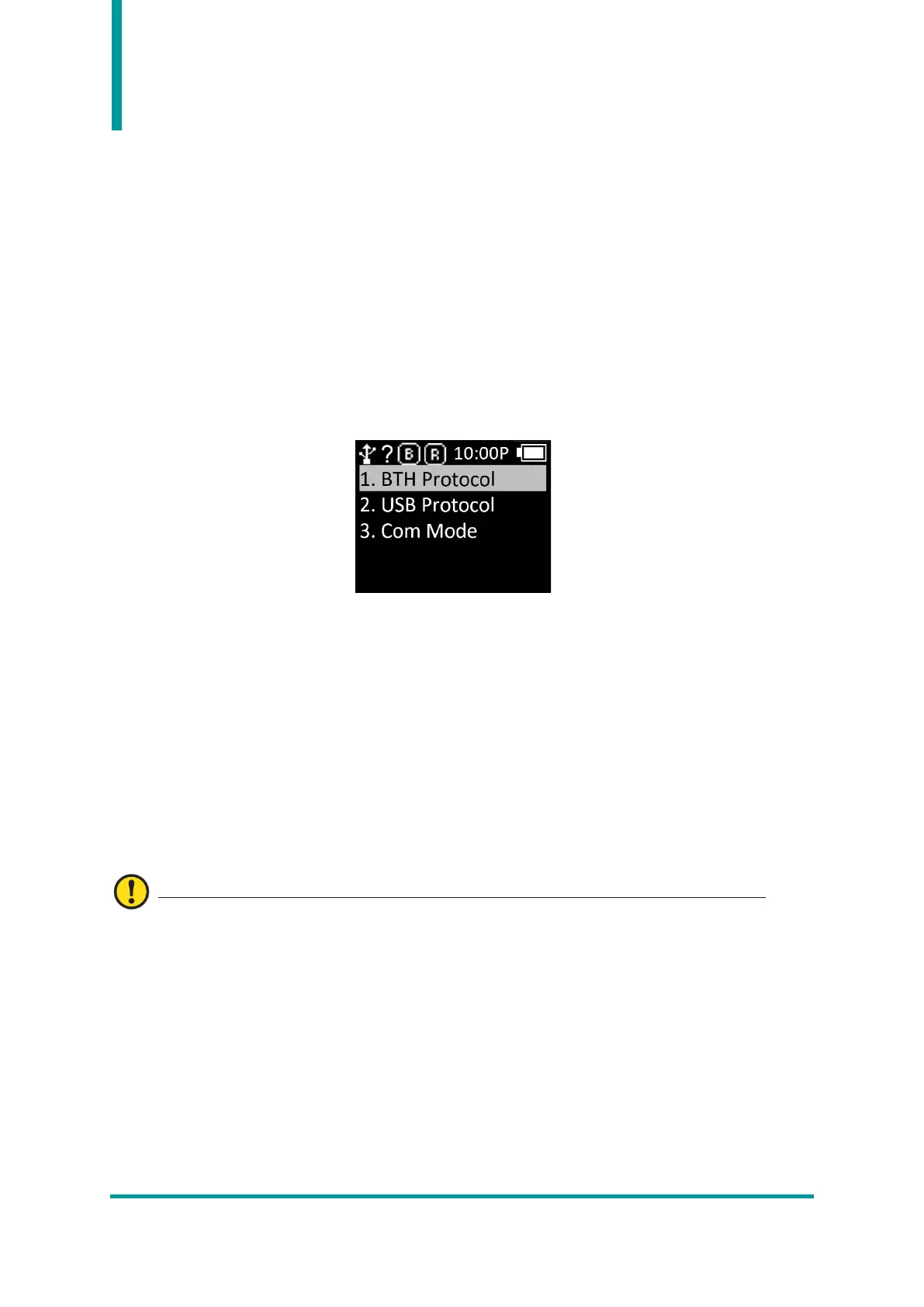
2) Enter ‘3. Comm & Mode’ Menu.
3) Depending on the interface to be used for data transmission, set ‘1. BTH Protocol’ or ‘2. Set
the transmission method of 'USB Protocol'.
• BTH Protocol : Select Bluetooth that is the data transmission method to transmit the data
stored in the Host.
- BTH HID : Transmits data to the Host as ‘HID’ method through Bluetooth.
- BTH SPP : Transmits data to the Host as ‘SPP’ method through Bluetooth. In this case,
data transmission is possible only when there is a program that is capable of COM Port
communication in the Host.
- BTH BLE : Direct data transmission to the host is not possible through ‘BLE’.
If data transmission via BLE is required, transmission is only possible using the Demo App.
• USB Protocol : Select USB Interface that is the data transmission method to transmit the
data stored in the Host.
- USB HID : Transmits data to the Host as ‘HID’ method through USB Interface.
- USB VCP : It is transmitted stored data to the host by serial communication method
through the USB interface. In this case, data transmission is possible only if there is a
program capable of COM port communication in the host.
4) Enter the ‘3. Com Mode’ menu and select ‘Batch-BTH’ or ‘Batch-USB’ depending on the
interface to be used for data transmission.



 To Next Page