breaks.
- If input ‘OK’ after the transmission is complete, the connection with the host is
disconnected and return to the ‘Scan Setting Mode’ menu.
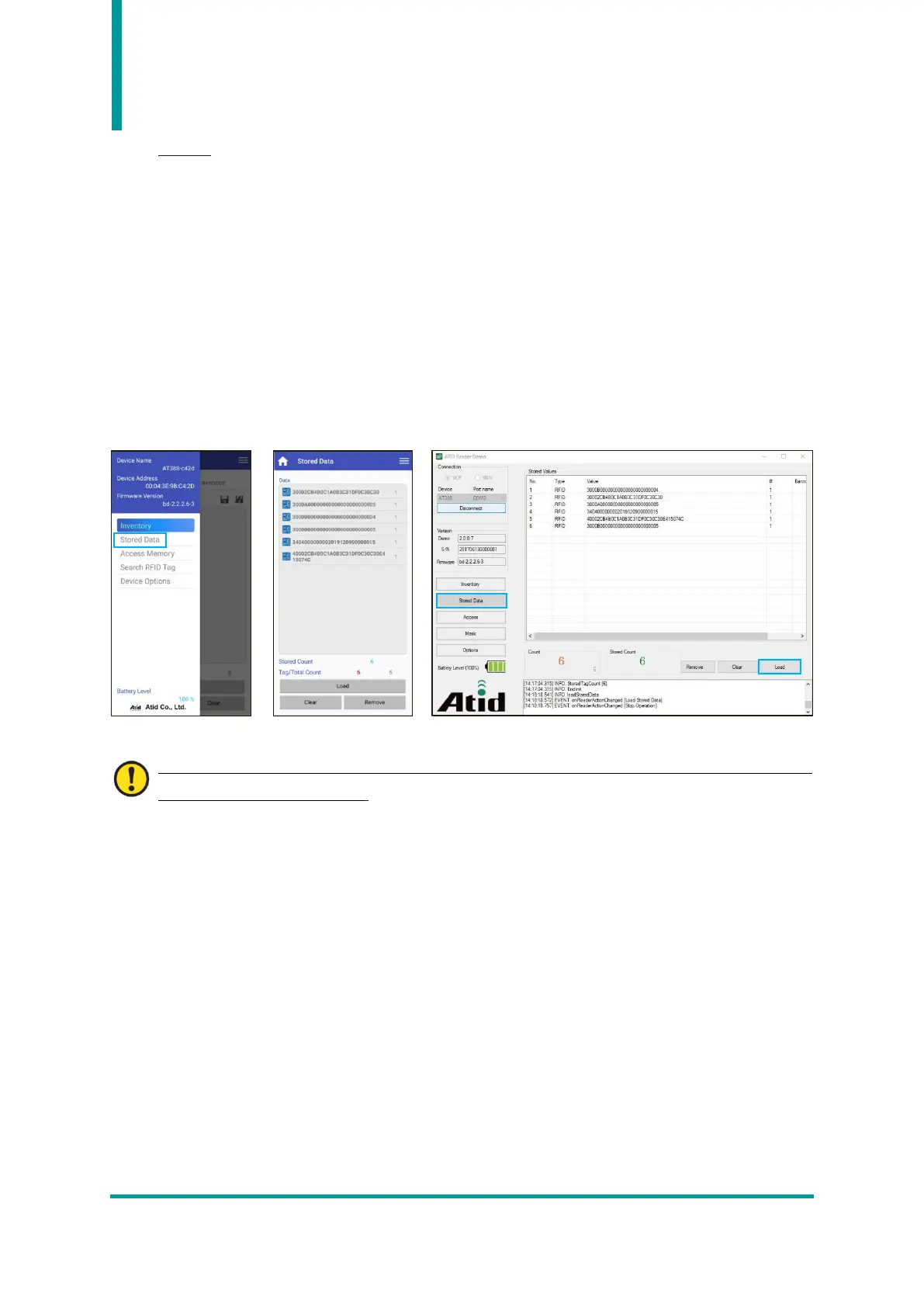
3) Transmission Stored Data using Demo App
- Set the device ‘3. ‘3. Set the Com Mode’ to ‘Batch-BT’ or ‘Batch-USB’ to collect data.
- When data collection is complete, set ‘3. Com Mode’ to ‘Interactive-BTH’ or ‘Interactive-
USB’ and, depending on the Host connection interface, set ‘BTH Protocol’ to ‘BTH SPP’
and ‘USB Protocol’ to ‘USB VCP’.
- Connect the Demo App and click the ‘Stored Data’ menu. If user press the ‘Load’ button
in the ‘Stored Data’ menu, the saved data is transferred to the Demo App.
For details on how to use the Android demo application, refer to the ‘ATID Reader Demo Guide’
document included in the SDK.



 To Next Page