- 66 -
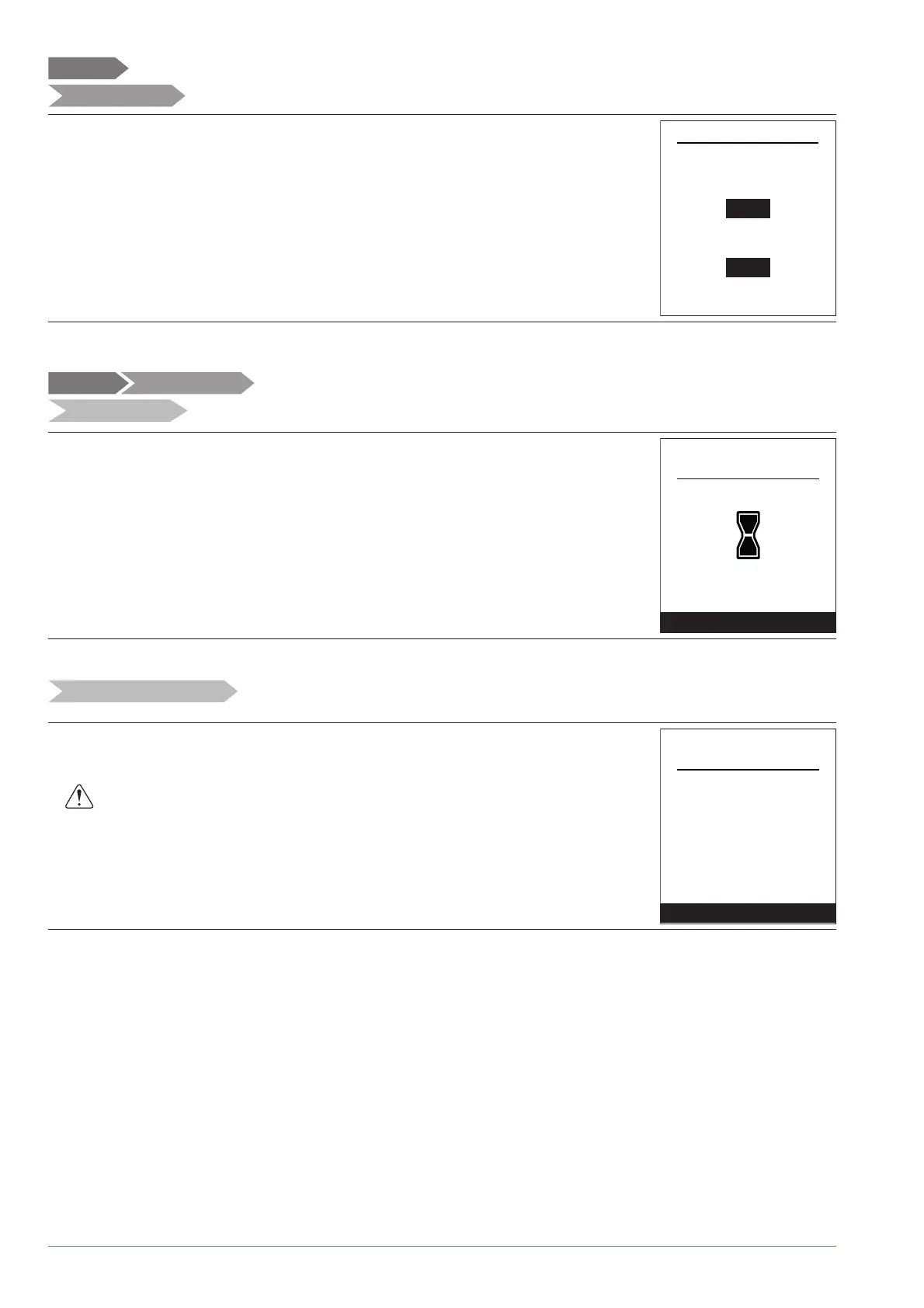
You can customise the zone names from the menu:
"Settings" > "Areas name".
Available names: "Area 1" / "Area 2" / "Day area" / "Night area" / "1st fl oor" / "Lounge"
/ "G. fl oor" / "Bedroom" / "Floor" / "Radiator".
Settings
Circuits name
Rename Zone 1 in
Rename Zone 2 in
Area 1
Area 2
Areas name
Settings
Connectivities
Connection
Reset connections
Settings
To connect a room sensor, go to the menu:
"Settings" > "Connectivities" > "Connection".
The appliance waits for pairing for 10 minutes.
See the room sensor's installation instructions.
The "Connection" menu is no longer accessible if a sensor has already paired.
Connection
Quit
Settings
Connectivities
All pairings are re-initialised annually.
Select "Re-set" in the menu:
"Settings" > "Connections" > "Re-set Connections".
Reset connectivities
Reset
Quit
Warning! The equipment will be
removed from the system.
Settings
Connections
Alfea Extensa A.I. R32 / INSTALLATION / 2114 - EN




 To Next Page