14
February 2006
Harmony™ Operating Manual
BUTTON PANEL LAYOUTS
Standard Button Panel Layout
This layout is used for games that do not feature
Bet
Step Functionality
or
Win Two Ways
.
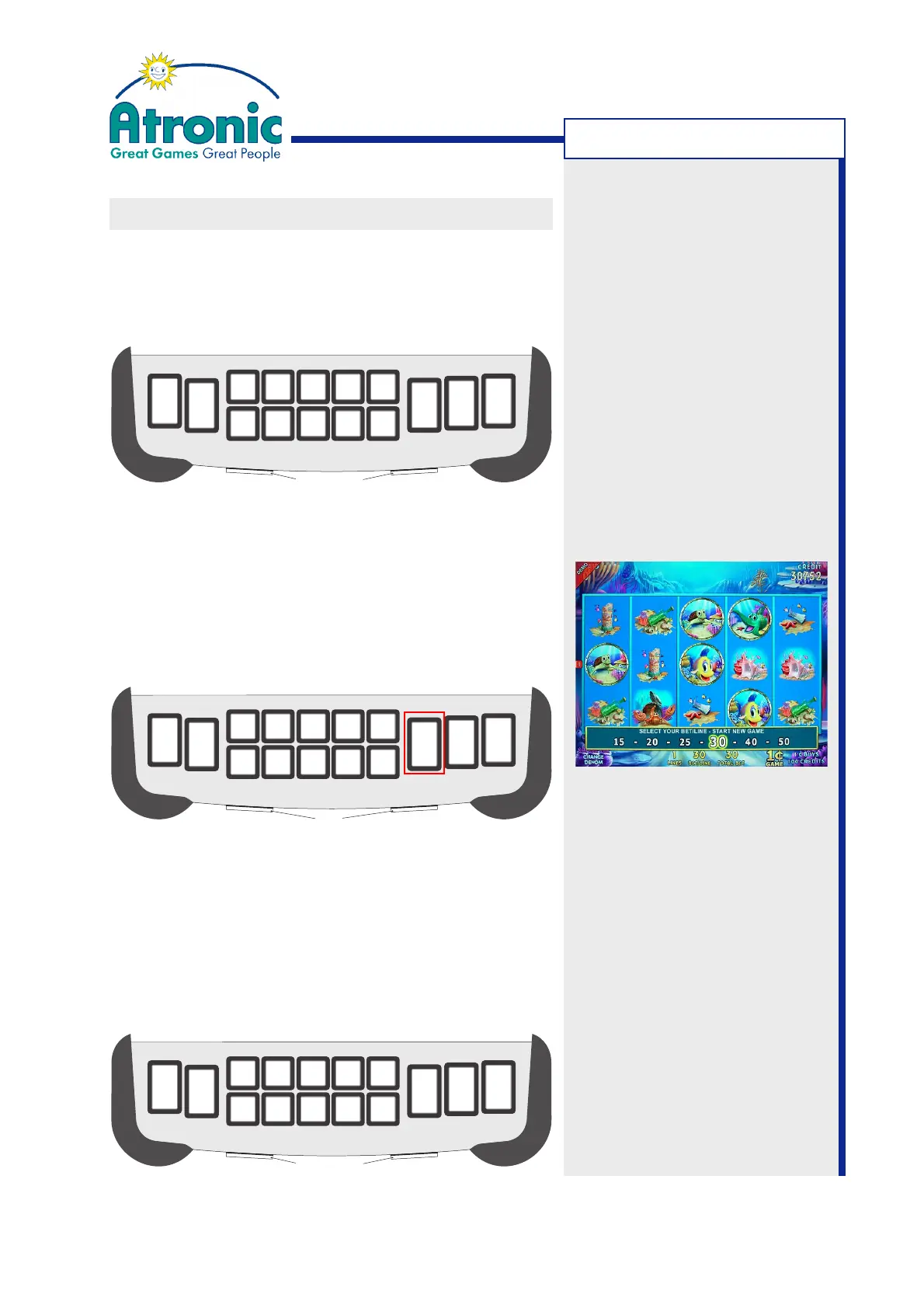
Bet Step Functionality for High Bet Paytables
Configurations using a high bet paytable provide
additional bet/line settings. These high bet settings
(>10 credits per line) are selectable by pressing the
BET XX - XX CREDITS PER LINE button. A bet step
screen is displayed allowing to step through the
settings. Press the SPIN button to start the game.
Win One Way / Win Two Ways
When playing
win one way
a winning combination must
start at the left most reel. When playing
win two
ways
a winning combination can start either on the
left most or on the right most reel (except 5 of a
kind). Selecting
win two ways
doubles the wager.
AUTO
PLAY
SEE
PAYS
PLAY
LINE
1
PLAY
LINES
5
PLAY
LINES
9
PLAY
LINES
15
PLAY
LINES
CREDIT
PER LINE
BET 1
CREDITS
PER LINE
BET 2
CREDITS
PER LINE
BET 3
CREDITS
PER LINE
BET 5
CREDITS
PER LINE
BET 10
G
A
M
B
L
E
21
CREDITS
PER LINE
BET
15-50
SPIN
SPIN
AUTO
PLAY
SEE
PAYS
PLAY
LINE
1
PLAY
LINES
5
PLAY
LINES
9
PLAY
LINES
15
PLAY
LINES
CREDIT
PER LINE
BET 1
CREDITS
PER LINE
BET 2
CREDITS
PER LINE
BET 3
CREDITS
PER LINE
BET 5
CREDITS
PER LINE
BET 10
REPEAT
THE
BET
REPEAT THE BET
21
WIN
TWO
WAYS
WIN
ONE
WAY
AUTO
PLAY
SEE
PAYS
PLAY
LINE
1
PLAY
LINES
5
PLAY
LINES
9
PLAY
LINES
15
PLAY
LINES
210
CREDIT
PER LINE
BET 1
CREDITS
PER LINE
BET 2
CREDITS
PER LINE
BET 3
CREDITS
PER LINE
BET 5
CREDITS
PER LINE
BET 10
MAX BET
CREDITS
G
A
M
B
L
E
REPEAT
THE
BET
REPEAT THE BET
21
Note:
Selectable pay direction is only
available with particular game
titels. Please refer to the game
description that came with the
game.
Bet step screen
GAMEPLAY



 To Next Page