34
February 2006
Harmony™ Operating Manual
CLEARING COIN IN JAM
To clear a coin jam in the coin-in assembly, follow these
steps.
1. Open the maindoor and power down the machine.
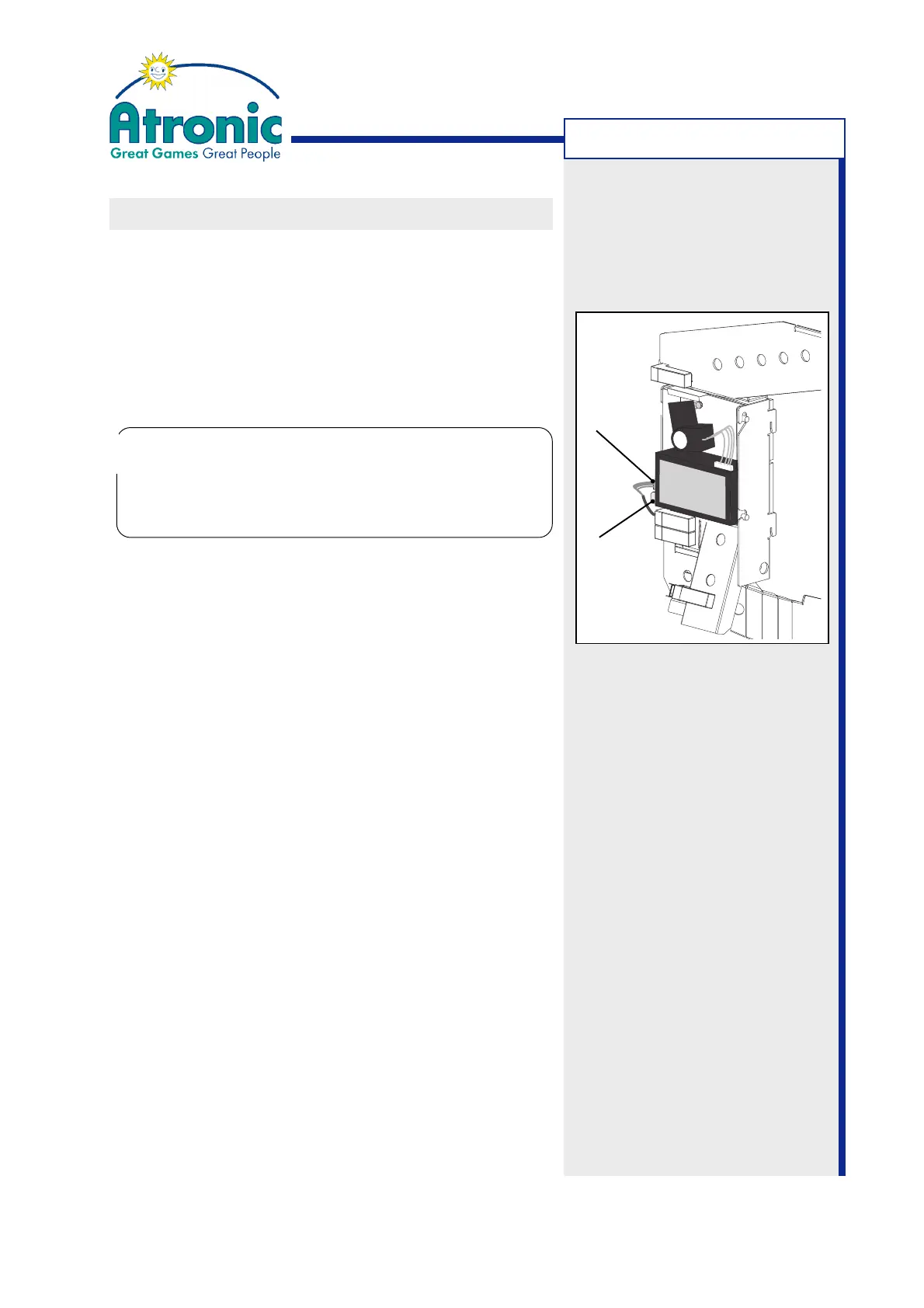
2. Gently bend the spring clip to the left until it re-
leases the coin acceptor.
3. Carefully unplug the coin acceptor.
4. Take the coin acceptor out.
5. Carefully remove coins that may have jammed insi-
de the coin acceptor.
6. (MC16 coin comparitors only)
Check the sample coin for proper seating.
7. Check the coin chutes for jammed coins and/or de-
bris and clear them, if needed.
8. Re-install coin acceptor and plug in the connector.
9. Turn machine power on and close and lock the ma-
indoor.
10.(Optional)
Check coin handling with "Service Menu / Diagno-
stics / Coin Acceptor / Coin Diverter Test" and "Op-
tic Test".
TROUBLESHOOTING
Do not unplug by pulling the attached cables.
Do not unplug the coin acceptor while it is acti-
ve (lit green LED at MC-16). This may cause per-
manent damage to the coin acceptor!
!
!
Spring
Clip
Connector



 To Next Page