31
February 2006
Harmony™ Operating Manual
CLEARING STATUS- AND ERROR MESSAGES
Occasionally, machines encounter a problem that
forces the machine into a machine lock (tilt) that has
to be cleared. Also some on-screen messages require
to be confirmed by an attendant.
For example: If the logic box was open, the message
LOGIC BOX OPEN must be cleared manually after
the logic box has been closed.
Follow these steps to clear most error and status
messages.
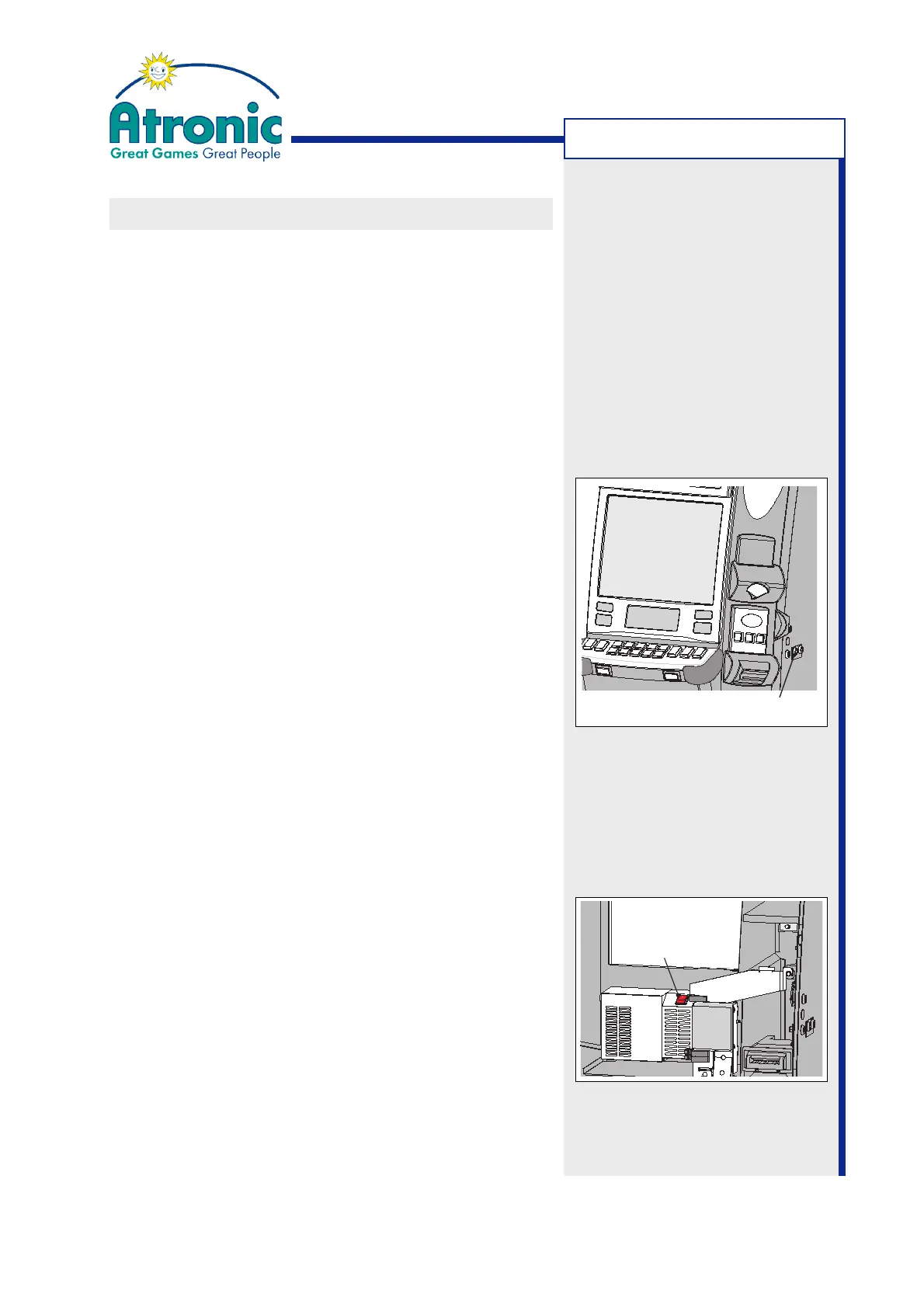
Clearing a Message with the Audit Key
1. Make a note of the onscreen information, type of
error, game state, credit meter, etc..
2. Activate the Audit Menu, by turning the audit key.
3. Release the audit key to exit the Audit Menu. The
error/status message should expire.
4. Verify the information that was noted before acti-
vating the Audit Menu.
Troubleshooting with a Power Cycle
In case of a machine freeze or in case of an peripheral
error (e.g. bill acceptor) a power cycle may help.
1. Make a note of the onscreen information, type of
error, game state, credit meter, etc..
2. Open the maindoor and power down the machine.
3. Wait at least 10 seconds (until the machine is
free of any voltage)
4. Turn machine power on. Do not close the maindoor
to prevent the machine from entering game mode.
5. Enter "Service Menu / Diagnostics" to check for
defective machine components.
TROUBLESHOOTING
Audit Key Switch
Power Switch



 To Next Page