22
February 2006
Harmony™ Operating Manual
REMOTE KEY IN / KEY CREDITS
The remote key in function enables an attendant to
add or clear money to/from the credit meter by using
the jackpot key.
• Remote key in function has to be enabled/disabled
during Initial Setup on page ADDITIONAL JACK-
POT KEY FUNCTIONALITY.
• Remote key in mode is not available while the ma-
chine is locked during handpay or jackpot.
• Remote key bookkeepings are available in "Audit
Menu / History / Accounting / Accounting Informa-
tion / Key In" + "Key Out".
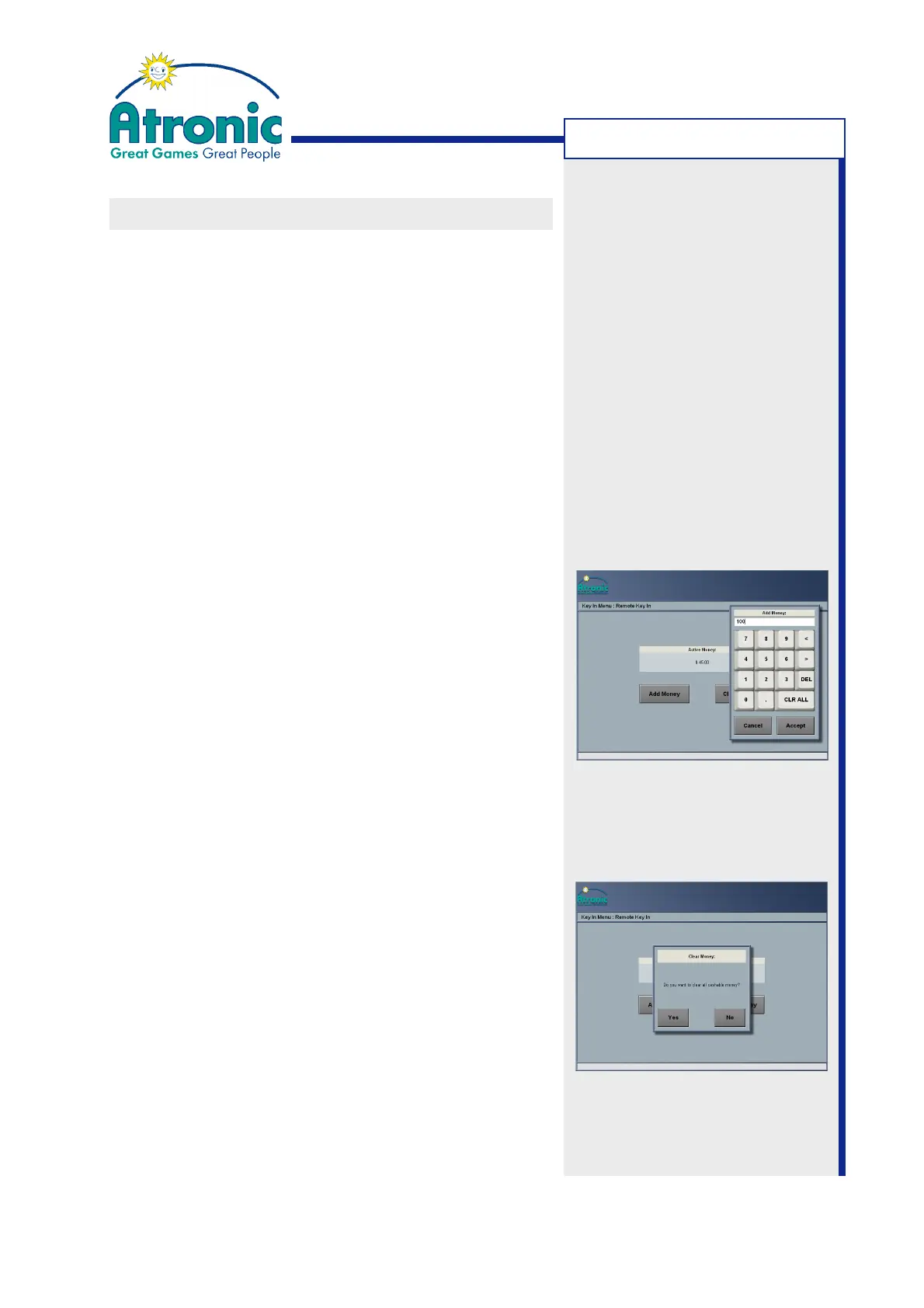
Add Money
1. Turn the jackpot key to start the remote key menu.
The amount of active money is displayed.
2. Select ADD MONEY and enter the amount of money
to be added to the credit meter by means of the
displayed numberpad. Confirm entered value with
ACCEPT.
3. Confirm adding money with YES or refuse with NO.
4. Release the jackpot key.
Clear Money
1. Turn the jackpot key to start remote key menu. The
amount of active money is displayed.
2. Select CLEAR MONEY.
3. "Do you want to clear all cashable money?" is dis-
played. Confirm with YES or refuse with NO.
4. Release the jackpot key.
The number of cleared credits is displayed on the
paid meter (in credits).
Note:
Remote key in mode is not
available in certain jurisdic-
tions!
MACHINE HANDLING



 To Next Page