29
February 2006
Harmony™ Operating Manual
SERVICE GAME
This function allows simulated game play for test or
promotional purposes. The service game is only
available while the maindoor is open and no credits
are on the credit meter. Hardmeters and statistical
data are not influenced by service games.
1. Make sure no credits remain on the credit meter.
2. Open the maindoor.
3. Activate the Audit Menu, by turning the audit key.
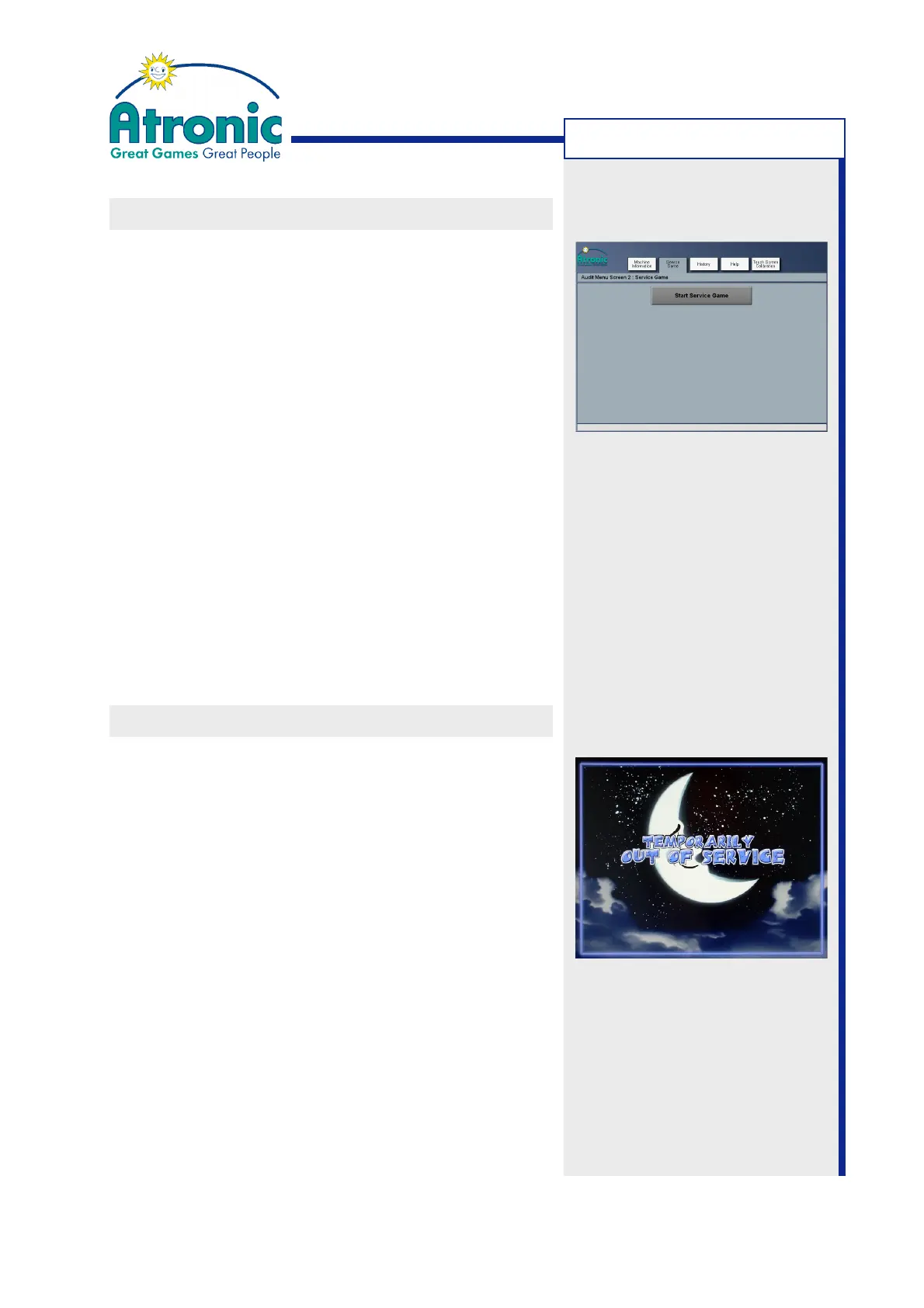
4. Touch the SERVICE GAME folder tab and then touch
the START SERVICE GAME button. After about 10
seconds the service game starts. An amount of
virtual credits (5x MaxBet) is booked to the credit
meter. These credits can not be cashed out.
5. Play the service game.
6. To leave service game mode, close the maindoor
and remove the audit key. All virtual credits are
removed from the credit meter.
OUT OF SERVICE SCREEN
The "out of service" screen is intended to prevent
players from inserting money into a machine that is
temporarily out of service. This screen can also be
used to reserve a machine for a particular player.
1. Open the maindoor and press the service button"
located at front of the logic box. The Service Menu
is displayed.
2. Touch the OUT OF ORDER button in the upper right
screen. The "out of service" screen is displayed.
3. Close and lock the maindoor.
4. To leave the "out of service" screen, open the main-
door and press the service button again.
5. Close the maindoor to return to game mode.
MACHINE HANDLING



 To Next Page