20
February 2006
Harmony™ Operating Manual
HANDPAY (continued)
Machine behaviour
Machine behaviour if a handpay has been initiated:
• Handpay amount is displayed on screen.
• Toplight is flashing (as adjusted).
• Handpay message is sent to the online system.
(if applicable).
• Machine prevents all means of inserting credits.
• Machine prevents all means of cashing out credits.
• Machine is locked until handpay is reset by an at-
tendant.
Handpay Reset Procedure
1. Determine the handpay amount and write it down.
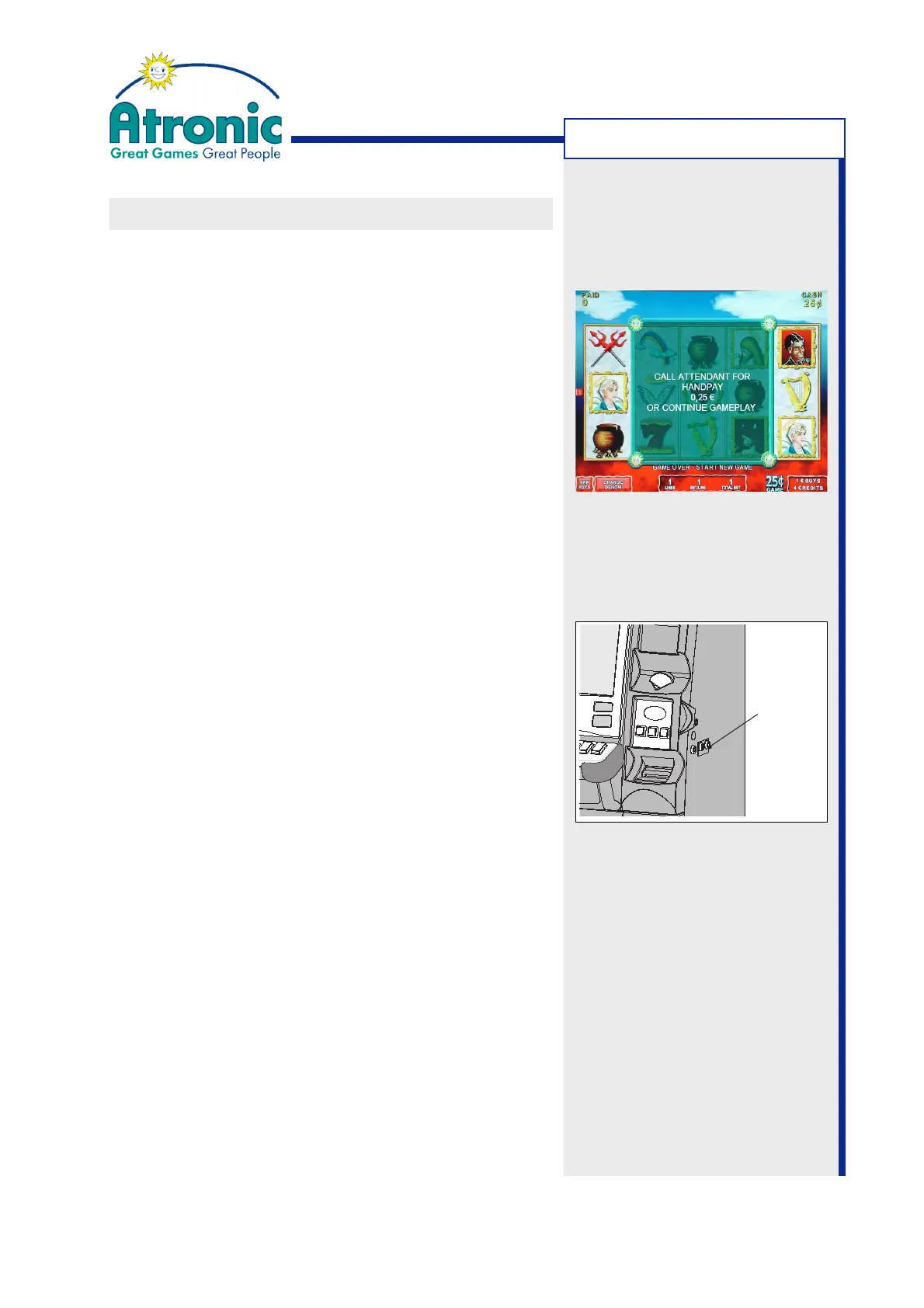
The handpay amount is displayed by an on-screen
pop-up window or in the player message window
in the lower part of the game screen.
Note:
The displayed totalized handpay amount may con-
sist of an progressive amount and additional wins.
2. Carry out the handpay according to the casino in-
house rules.
3. Turn jackpot key 90° clockwise and release, to clear
the handpay message.
4. The paid amount is displayed on the paid meter.
Progressive amounts which contribute to the hand-
pay amount are not booked to the paid meter.
5. With voucher printer only:
If JACKPOT RECEIPT has been enabled, a handpay
receipt (with barcode offset) is printed. The jack-
pot receipt is intended for accounting only and is
not cashable or playable.
MACHINE HANDLING
Jackpot Key
Switch



 To Next Page