Conguring Client Settings
Conguring Service Access Settings
61
Connection Type: XenApp
To quickly congure ICA connection settings for the connection type of XenApp, please do the following:
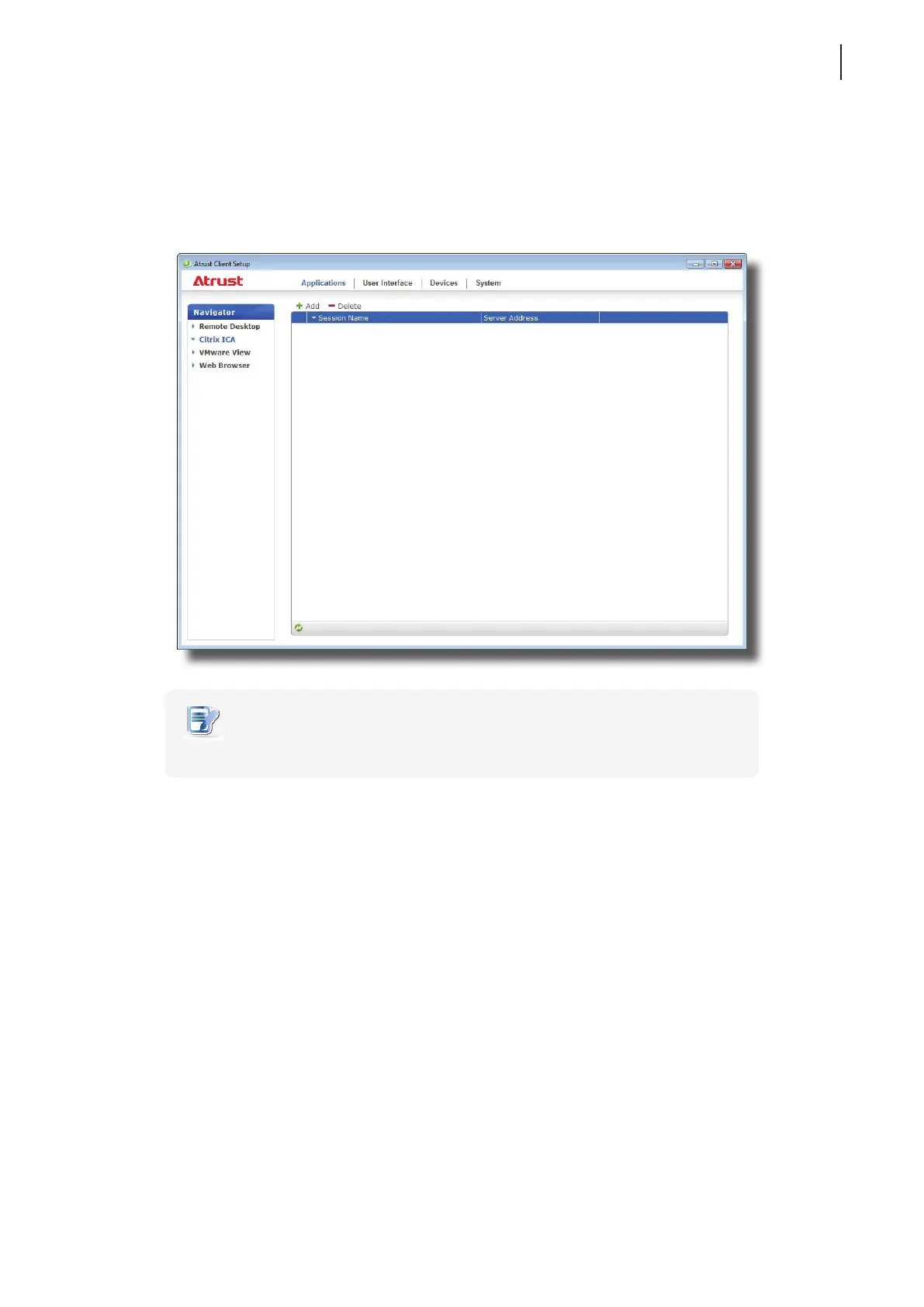
1. On Atrust Client Setup, click Applications > Citrix ICA.
2. The available ICA Connection list appears in the Conguration area.
NOTE
• If you haven’t create any entry, the ICA Connection list will be empty.
3. Click Add on the top of the ICA Connection list to create a new entry of ICA connection.
4. On General sub-tab, click the Connection Type drop-down menu to select XenApp.



 To Next Page