FMB10 User’s Manual Edition 06/2005
___________________________________________ Page 17 _____________________________________________
Audemat-Aztec SA – Audemat-Aztec INC
WEB: www.audemat-aztec.com - e-mail: contact@audemat-aztec.com
4.1.2 Computing configuration
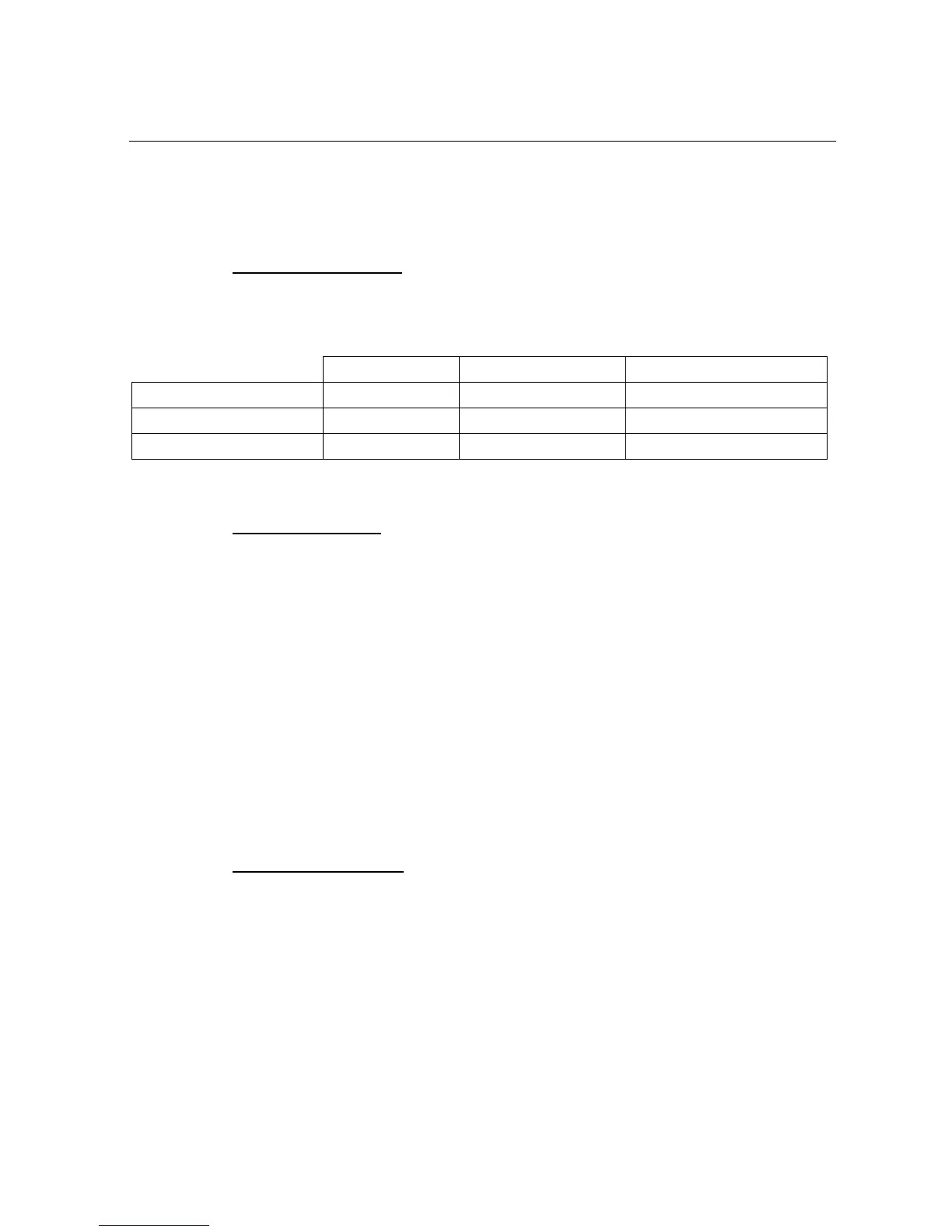
The following table indicates the computer system configuration which is necessary – or recommended – for the
software’s optimum running.
Windows 9.x Windows NT 4.x (SP6) Windows 2k (SP3) XP
Processor Pentium 100MHz Pentium 233MHz Pentium 300Mhz
RAM memory capacity 16 Mo 64Mo 128Mo
Required hard disk space 80 Mo 80 Mo 80 Mo
4.1.3 Installation procedure
Proceed as follows to install software:
¾ Before starting installation, close any application which may be running.
¾ Insert the CD-Rom into the computer.
¾ If the Auto-run mode has not been disabled, the installation program will start up automatically.
Otherwise, select Run… from the Start menu and enter the following command (supposing that D
represents the CD-Rom drive):
D:\Setup.exe
¾ A window requests the user to choose the language used by the program. Select the preferred
language, and then click OK to continue: the installation assistant’s home window is displayed.
¾ Click on Next to proceed to installation.
¾ Once installation is complete, a window will propose launching the application automatically: validate
this option if desired then click on Finish so as to quit the installation program.
4.1.4 De-installation procedure
Proceed as follows to delete the FMB10 encoder’s control program:
¾ Make sure that this program is not running.
¾ Select 'Parameters – Configuration panel' from the 'Start' menu, then click twice on the icon:
Add/Delete programs.
¾ Select 'FMB10 Encoder' from the displayed list and click on Modify/Delete.
¾ The automatic procedure is initialized.


 To Next Page