FMB10 User’s Manual Edition 06/2005
___________________________________________ Page 30 _____________________________________________
Audemat-Aztec SA – Audemat-Aztec INC
WEB: www.audemat-aztec.com - e-mail: contact@audemat-aztec.com
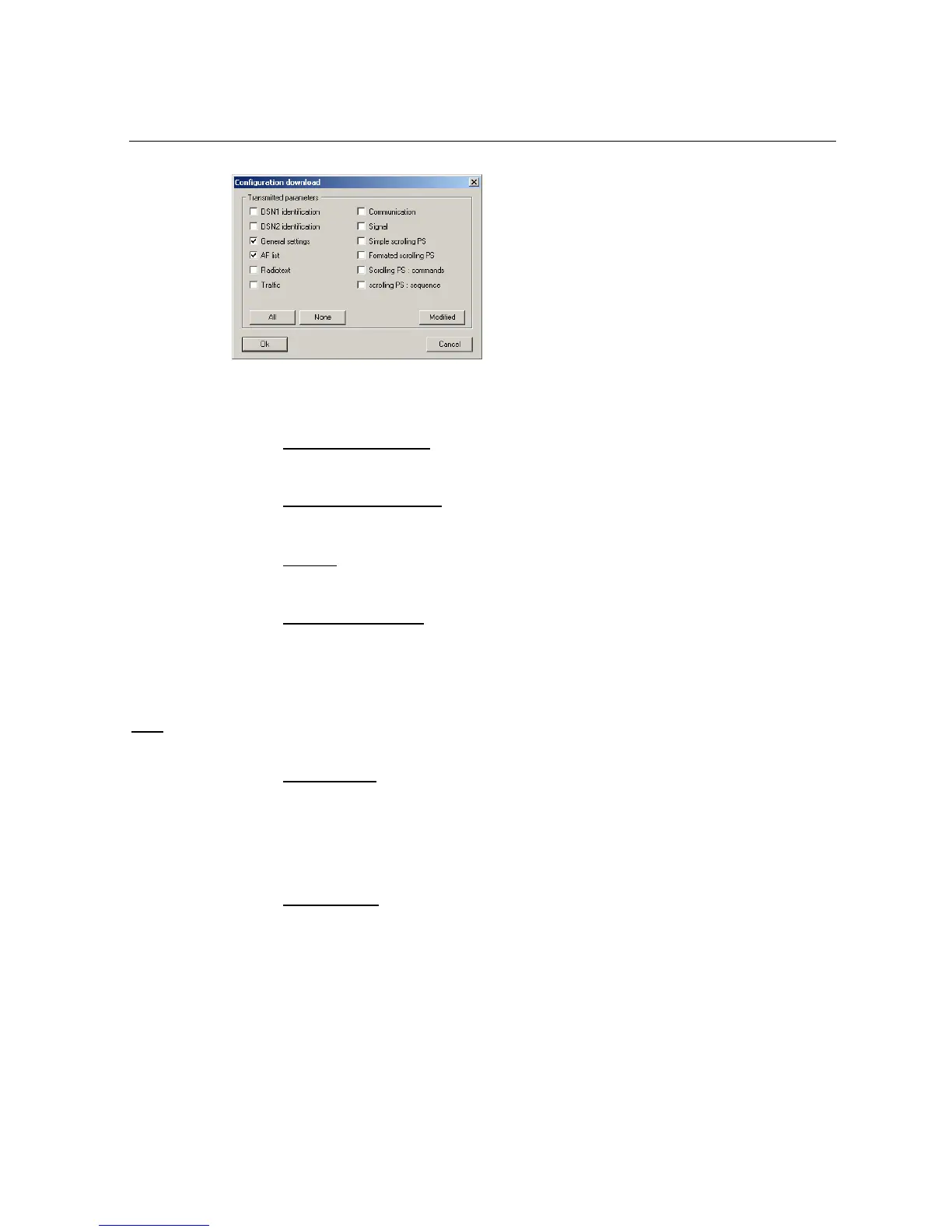
Contents of the sent frames are displayed during the transfer. When the transfer is completed, click on 'Close'
to finish the operation.
¾ Configure an encoder
This command gives access to the previous described encoder configuration pages
¾ Configuration assistant
This command launches the configuration creation assistant
¾ Options
This command displays the software’s setting window
¾ Modify the password
This command enables the existing password to be modified or deleted: enter the current password (possibly
empty) then click on Modify. Two new capture zones are displayed for the new password: capture this in the
same way (for checking) in the two fields, then validate with Ok. To delete the password, simply leave the two
new password capture fields empty.
Note
: when installing the software, no password is configured.
4.4.3 ' About' menu
This command displays the window which contains information about the software version as well as any
libraries used.
4.4.4 ' Quit menu…
This command enables the software to be quitted.


 To Next Page