a
co
......
N
r--.
N
......
0
0
:E
'<I'
Interior lighting
Applies to: vehicles with inter ior lighting
.. Select in the I nfo tainmen t system: !M E NUI but-
ton
> Vehicle > left contro l button > Vehicle
settings > Int erior lighting.
The interior lighting turns on when you switch
the headlight s on whi le t he ignit ion is on.
The storage compartment in the door is illum i-
nated when you reach your hand int o the storage
compartment .
Version 1
To adjust t he brightness of individua l zones, se-
lect
Front brightness*, Door brightness or Foot-
well brightness .
Turn the cont rol knob to the left
or to the right . Press the contro l knob to conf irm
the br ightness .
Version 2
Select and confirm one of the displayed profiles
by pressing the cont rol knob.
Individual : you can customize the br ightness and
colo r of individual zones. Press the right control
button. Press the cont rol knob again to confirm
the settings.
Audi drive select: the interior and contour light-
ing color changes depending on the driving mode
selected in drive select* ¢ page 128.
{!) Tips
The setting is automat ically stored and as-
signed to the remote contro l key that is being
used.
Lights and V ision
Instrument illumination
The brightness of the illumination for the instru-
ments, display and head-up display* can be ad-
justed .
"'
t==~ ====:::::::::'.======:::::=:::::::===--!
i
Fig. 39 Instr ument ill umin ation
.. Press the knob to release it .
.. Turn the knob toward" -" or" +" to reduce or in-
crease the br ightness.
.. Press the knob again to return it to its or iginal
position .
(D Tips
Depending on vehicle equipment, the instru-
ment ill umination (needles and gauges) may
turn on w hen t he lig hts are off and the igni-
tion is swit ched on. The il luminat ion fo r t he
gauges reduces aut omat ically and eventua lly
t urns off as br ight ness out side increases. This
f uncti on rem inds the dr iver t o tu rn t he low
beams on at t he appropriate ti me.
Vision
Adjusting exterior mirrors
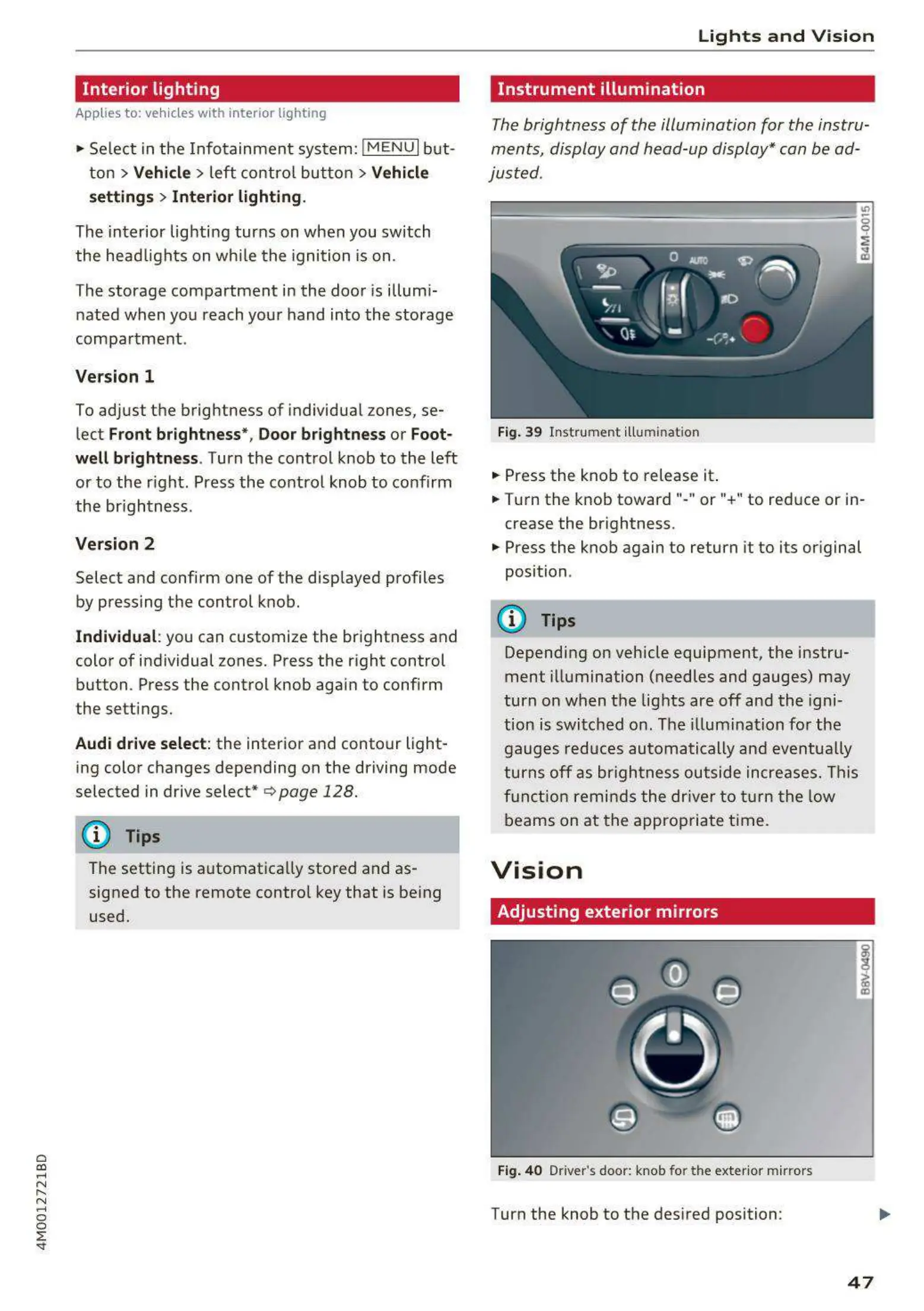
Fig. 40 Driver's door: knob fo r t he exter ior mir ror s
Turn the knob to the desired position:
i
CD
47



 To Next Page