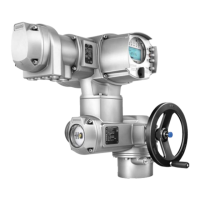
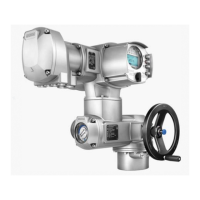
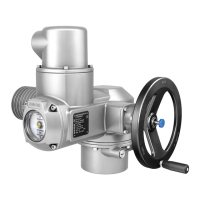
Figure 17: Local controls
[1] Push button for operation command in direction OPEN
[2] Push button Stop
[3] Push button for operation command in direction CLOSE
[4] Selector switch
Hot surfaces, e.g. possibly caused by high ambient temperatures or strong
direct sunlight!
Danger of burns
→
Check surface temperature and wear protective gloves, if required.
→
Set selector switch [4] to position Local control (LOCAL).
➥
The actuator can now be operated using the push buttons [1 – 3]:
-
Run actuator in direction OPEN: Press push button [1] .
- Stop actuator: Press push button [2] Stop.
-
Run actuator in direction CLOSE: Press push button [3] .
Information The OPEN - CLOSE operation commands can be given either in push-to-run operation
mode or in self-retaining mode. In self-retaining mode, the actuator runs to the defined
end position after pressing the button, unless another command has been received
beforehand.
6.2.2. Actuator operation from remote
→
Set selector switch to Remote control (REMOTE).
➥
Now, it is possible to operate the actuator via remote control, via operation
commands (OPEN, STOP, CLOSE).
22
SQ 05.2 – SQ 14.2/SQR 05.2 – SQR 14.2
Operation AMB 01.1



 To Next Page
 Loading...