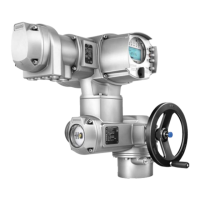
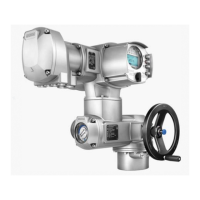
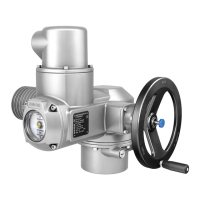
Figure 26: View on control unit when switch compartment is open
[1] Potentiometer (travel sensor)
[2] Potentiometer min. (0/4 mA)
[3] Potentiometer max. (20 mA)
[4] Measuring point (+) 0/4 – 20 mA
[5] Measuring point (–) 0/4 – 20 mA
The output current (measuring range 0 – 20 mA) can be checked at measuring points
[4] and [5].
9.9.1. Measuring range: set
For measuring range setting, voltage must be applied at the position transmitter.
1. Move valve to end position CLOSED.
2. Connect measuring equipment for 0 – 20 mA to measuring points [4] and ]5].
If no value can be measured:
→
Check whether external load is connected to customer connection XK
(for standard wiring: terminals 23/24). Consider maximum load R
B
.
→
Or connect link across customer connection XK (for standard wiring:
terminals 23/24).
3. Turn potentiometer [1] clockwise to the stop.
4. Turn potentiometer [1] slightly in opposite direction.
5. Turn potentiometer [2] clockwise until output current starts to increase.
6. Turn potentiometer [2] in opposite direction until the following value is reached:
- for 0 – 20 mA approx. 0.1 mA
- for 4 – 20 mA approx. 4.1 mA
➥
This ensures that the signal remains above the dead and live zero point.
7. Move valve to end position OPEN.
8. Set potentiometer [3] to end value 20 mA.
9. Approach end position CLOSED again and check minimum value (0.1 mA or
4.1 mA). If necessary, correct the setting.
9.10. Mechanical position indicator: set
1. Place indicator disc on shaft.
2. Move valve to end position CLOSED.
3.
Turn lower indicator disc until symbol (CLOSED) is in alignment with the
mark on the cover.
36
SQ 05.2 – SQ 14.2/SQR 05.2 – SQR 14.2
Commissioning (basic settings) AMB 01.1



 To Next Page
 Loading...