14 Chapter 1 Aircraft
EVO Max 4T User Manual
To prevent data loss, please turn off the aircraft before removing the microSD card.
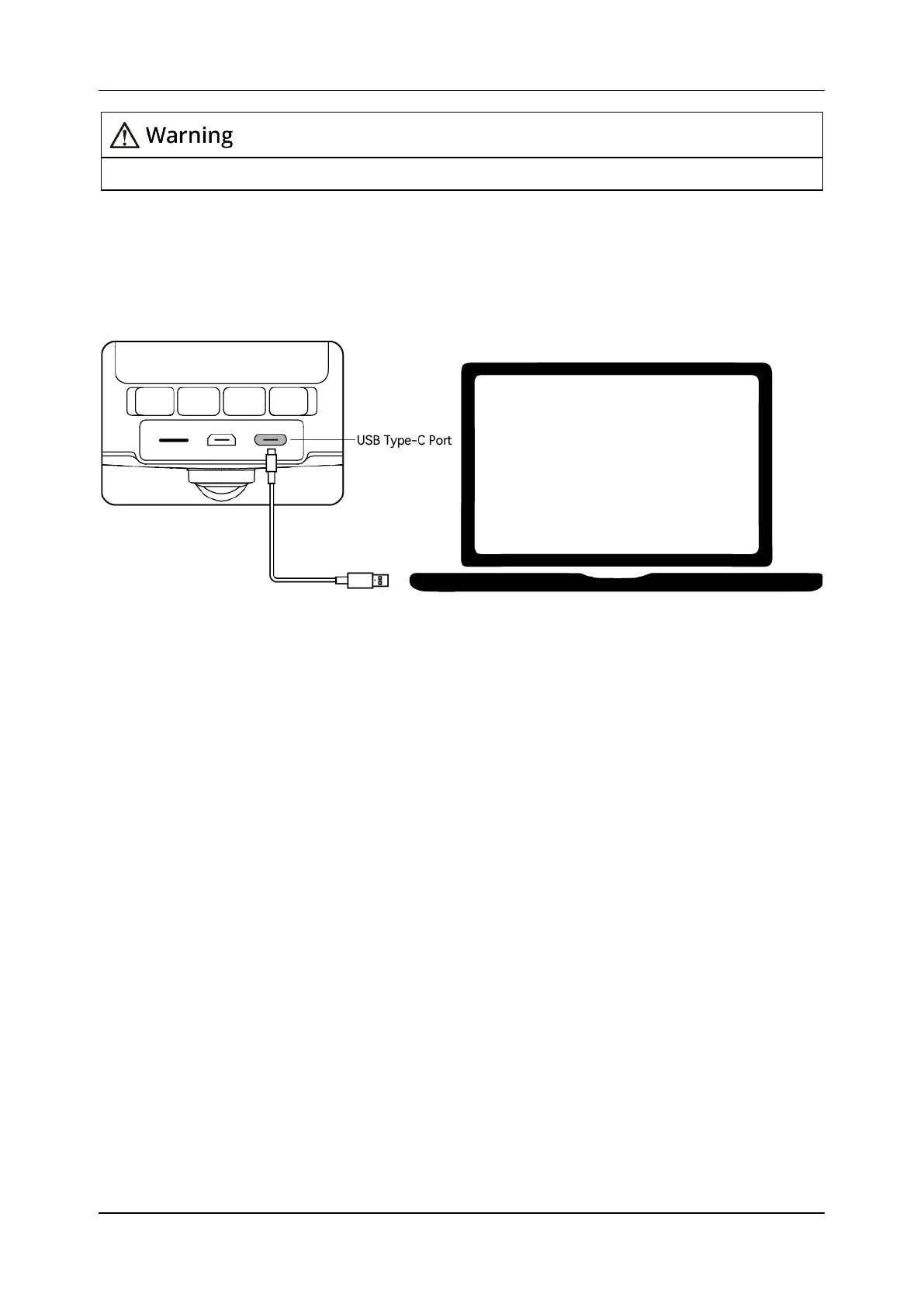
1.4.2 Connecting to PC/MAC
To transfer photos and videos to PC/MAC, please use a data cable to connect to the
computer through the USB Type-C port of the aircraft, as shown in Figure 1-12.
Figure 1-12 Connect to PC/MAC via USB Type-C port












 To Next Page